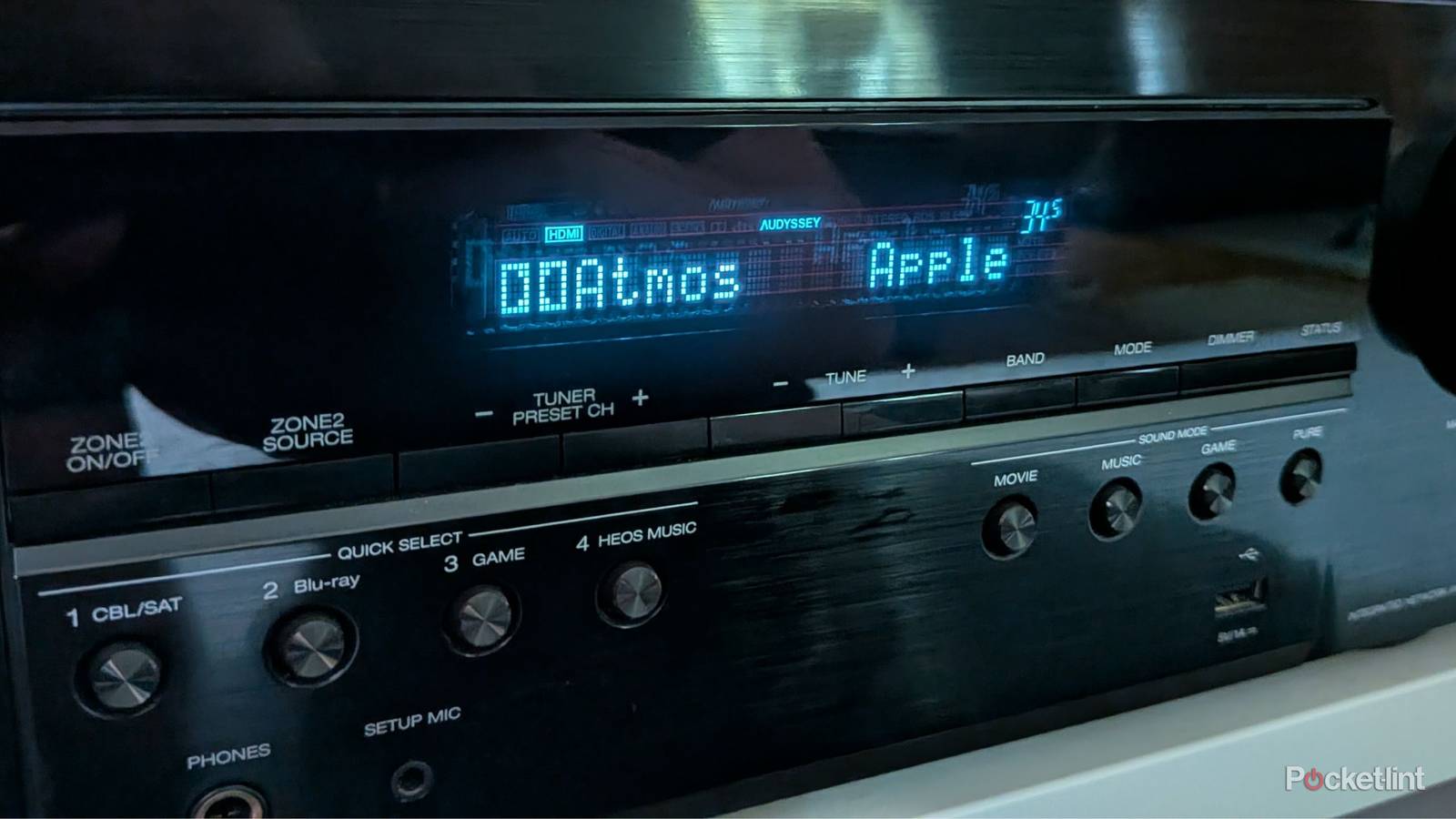
Setting up your audio receiver isn’t as simple as plugging everything in and calling it a day. I mean, yeah, it can be, but that would mean you’re skipping a big step. Many receivers you buy today, especially if you’re buying something new, come with some sort of room correction software. This program, called Audyssey for Denon receivers, helps calibrate your speakers to deliver the best sound possible.
The way it works is you use the included microphone that was shipped with your receiver and take it around to your main listening areas. Every speaker you have plugged in will start making noise, and your receiver will fine-tune the sound. This means some speakers will be set to a lower volume while others might be raised. The idea is to make it all blend seamlessly. Remember, if you’re able to pinpoint directly where the sound is coming from, it’s not good.
If you skip this step, you run the risk of not having your speakers sound the best that they can. You can adjust the volumes manually, but it’s way easier just to use your receiver’s dedicated software.
It’s worth it

Since I’m already spending an arm and a leg on my receiver and speakers, there’s no reason I shouldn’t take the extra step and calibrate my setup once it’s all put together. It isn’t all that time-consuming to do, and you’ll save yourself from a lot of future tinkering if your sound isn’t up to snuff.
You will run into some problems if you’re buying a used receiver. I picked up a $15 Yamaha receiver from Goodwill that I couldn’t use any room correction on since I didn’t get a mic with it. I’m honestly not sure if it even has the software, but it’s still going to be a problem in general at thrift stores unless the person sold their receiver with the mic. My used receiver didn’t even come with a remote, so a mic was the least of my concerns. I have this receiver set up with just two bookshelf speakers and no subwoofer, so it’s not a huge deal that I don’t have the correct audio levels, since I’m not being overwhelmed by sound all around me.
You’re not guaranteed to have the needed accessories with a used receiver.
It’s a far bigger problem when you have a 5.1 or 7.1 system with speakers all over the place. Since you’re not always sitting in the same place when you watch something, you want to get these speakers blended as well as you can. It would be a big distraction to have my surrounds be too loud or to have my center speaker be too muted.
What you might not realize is that you should rerun the calibration every time you move your speakers or your couch. The calibration is dialed into your current setup, so if you add speakers or move your furniture around, the levels will be off. Make sure you don’t lose the microphone that comes with the receiver, because it’ll be impossible to do the calibrations without it.
Don’t waste money on upgrades without taking the necessary steps
Check all of your boxes

Far too many people drop a lot of cash on expensive pieces of technology only to put many of their features to waste. There are plenty of people who buy OLED TVs only to mount them high on the wall or always watch with motion-smoothing features on. I’m not here to yuck on anyone’s yum, but if you’re going out of your way to buy a quality product, what sense is there to make the experience worse? So much of this is self-inflicted, and it’s easily avoidable.
I always stress that people need to do their proper research on things before they buy something. Even simple things like having your PS5 plugged into the wrong HDMI port can be holding you back. I might do more research than the average person, and it’s actually the most exciting part about getting into a hobby for me. I like mapping out a budget and then seeing where I can cut corners to get a good experience within that range.
Since I’m already spending an arm and a leg on my receiver and speakers, there’s no reason I shouldn’t take the extra step and calibrate my setup once it’s all put together.
If you buy a receiver, the same thing applies. Once you spend all the time wiring your speakers and placing them in the correct spots, why not spend that extra time making sure they all sound the best they can sound? After spending a few hours plugging everything in, an extra five minutes on top of it all isn’t really the end of the world. Yes, it gets annoying having to do it again anytime you move something around. My advice for that would be to avoid doing that as much as you can. I realize that’s not really advice, but it’s how I deal with it. I’ve only had to pull my microphone out twice over the years, so it’s not really a huge hassle as long as you don’t bump into your speakers all the time.