


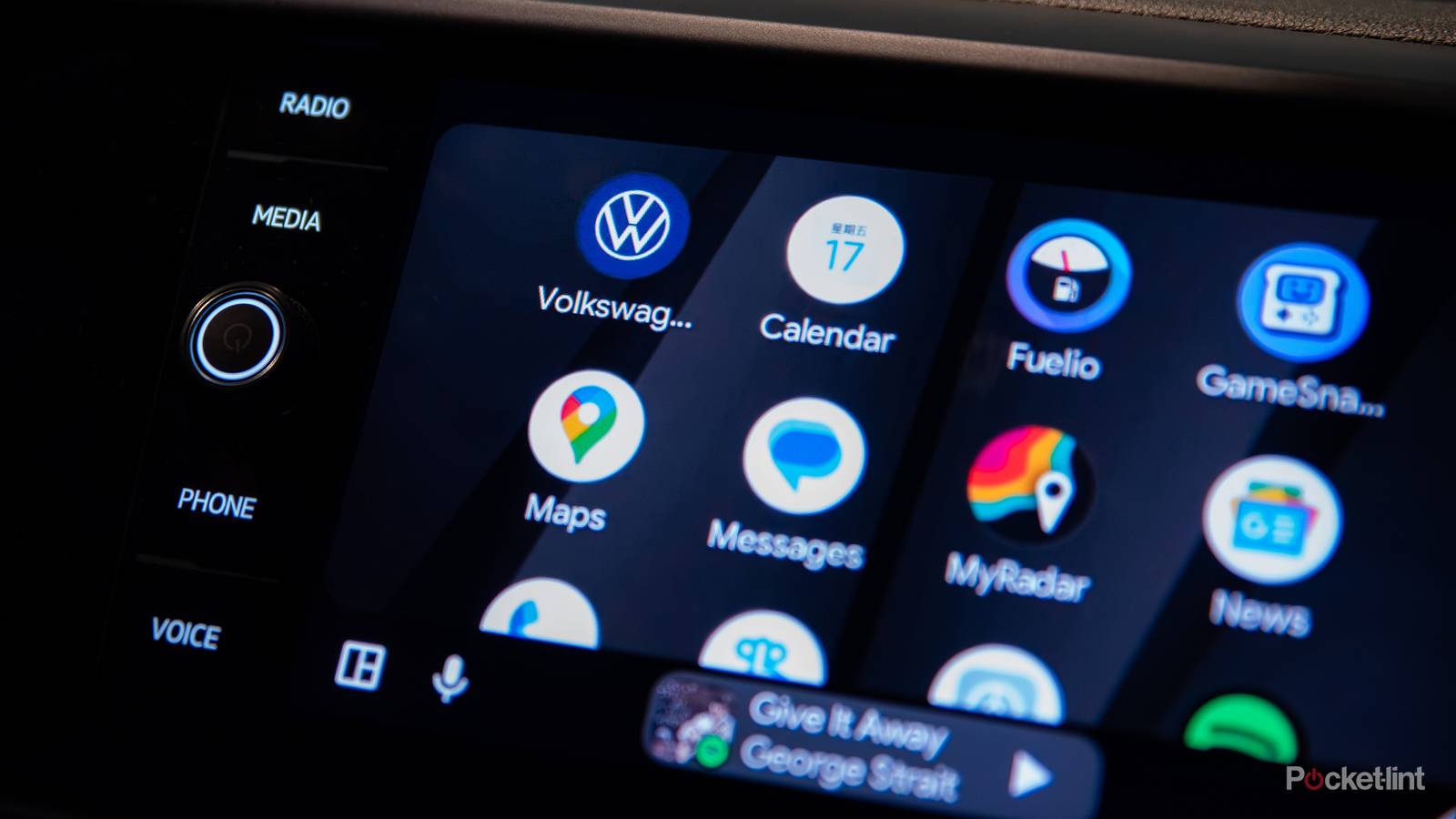
If you have an Android phone and a compatible car, you might be rocking Android Auto behind the wheel. Like Apple’s CarPlay, Android Auto displays a simplified app interface from your phone that makes navigation, music, calls, and other features easy for drivers to access.
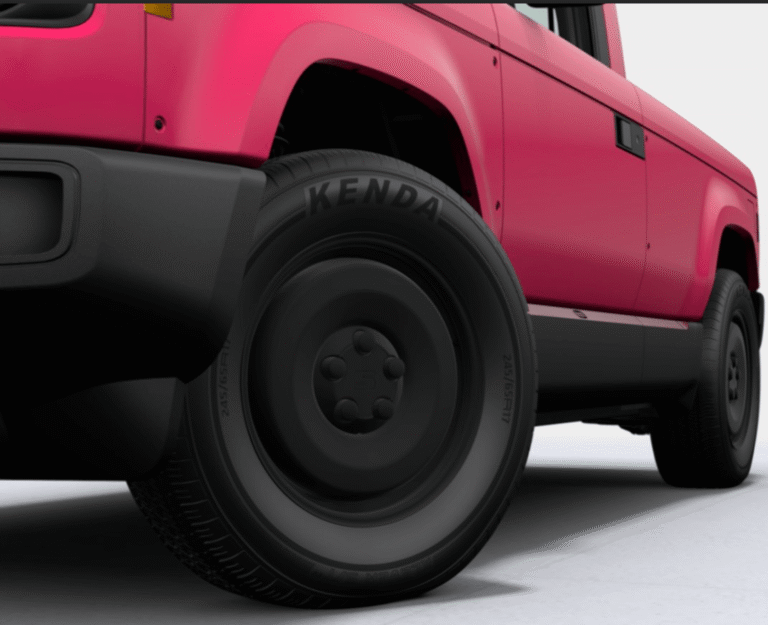
Google Maps, one of the most widely used navigation apps, can also be used inside Android Auto. When you type in a destination and start driving, Google Maps represents your location with an icon — often a pointy blue arrow or even a little car. When you use Google Maps on your phone, you can customize this icon. Instead of the default arrow, you can choose an avatar to represent your car — there are various car shapes and sizes available, plus color choices.
When you change the avatar on your phone and then connect it to Android Auto, it syncs those changes and shows the new avatar in Google Maps on your dashboard. You’d think Android Auto would let you choose a new icon to represent your car from inside your car, right? Wrong — but that might not be the case for long.

- Developer
-
Google
- Subscription cost
-
No
Android Auto is a platform that works with Android smartphones. It integrates into your car’s infotainment system to display compatible software applications on your screen.
You will be able to change icons from Android Auto
Not limited to your phone anymore

In the most recent Android Auto update (16.2), a hopeful snippet of code was discovered that indicates a new option called “Driving avatar” within navigation settings. While it doesn’t seem to be live just yet in the latest version, it’s likely scheduled to roll out to users eventually. Just like Google Maps on your phone, it will show you various vehicle shapes and color options to choose from for your navigation icon. Doesn’t sound too revolutionary, does it?
Unfortunately, it is for Android Auto. Before, the customization feature wasn’t available at all in the car’s system. To change your icon, you had to do it from your phone first and sync from there. Now, users will be able to change the navigation icon right from their infotainment system.
For safety reasons, Android Auto usually blocks more fiddly settings while you’re moving. Changing your avatar may only be available when your car is parked and not moving.
Mirroring and consistency between your phone and Android Auto sounds long overdue. But the truth is, Android Auto has been playing catch-up in the polish department for a long time. Big changes often experience uneven rollouts, and what seem like obvious features (like changing your car’s icon… in the car) have been missing for a long time. This inconsistency wasn’t surprising, but just knowing the match-up between Android Auto and mobile Google Maps is on the horizon makes me hopeful that more ‘unfinished’ features are also on their way.