

While Amazon made a number of Fire TV announcements at CES 2026 last month, including unveiling its upcoming redesign of the Fire TV user interface and its new Ember Artline TVs, one of the reveals that really struck me was the news that GeForce Now, a popular cloud gaming app from Nvidia, would be coming to its Fire TV Sticks this year. Now, that day has arrived.
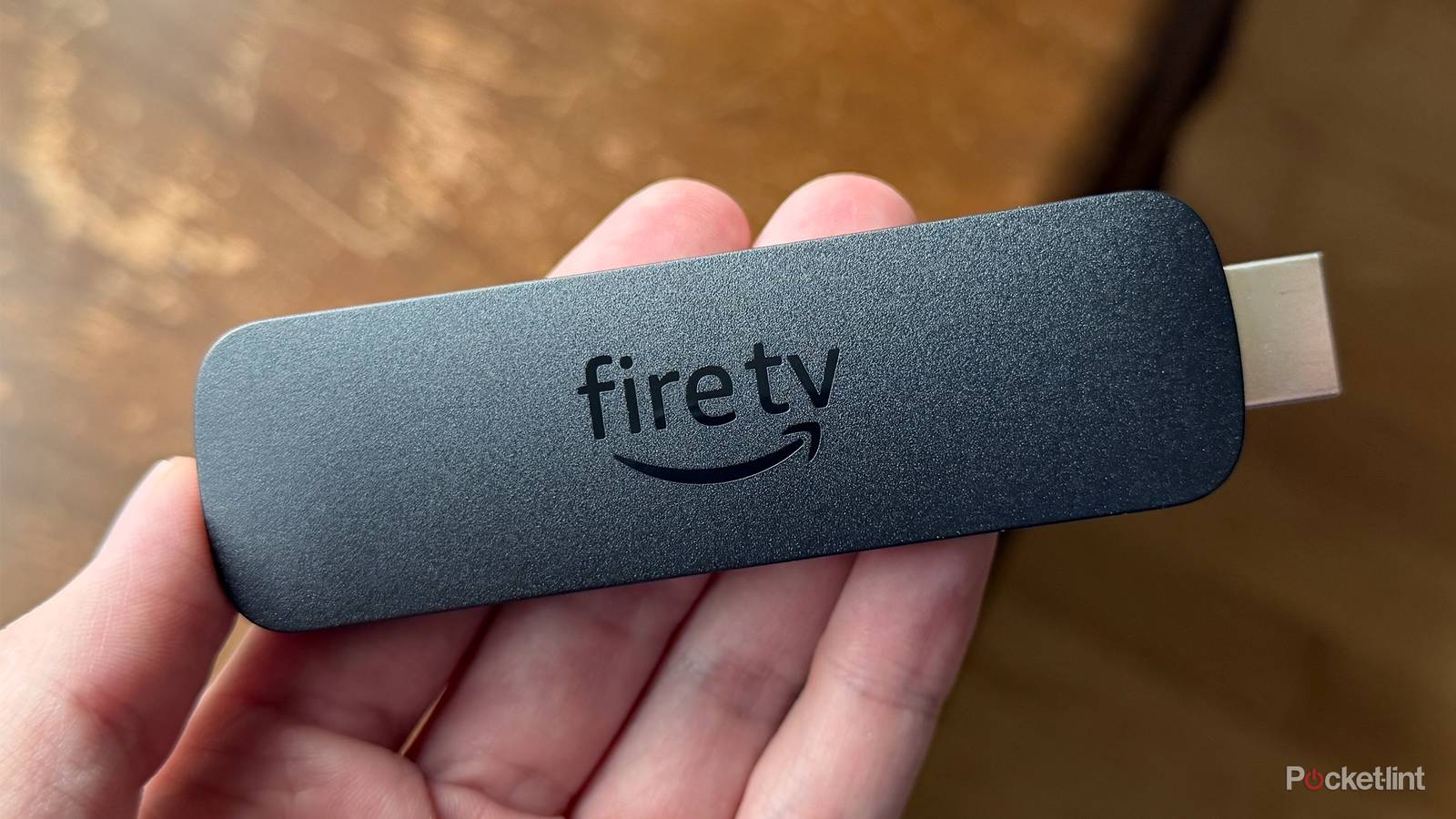
Amazon has announced that Nvidia GeForce Now is now available on its second-generation Fire TV Stick 4K Plus and Fire TV Stick 4K Max. This means you can now stream PC games from multiple platforms, like Steam, Epic Games, and Battle.net, right to your Fire TV Stick.
Cloud gaming already has a presence on Fire TV Sticks via Amazon Luna and Xbox Cloud Gaming, but thanks to GeForce Now, this is the first time high-quality PC games have been available to stream from the cloud on Fire TV Sticks, essentially turning your streaming stick into a high-performance gaming PC.
“Fire TV customers now have access to thousands of PC-quality games through the NVIDIA GeForce NOW app, available on select Fire TV devices,” Amazon said in a press release. “You can experience the games you already own in high definition via the cloud and on any screen — in your living room, a hotel room, or anywhere there’s a TV with an HDMI outlet and a fast internet connection.”
How to get GeForce Now on your Fire TV Stick
GeForce Now has a free tier, but you have to pay for higher resolutions and frame rates

As I mentioned earlier, to use GeForce Now on your Fire TV Stick, you’ll need either a second-generation Fire TV Stick 4K Plus or the second-generation Fire TV Stick 4K Max (the latest version of each). There’s currently no word on whether the app will expand to other Fire TV devices, including the 4K Select or the Fire TV 4-Series.
If you’ve got a compatible model, setup is pretty straightforward. Head to the Amazon Appstore on your Fire Stick, search for GeForce Now, and download the app. Before launching it, I recommend connecting a wireless Bluetooth controller to your device. You can do that by going to Remove & Bluetooth Devices in the Fire TV settings menu and pairing your controller there.
GeForce Now’s free tier gives you access to more than 2,000 games, but it’s limited to 1080p at 60fps, one-hour play sessions, and it includes ads.
Once the app is installed and your controller is connected, open GeForce Now and sign in (or create an account). After that, you’re ready to start streaming PC games on your Fire TV Stick for free.
That said, there are a couple of caveats worth noting. GeForce Now’s free tier gives you access to more than 2,000 games, but it’s limited to 1080p at 60fps, one-hour play sessions, and it includes ads.
If you want an ad-free experience and higher streaming quality, you’ll need to upgrade to the Performance tier. It costs $10 per month and unlocks 1440p streaming at up to 60fps, six-hour play sessions, plus access to more than 4,000 games. There’s also an Ultimate tier for $20 a month, which increases the resolution to 4K and the frame rate to up to 240fps for the best possible experience.
I’ve always been a PC gamer at heart, and while I enjoy playing on my PS5 and Switch, most of my gaming still happens on PC. Being able to stream the same games on my Fire TV Stick through GeForce Now is really useful, and I can definitely see myself using it when I want to play something on my living room TV or when I’m away from home. Plus, it’s nice that GeForce Now has a free tier, so you can at least try it before deciding to pay for it.