


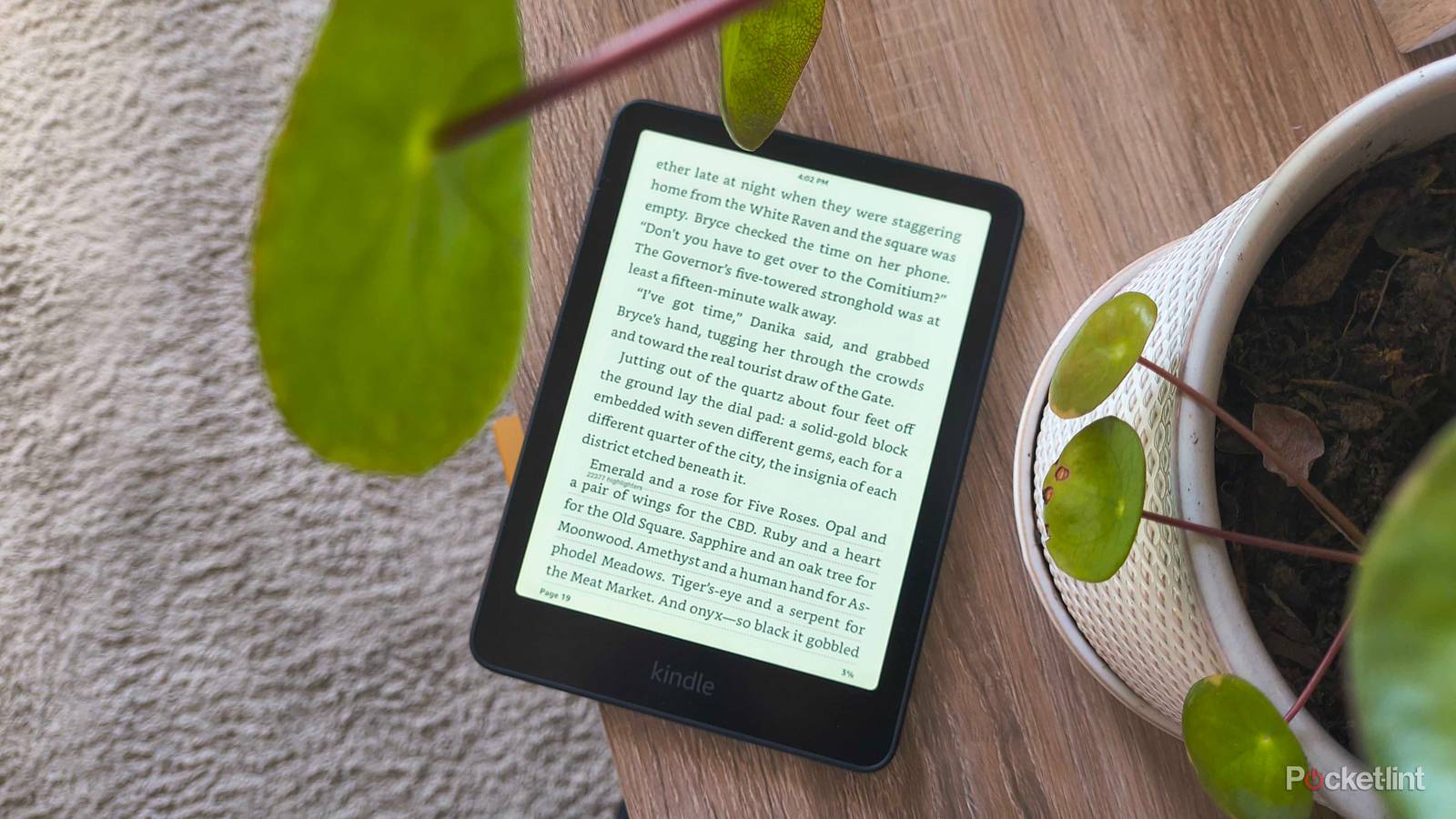
You’re 400 pages into the greatest thriller you’ve ever read. Something big is coming… you can feel it. The best part is reading the last little details building up to it and — your eyes just jumped to the distracting underlined text at the bottom of the final page. You missed all the final hints, and the big reveal was spoiled by none other than popular highlights, the bane of Kindle owners everywhere.
E-readers like Kindles open up a world of customization when it comes to reading books, and one of those options is the ability to highlight passages that stand out to you, mark parts that become very important later on, or save quotes you want to remember. Popular highlights takes the most commonly highlighted passages and underlines them in your own e-book to let you know that other readers have deemed them important.
It supports the notion that e-readers help foster an online literary community, and it calls attention to highlighted sections you might otherwise breeze over. The only problem is that the highlights are too prominent and completely interrupt your flow.
Why I turned off Popular highlights
Books aren’t supposed to spoil themselves

While it’s interesting to peer into other readers’ minds and see what they thought while reading the same book, their experience shouldn’t spoil mine. I’m a fast reader, and the monotonous nature of text helps me quickly consume stories. But when that text looks different — like when it’s underlined — my eyes immediately want to check out what’s going on and instinctively skip past everything to read it.
It happens fast enough that, more often than not, I don’t have time to stop myself. For most passages, it’s no big deal — I can return to my place at the top of the page and read in order again. But other times, it completely ruins a shocking or pivotal moment in the story. It’s a gamble I don’t want to make, not when my favorite authors like to write plot twists when I least expect it.
Popular highlights have always been a distraction that robbed me of the natural reading progression. If an author thoughtfully wrote their build-up to make my jaw drop, the final details leading up to it were a vital part of the experience — an experience I just lost out on because my eyes couldn’t help themselves. I genuinely don’t care that 12,300 other readers highlighted this section, because I am smart enough to also recognize its significance at my own pace.
How to turn off Popular highlights
Remove the distractions

Your self-control might be greater than mine, but if your eyes also can’t help themselves, you can turn popular highlights off. Luckily, it isn’t buried very deeply in your Kindle’s settings:
- Open a book.
- Tap the top of the page.
- Click Aa.
- Open the More tab.
- Toggle off Popular highlights.
Now, all those pesky underlines will disappear across all your books. The only time I ever turn popular highlights back on is if I’m rereading a book and sifting for details I missed before. Sometimes others catch things you didn’t, but you don’t want simple underlines to ruin your first time reading what could become your favorite book.