



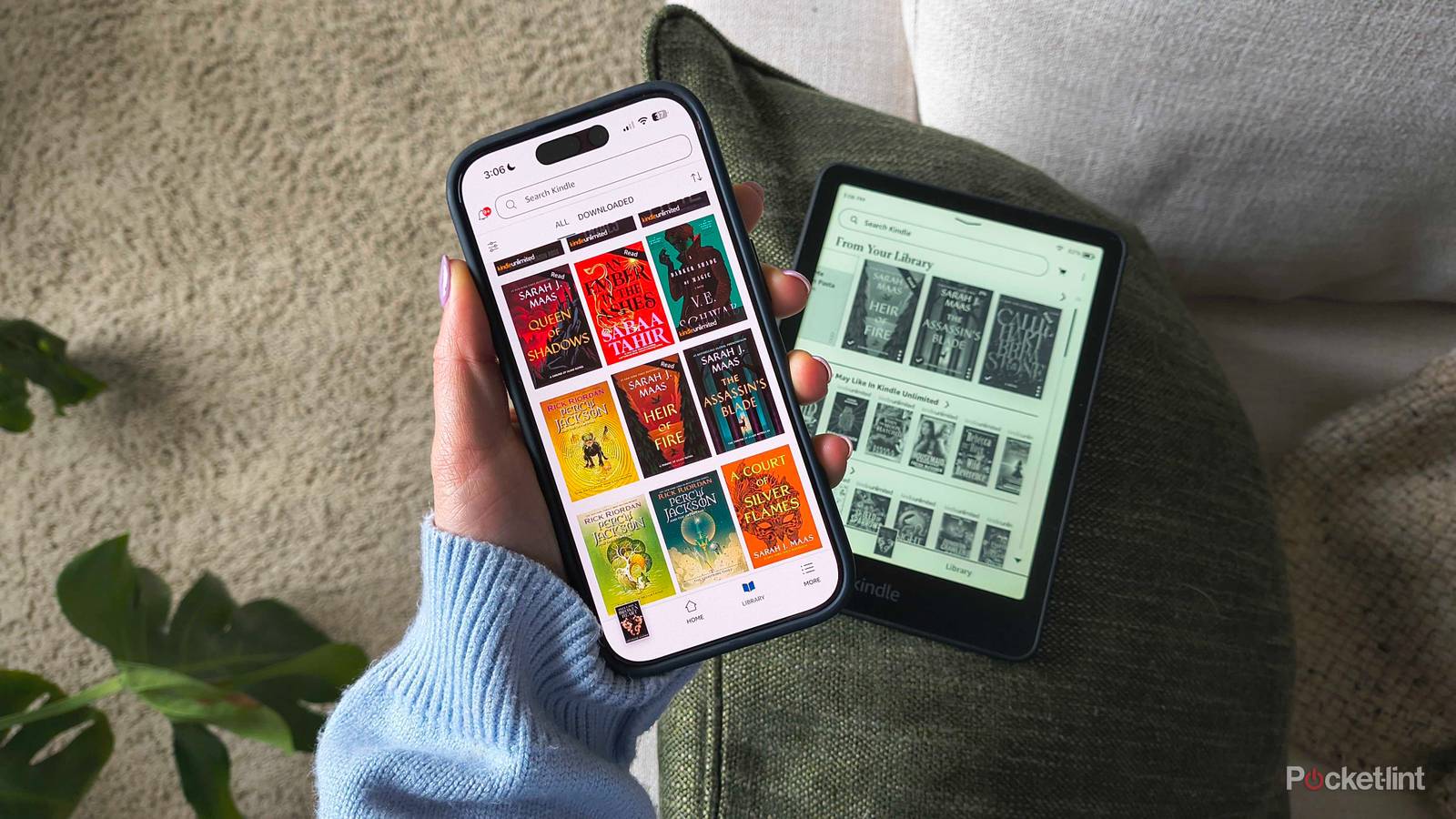
If you were paid for how many books you’ve read, how much cash would you have stuffed beneath your mattress? While you likely aren’t receiving a check for finishing any books right now, there is a way to cash in some rewards for the titles you’re buying from Amazon — namely, through any eligible print or e-books you buy from the Kindle Store.
If you’ve ever read a book through Amazon, there’s a loyalty program you should take advantage of immediately: Kindle Rewards. Yet another one of Amazon’s quieter programs, it flies under the radar for most users — even the most avid readers. It’s an automated system that gives you points any time you buy ann eligible book, which can later be turned into a credit you can apply to new books.
The points expire, so you have to use them before they do — otherwise, you’re missing out on a cash credit you can use on even more reading materials. Here’s everything you need to know about Kindle Rewards.

- Storage
-
16GB
- Screen Size
-
6-inch E Ink (300ppi)
- Connections
-
USB-C
- Battery
-
Up to 6 weeks
Amazon’s base-level Kindle ships with 16GB of storage, a 6-inch E Ink display, and a ruggedized exterior shell that can withstand the elements.
How do I earn points with Kindle Rewards?
Access and eligibility

In the US, all you need is an Amazon account to get started. Enrollment is automatic, and you start earning points the moment you buy your first eligible print or e-book. Most Kindle and print books on Amazon can qualify — even ones you pre-order and buy for other people. The exceptions include textbooks, audiobooks (and Audible purchases), magazines, newspapers, and some digital subscriptions, plus the books you borrow from Kindle Unlimited.
For every dollar you spend on a Kindle book, you’ll receive three points. Print books earn fewer points than e-books at just one point per dollar spent. So, if you buy a $10 Kindle book, you’ll earn 30 Kindle Points. But if you buy a $10 print book, you’ll only earn 10 points. Any books you return to Amazon will also remove any points you earned from them from your balance.
Note that Kindle Points don’t last forever — they’re subject to a three-month expiration date from the day they’re earned.
How do I redeem Kindle Points?
Rack ’em up

When you earn 300 Kindle points, you can redeem them for a $3 reward to spend on other Kindle books. Now, that total sounds rather unreachable, but it’s not — especially during the three-month period before they expire. Most of the Kindle e-books I buy are $10-15, which means they each earn approximately 30-45 Kindle Points per purchase. That means it only takes six-to-ten e-books to reach 300 points, depending on how expensive they are. If you add in the books I buy for family members, racking up the total is more than achievable.
Amazon makes redeeming Kindle Points easy. Once you hit 300 points (which you can check via amazon.com/kindlerewards), find a print or e-book you want to buy. If it’s eligible, you’ll see a Kindle Rewards icon near the Buy Now button. It will give you the option to redeem your $3 reward and apply the savings to the purchase — essentially, it’s a built-in coupon (but only for eligible books, not other Amazon purchases).
Make sure to check your points balance periodically to keep tabs on when they expire. It’s good practice, because sometimes, Amazon hosts bonus periods where you can earn double points for a limited time. As of the time of writing, one is going on right now. These events only last around 48-72 hours, so they’re definitely worth hopping on if you want to replenish your TBR pile.
Can I redeem Kindle Points on my Kindle e-reader?
Not quite yet

According to Amazon, you can redeem points directly on an eligible book’s detail page on Amazon’s website. While you can view your points and buy books on the Amazon app, you cannot redeem the points there or on the Kindle app. So, you may need to use a web browser, even if you’re shopping on a device (like an e-reader) that can buy books.
Amazon hasn’t announced any plans to bring the program to these other platforms, even if you can purchase books directly on some of them.
Do I need a Kindle to participate?
Just something to read on

Although it’s called ‘Kindle’ Rewards, you do not need an actual e-reader to participate. E-books will earn more points, but print purchases can still rack up and let you redeem the $3 reward to put towards more books.
However, you can buy and read e-books (and earn those rewards) on devices other than e-readers. Downloading the Kindle app to your tablet, phone, or even laptop will allow access to your Kindle Library.