For as long as I can remember, I’ve been an avid desktop PC user. For me, there’s something familiar and undeniably comforting about having a work space dedicated to all my computing needs. The act of sitting at a desk and in front of a monitor reminds me of my childhood — a throwback to the times when boxy CRT tube displays and their corresponding beige towers ruled the roost.
Of course, as laptop PCs became more commonplace, I began to rely on them when not at my desk — laptops simply offer a more flexible and portable computing setup by virtue of not being tethered to a wall outlet. I’ve used a number of notebook-style Windows devices throughout the years, and each and every model has served me well.
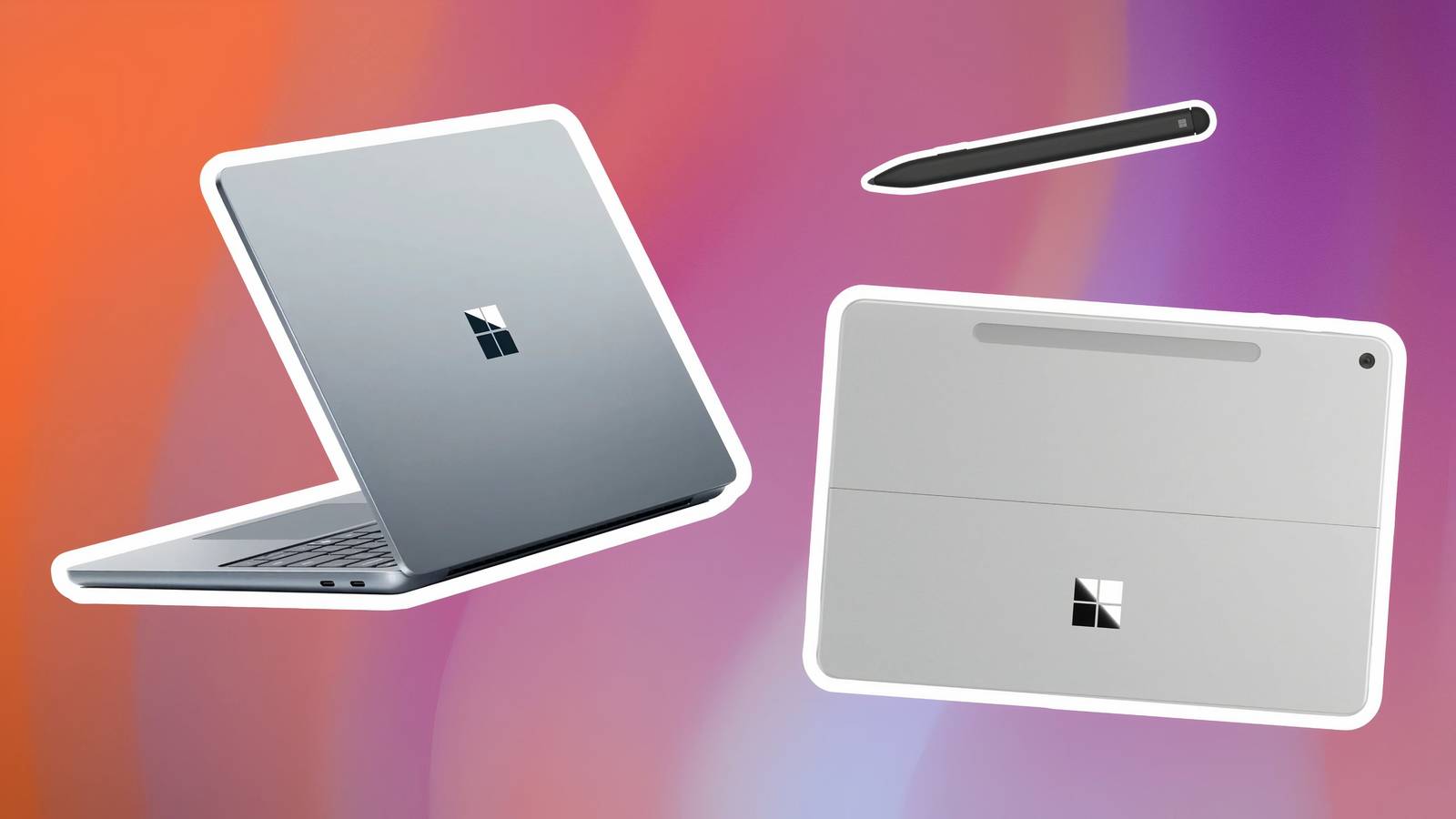
At no point in time did I ever even consider making the switch to a tablet computer running Windows. That is, until I had the chance to test out the Asus ProArt PZ13 in 2024, as well as the Microsoft Surface Pro 12-inch in 2025. Suddenly, everything clicked: iPad-esque mobile hardware, when paired with a full-fat desktop operating system, is at a point where it’s capable of delivering an experience that laptops simply can’t compete with.
Here are three reasons why, whenever the time comes for me to upgrade my PC, I’ll be springing for a Windows 11 tablet and not a traditional laptop.
Tablets are simply more convenient
The traditional laptop form factor is far too limiting

This first point is a fairly obvious one, but it bears mentioning here. The tablet form factor is far more flexible, convenient, and comfortable for everyday computing when compared to the average notebook. Tablets are excellent for media consumption, web browsing, email perusing, and gaming, since they don’t have permanently attached keyboards at their bases to get in the way.
Of course, laptops still take the edge when it comes to, erm, lapability, since their weight distribution is at their base and not their lid. Tablet PCs paired with keyboard and trackpad covers are suitable alternatives for getting work done, but they’re best suited for desk use. As someone who has always preferred using my computer at a desk as opposed to on a couch or a bed, lapability is a non-factor in my newfound preference for Surface-style PCs.
Windows works well enough with touch and pen
While not perfect, Windows 11 does get the essentials right

This is a big one: even though Windows 11 isn’t a fluid, touch-first operating system in the same way iPadOS or Android are, that doesn’t mean that there isn’t value to having multi-touch and inking compatibility built into the platform. Windows is surprisingly usable in tablet mode, with gestures for accessing critical parts of the operating system, and with full-blown pen support for sketching, doodling, annotating, and photo editing.
By opting for a tablet over a laptop, I’m able to experience the full breadth of Windows 11, unlocking niceties like the tablet-optimized taskbar, the Wake-on-Touch function, and other smaller features sprinkled throughout the system that align the UI with that of contemporary smartphones and tablets. And, as a tech reviewer, having a Windows tablet secures my ability to test out new and upcoming touch-first updates as they arrive from Microsoft.
I dock my PC when working anyway
USB-C, USB-PD, and Thunderbolt to the rescue

Lastly, a big part of why I’m suddenly comfortable with the idea of nixing my Windows 11 laptop in favor of a tablet comes down to a convergence of specific technologies: the USB Type-C socket, the USB Power Delivery (USB-PD) charging specification, and the sheer bandwidth of the Thunderbolt 5 standard.
As mentioned, I predominantly get my work done at a desk the good old-fashioned way, and modern tablet PCs are more than capable of tapping into the power of an external monitor, mouse, keyboard, trackpad, speakers, webcam, and just about everything else that can be thrown at them. USB-PD ensures my device stays charged and ready-to-go, allowing me to simply unplug my slate and take it with me around the house for content consumption purposes.