If you’re looking for a bit of levity in your day, a meme is always a great place to find it. Odds are that when you open any social media app, you’ll run into a meme pretty quickly while scrolling, as they’ve become such a ubiquitous part of online culture. But what if I told you Google is making it easier than ever to turn yourself into one?
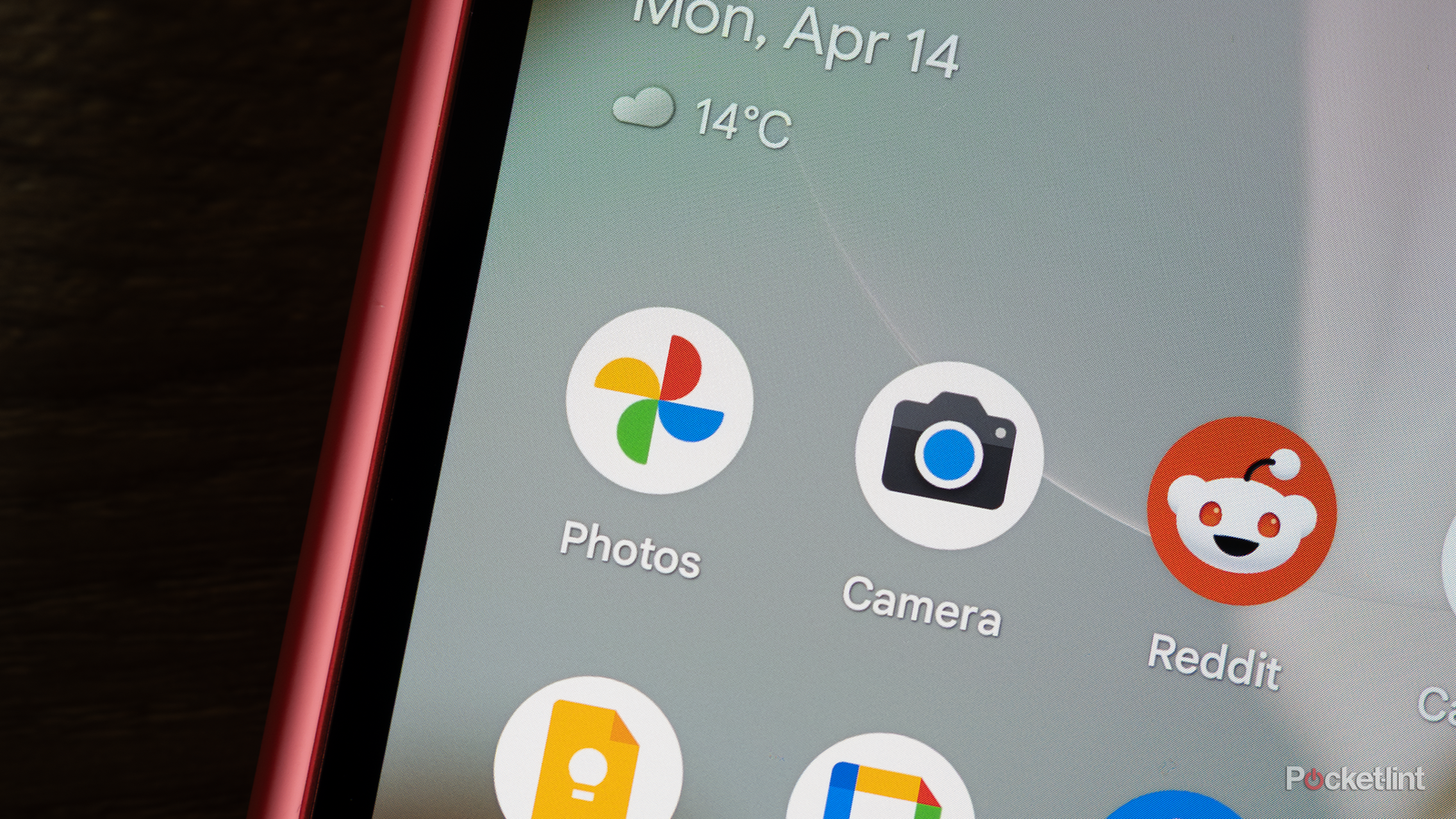
In a recent blog post on Google’s support forums, the company announced a new AI feature, called Me Meme, rolling out to Google Photos users in the US. As the name suggests, it lets you transform yourself into popular memes. All you have to do is upload a selfie, pick a meme template, and Me Meme uses generative AI to drop you right into it. So if you’ve ever wanted to put yourself into the classic “This is fine” meme, now you can.
“Me Meme uses generative AI to help you create funny, personalized images,” Google said. “It’s a simple way to explore with your photos and create content that’s ready to share with friends and family.”

- Developer
-
Google
- Subscription cost
-
Free
How to use Me Meme in Google Photos
You’ll find the feature under Create

If you want to test out Me Meme for yourself on your phone, it’s pretty simple. However, it’s worth noting this feature just launched and is still rolling out to all Google Photos users in the US, so you might not see it just yet. With that in mind, here’s how to check out whether you have access to Me Meme yet and how to use it.
1. In Google Photos, tap the Create button.
2. Select the Me Meme option.
3. Select a meme template to use.
4. Choose Add a photo and select the photo you want to use.
5. Tap Generate to create a Me Meme with your photo.
6. A number of options will now appear. To save it, tap Save. To try generating it again, tap Regenerate. To share it, tap Share.
Of course, Google didn’t invent the idea of turning yourself into a meme, as other apps and online meme generators already let you do that. However, it’s nice to have this feature built directly into Google Photos, as it’s a quick and easy way to share a laugh. Right now, there are only a handful of meme templates, so it’ll be interesting to see whether Google expands it in the future. Presumably, many popular meme formats won’t be included because of copyright issues.
Me Meme joins a handful of other AI features that have become a core part of Google Photos, including Magic Eraser, Photo Unblur, Portrait Light, and Best Take, the latter of which is exclusive to Google Pixel phones.