Once upon a time, add-on media streamers were a lot closer to PCs. The original Apple TV, launched in 2007, wasn’t even a streaming device in the manner we think of them today. You were required to sync media from a nearby computer, or later, download purchases directly to its hard drive. If you were determined, you could actually convert it into a sort of Mac mini by flashing the hard drive with a USB boot disk image.
Things have full circle. Now, I’d argue, there’s less and less reason to buy a streaming-only add-on, and more and more incentive to connect a computer. The good news is that while no PC is cheap, you don’t need to buy a laptop or tower system to see the benefits — mini PCs provide a decent middleground.
What is a mini PC, first of all?
No favorites between Windows and Macs

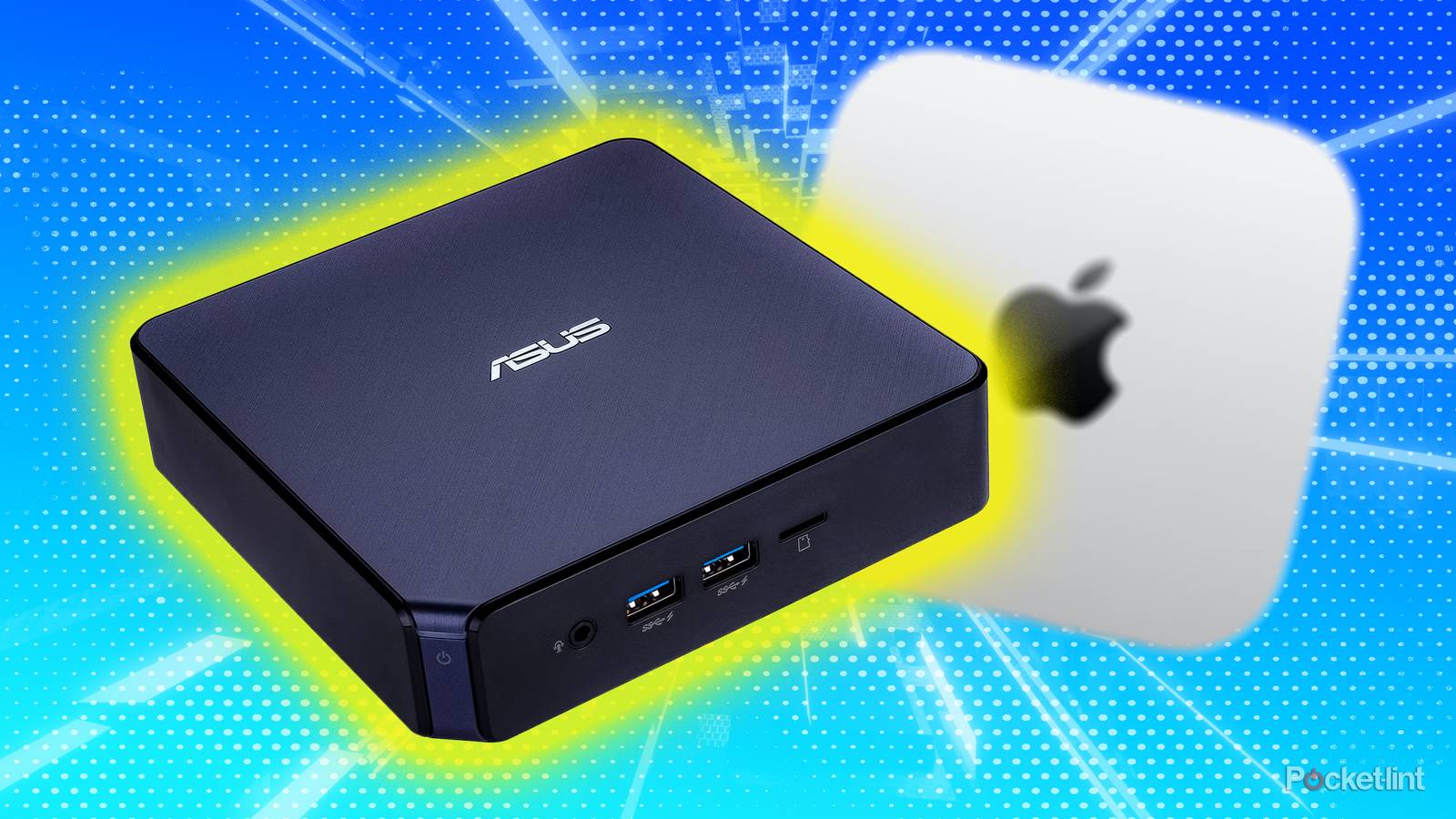
You might think the definition of a mini PC would be simple — a tiny computer — but there’s more to it than that. To start with, mini PCs are smaller than the smallest tower system, and have a smaller footprint than a laptop, although they’re usually thicker. They take advantage of improvements in miniaturization to deliver a fully functional computer in the most compact package possible, at least relative to their specs.
Well, they’re almost fully functional, I should say. All mini PCs are headless, by which I mean they ship without a display, so you’ll need to connect your own. They may not even come bundled with a keyboard or mouse. This can actually be an advantage, for reasons that’ll become clear in a minute.
For the purposes of this piece, I’m sitting Mac minis alongside Windows PCs, as well as Linux machines if you’re technically inclined. While there are obviously great differences between the platforms, they’re all capable of the most important tasks, including entertainment. Heck, Valve’s Steam Deck is actually a Linux machine — it just uses a Windows emulation layer when it needs to.
Mini PCs make some other sacrifices as well. They have fewer ports than many alternatives, and with miniaturization usually comes reduced performance. Some can be surprisingly powerful for their size, for instance incorporating a dedicated GPU (graphics processor) — but you’ll pay extra for the privilege, and there’s only so much you can do with current manufacturing tech. A PC with a top-of-the-line Nvidia RTX processor isn’t going to fit in the palm of your hand.
Three birds with one stone

To start with, conventional media streamers just aren’t as vital as they used to be. They still have value in letting you switch platforms or carry your apps and preferences with you, but many TVs now share the same operating systems you’d get with an add-on product, and have sufficient performance to keep up with your demands. An Apple TV 4K will be an improvement for most people — but if you’ve got a Roku- or Google-based TV, there may be no rush to buy anything.
A PC is fundamentally different. If nothing else, it opens access to just about every streaming service you could want. Even if there isn’t a specific Mac or Windows app, you can simply log into a service using a web browser and stream from there. With a VPN plan, you may be able to access services from around the world that would normally be region-blocked.
The killer feature is the ability to merge a media player with other devices you’d normally need to buy separately, like a game console.
If you can afford the downloads — or you have access to ripped discs — a mini PC goes even further by letting you build an offline library. That might sound like a minor perk to some of you, but movies and shows are regularly switching services because of licensing agreements, or disappearing for months at a time, assuming they were ever available with a subscription. And while a phone can solve the boredom of an internet outage, I’ll bet a lot of you would rather be watching something like the Lord of the Rings trilogy than scrolling through Reddit or TikTok for the fifth time.
The killer feature, though, is the ability to merge a media player with other devices you’d normally need to buy separately, like a game console. Many games that used to be console exclusives have migrated to PCs, and it’s not hard at all to find wireless controllers and lapboards you can use. The most popular storefront for PC games, Steam, includes a Big Picture mode designed with TVs in mind. This is one of the places where the lack of a bundled mouse and keyboard can be a benefit, since you wouldn’t want to waste money on them if you’re going to use a gamepad most of the time. You might borrow some peripherals for initial setup.
For select people, a TV-connected mini PC can replace a workstation. This is contingent on what your work involves, naturally, but 4K TVs are sharp and bright enough now that coding, spreadsheets, and other tasks are perfectly doable, as long as you adjust fonts and window sizes to match.
What are the downsides of choosing a mini PC?
Possibly a step too far

Cost is the big one. Whereas many media streamers are under $150, you’ll be hard-pressed to find a worthwhile mini PC under $600. That’s a steal if it can genuinely replace a console or workstation for you, but if all you care about is movies, shows, and music, the bill might be tough to swallow.
Prices can skyrocket if you want something genuinely capable of keeping up with modern consoles or beating them. ASUS, for instance, charges thousands of dollars for its ROG NUC machines, which feature current- or last-gen Nvidia GPUs. You don’t have to spend that much, though — the $600 Mac mini may not have the best game library, but its M-series processors are fast enough to play what’s available. And as of this writing, Valve is on the verge of launching the Steam Machine, essentially a more powerful mini PC version of the Steam Deck. While pricing is uncertain, most expectations are around or below the $1,000 mark.
With the power of a PC comes a more complex interface, and at least some degree of maintenance and configuration.
Computers are inherently more complicated, no matter which way you slice it. Media streamers use pared-down operating systems built around using a remote — with the power of a PC comes a more complex interface, and at least some degree of maintenance and configuration. It’s possible to set things up to be relatively streamlined, for example by using Steam’s Big Picture, but if you hate the idea of having to run OS updates or type in URLs on your TV, you’ll need to look elsewhere.
Lastly, a mini PC is a master of none in a living room context. Beyond not being as simple as a Roku Streaming Stick, or offering the price-to-performance ratio of a regular gaming PC, it can be awkward to navigate through windows, menus, and text using the control options that work from a chair or couch on the other side of the room. You’ll have to adapt as best you can. Ultimately, it’s up to you to decide whether the compromises are worth it.