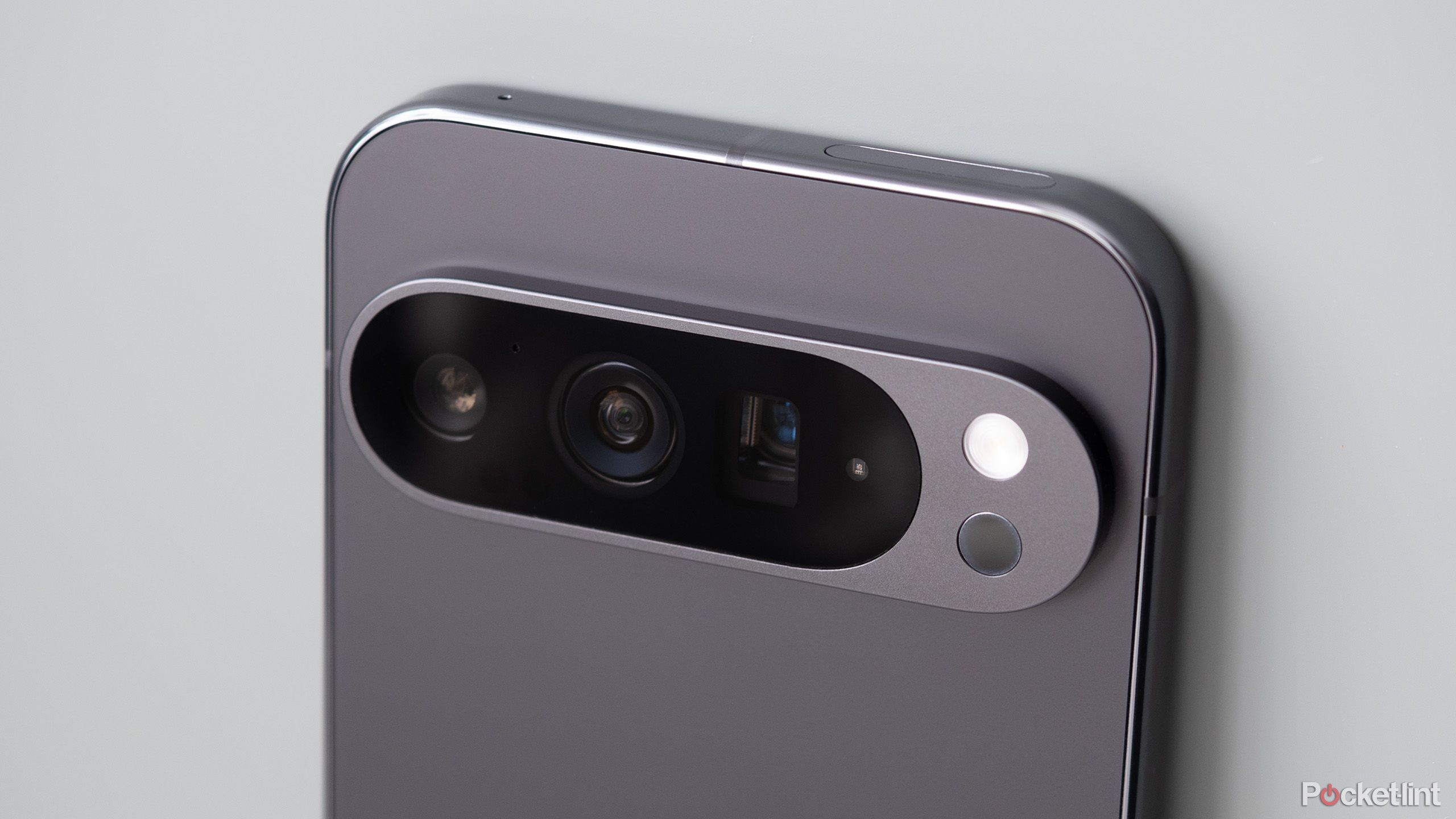
Summary
- Google introduced support for Display P3 photo capture starting in Android 14.
- Display P3 is a wide color gamut that has the ability to make your images more vibrant.
- If you have a Pixel 8 series device or newer, you can enable the ‘rich color in photos’ setting from within the Pixel Camera app.
Back in
Android 14
, Google implemented the ability to snap photos in the Color P3 format at a native OS level. Many third-party phone makers have incorporated the feature into their own handsets, and Apple, too, has offered P3 capture since the days of the
iPhone 7
. For Pixel users, Color P3 was only added into the mix starting with the Pixel 8 series, alongside version 9.1 of the Pixel Camera application.
Within the Pixel Camera’s settings page, the Color P3 (also known as DCI-P3) image capture toggle is referred to as Rich color in photos. Under the toggle is a quick blurb explaining the feature: “Use Display P3 color format instead of SRGB for richer and more vibrant colors. Display P3 may not be visible before the photo is taken or supported on all platforms or apps.”
Generally speaking, I’d recommend toggling on the Display P3 photography feature — unlike with
Apple iPhones
, Google has opted to keep it disabled by default on its
modern Pixel devices
. Here’s how to switch the setting on, as well as additional details on what makes P3 a worthwhile addition to the Pixel’s arsenal of camera tricks.

Pixel Camera
Pixel Camera is the official first-party Android photo and video capture application from Google, which is exclusively available for Pixel devices.

Related
What is Ultra HDR? Everything you need to know about the new imaging format
Google tries to take photography into a whole new era with Ultra HDR. Here’s everything you need to know about the new image format.
What is the Display P3 color space?
P3 is a cinema-quality color space that offers rich and punchy visuals

Pocket-lint / BenQ
As a color space, DCI-P3 was developed in collaboration between the Digital Cinema Initiatives (DCI) consortium and the Society of Motion Picture and Television Engineers (SMPTE). Unlike the older (and more common) sRGB color space, P3 offers a wider range of possible colors to work with. The technical underpinnings of Display P3 are rather complex, but it’s possible to break the color space standard down into three essential components. These include the DCI-P3 color gamut itself, the D65 white point, and the sRGB gamma curve.
P3 works in tandem with the D65 white point specification, which aims to provide a color temperature that mimics natural daylight. It also utilizes the sRGB gamma curve in order to process the correct lumination of photos. For
high dynamic range
(HDR) multimedia, which improves brightness, contrast, and color range on corresponding visual content, DCI-P3 is commonly incorporated to achieve the desired results. The P3 color space has many applicable uses within the realms of cinema, photography, and adjacent creative enterprises, and it’s also slowly but surely becoming a consumer tech mainstay.

Related
The real difference between HDR, HDR10+, and Dolby Vision
High Dynamic Range improves your TV’s image quality, but competing formats make shopping around confusing.
How do I enable P3 photography on my Google Pixel?
The setting is toggleable from within the Pixel Camera app

To turn on the Display P3 color gamut during photo capture on your compatible Google Pixel phone, follow these steps:
- Launch the Pixel Camera app.
- Tap on the Photo Settings icon (gear with cogs) located in the bottom left-hand corner of the screen.
- Within the Photo Settings panel, tap on More Settings near the bottom right-hand of the screen.
- From here, navigate to Advanced > Rich color in photos and toggle the switch on.
To start taking advantage of P3 photography, you’ll need a Google Pixel phone that supports the feature. This includes all newer Pixels starting with the Pixel 8 series, running on Android 14 or newer. If you don’t see the option, ensure you’re running an up-to-date version of the Pixel Camera application (version 9.1 or newer).

Related
Ultra HDR-ify your old memories with this new Google Photos tool
A new Ultra HDR editing tool is rolling out to Google Photos users on Android – here’s how to upgrade your old memories in real time.
Which devices support Display P3?
Increasingly, the P3 color space is being supported across platforms and devices

Pocket-lint / Google
Across the board, all major software platforms and operating systems support the DCI-P3 color space at a native level. This includes iOS, iPadOS, macOS,
Windows
, and Android.
Linux
, too, supports the necessary under-the-hood technologies to display P3 content on screen. Of course, you’ll need to have a panel that is capable of displaying the P3 color space. This varies by phone, tablet, laptop, and TV make and model, but generally speaking, many mid-range and most high-end offerings come with a P3-ready screen.
Over time, I expect the DCI-P3 color space to grow even more ubiquitous, eventually supplanting sRGB across all consumer tech markets, product categories, and price tiers. This will take time, of course, but by enabling P3 photography on your Google Pixel phone today, you’re ensuring that your memories are future-proofed for tomorrow’s world of rich-color displays.

Related
Google brings back this beloved Pixel Camera feature in a welcome update
Google giveth, and Google taketh away: Manual controls are making a comeback on your Pixel’s viewfinder.