



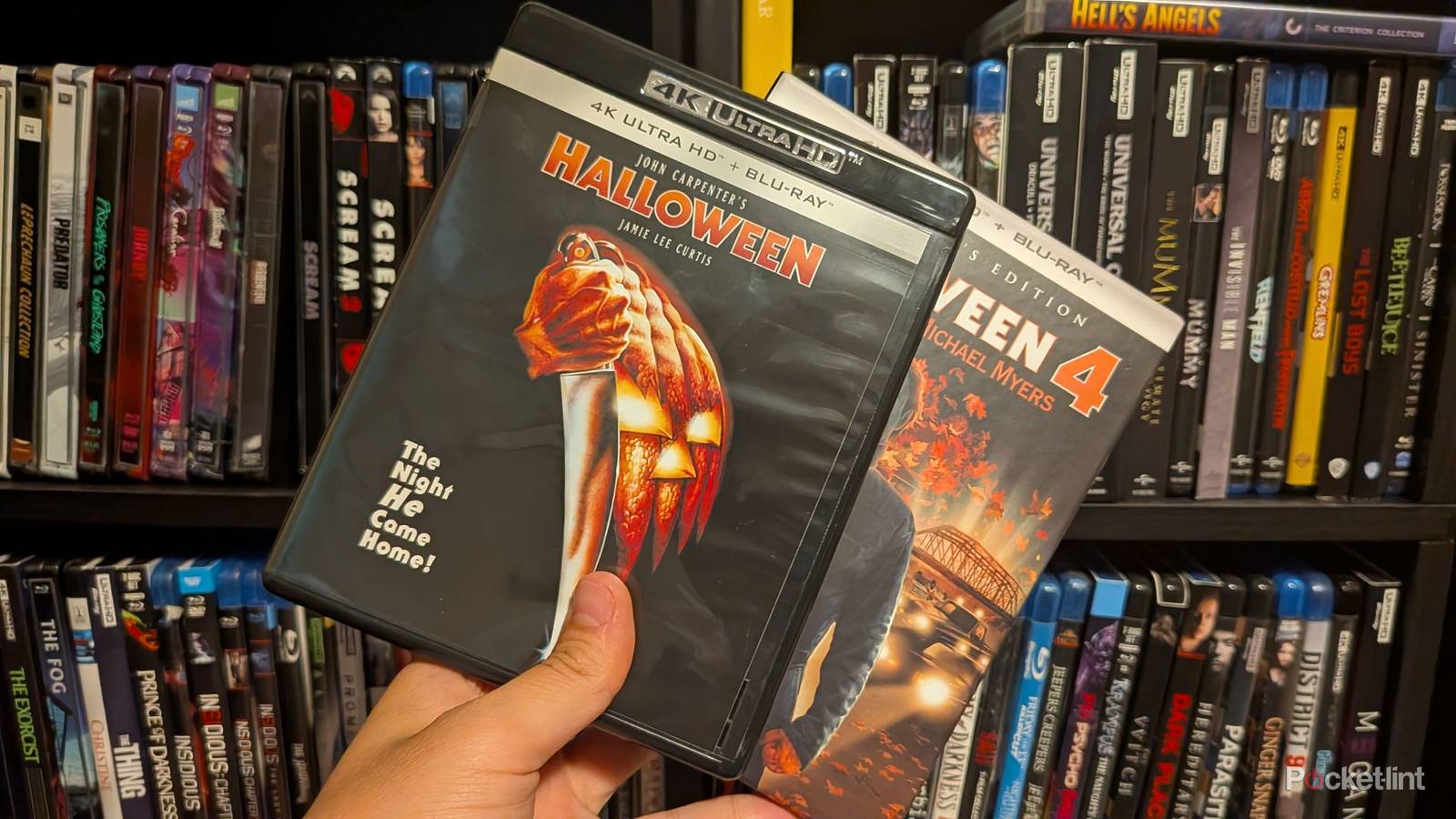
I love the 4K Blu-ray format, and I have a large collection of discs to show for it. In that collection, I have a variety of 100 GB and 66 GB discs. On the surface, the 100 GB offers better quality and performance thanks to its ability to reach a higher bitrate than the smaller disc. What you might not realize is that these discs come with some downsides. I don’t want to make anybody panic, but my Sony player has trouble with 100 GB discs from time to time. It’s not every one of them, but there are enough of them to the point where I sort of dread having to put in a triple-layer disc.
This is a big reason why backing up your physical media is nice, because you can get around issues like this with no problem. Whether it’s putting everything on a Plex server or ripping your media to a hard drive, you won’t have to worry about disc transition problems if you take that route. It’s definitely not for everybody, largely because it adds an extra cost on top of buying the discs in the first place, but if you want to make sure you get the best experience possible without skipping, then it could be worth consideration.
Ripping your 4K Blu-rays has some clear upsides
Just need to make the time to do it

The main hurdle in ripping your 4K Blu-ray is coming up with the space for all your movies. Unfortunately, now isn’t a great time to get into something like this, considering the price of tech is on the rise, and that applies to hard drives as well. It used to be pretty cheap to grab an HDD, but even those mechanical drives have gone up in price now. 4K Blu-rays aren’t small files by any means, so it’s easy to plow through storage space.
You’ll also need to find a way for your computer to read a 4K Blu-ray disc, which is almost certainly something you’ll need to buy yourself since disc drives are a thing of the past on computers. Aside from that, the process itself is relatively easy, and it’s one of the ways to get around those triple-layer disc issues. There are a few guides floating around that tell you how to rip a disc, so I won’t get into that here. Just know that it’s very much a gateway hobby that’ll have you spending days upon days backing up your library. I have over 100 4K Blu-ray discs, so I don’t even want to think about how much hard drive space I’d need to back everything up.
If you rip the disc complete with its Dolby Atmos and HDR scan, then you can expect a single movie to take up close to 100 GB of space. You don’t need me to do the math for you to figure out how much space that’s going to require. If you’re up to the task of doing all that, don’t let me stop you. It definitely sounds like a fun project, and there’s a clear reason for you to do it, but it’s just expensive and time-consuming.
Not many other ways to avoid the problem
The players won’t help you

You might think that getting a new 4K Blu-ray player would solve your triple-layer issues, but that’s not the case. The reality is that any player can be prone to these problems, and there’s no way to tell if it’s going to happen to you. What’s even worse is that it’s not something that happens with every disc, so you could get by just fine until you run into one that freezes up on your Blu-ray player. It’s an unfortunate reality, and it doesn’t seem like it’s going to be anything that gets solved any time soon.
Your PS5, Xbox, Sony X700, etc. all have these problems. Panasonic players are often touted as the best available 4K Blu-ray player on the market, but not only are they also the most expensive, but they aren’t completely immune to the issues. I know that’s not what you’re looking to hear, and it’s not what I want to hear either, but it’s how things have shaken out.
The only good news here is that there are workarounds, like ripping your discs. It’s also nice that not every 4K Blu-ray is printed on a triple-layer disc. While those bigger discs might be better, it’s not like a movie looks bad on a 66 GB disc. Many of my favorite movies in my collection are on the smaller discs and I don’t have any problems with them. That’s going to continue being the case moving forward as well. All I’m going to do is keep my fingers crossed and hope any 100 GB 4K Blu-ray disc I use just works without a hitch on my player. If not, maybe I’ll finally consider ripping my discs.


