


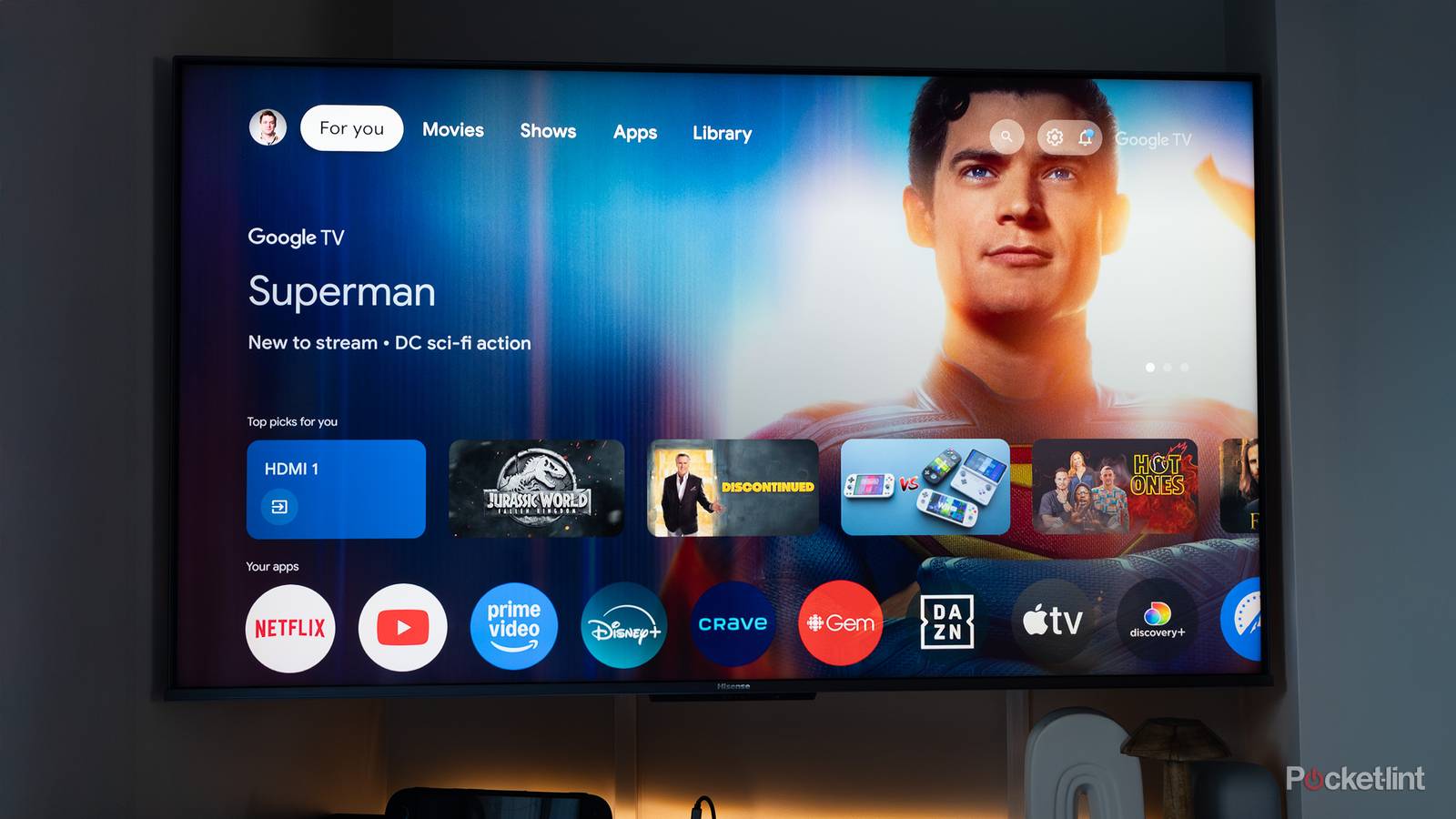
In the early days of smart TVs, companies regularly took a swing at their own operating systems, simply because there were no off-the-shelf solutions available. Predictably, the results were disastrous, which is how add-ons like Rokus and Chromecasts gained traction. Badly optimized software was made worse by weak processor technology. I was overjoyed when I plugged in my first Chromecast in 2013 — and that was just as well, since the apps on my 2011 Sharp LCD were abandoned before the decade was out.
The industry has since settled around a handful of platforms. Of those, Google TV is the one I’m most inclined to choose for a new TV, although not exactly with roaring enthusiasm. My relationship to it is a little complicated, which shouldn’t be surprising given its creator.
What makes Google TV number one?
The process of elimination

In some respects, there’s nothing that special about Google TV. Much like Amazon’s Fire TV, its homescreen serves up a list of apps and recommendations, plus menu options for categories like movies and TV shows. I do prefer its layout to Fire TV, especially since Google isn’t as aggressive about promoting first-party content — but you still have to deal with ads (and ACR), and you’ll typically only spend a few minutes browsing on either platform, if not a few seconds. Roku OS is even more streamlined, designed to get you into an app as fast as possible.
Where the differences begin to matter is with device settings. For the most part, I find their organization makes more sense on Google TV than on Fire devices, while Roku settings can be overly simplified. It’s roughly on par with Samsung’s Tizen or LG’s webOS, although I still find Google TV easier to parse, perhaps because you’re less likely to run into needlessly rebranded feature names.
There are two things that truly set Google TV apart: Gemini and smart home integration. Gemini’s usefulness goes beyond being able to adjust settings, or track down recommendations based on an actor, director, or genre. You can ask complex questions the way you might another human being, and actually get a usable answer, even if it might misfire occasionally. Something like this is a practical request: “I’m in the mood for a sci-fi movie, preferably with realistic science. I don’t want it to be too downbeat though. What would you suggest?”
You can also ask general knowledge questions, which is potentially a godsend if you have a child. Gemini is blocked on kids’ profiles — but if you ask something like “can you explain black holes to my eight-year-old,” you should get both a simple answer and links to relevant YouTube videos.
As for smart home tech, that matters because Google Home is the second-most popular choice after Amazon Alexa, which is unfortunately tied to Fire TV in the home theater space. Smart home controls are integrated into the Google TV control panel, and you can call up the feeds from connected cameras and doorbells using your voice. One of my favorite things is integrating my TV into automations — I have a “movie night” voice command that turns on the TV, dims the lights, and makes an announcement. If I had the right accessories, I’d also have it close the blinds and lock my doors.
The promise of combining this smart home prowess with Gemini is marred by the Google Home Premium paywall. While free users can issue complex control commands, you have to pay for things like descriptive activity summaries, or even generating automation routines with your voice instead of tapping your way through the Google Home app. In fact, those descriptions require paying for the costly Advanced tier of Home Premium, which just isn’t worth it unless you’re all-in on Google-based home security.
Should you pick a TV just because it has Google?
A fraught question

Probably not. You are getting something more advanced than Roku, and less convoluted than something like Tizen (in which the Settings menu is actually a highlight) — but it’s ultimately size and performance specs that matter the most. Given the choice between a Google TV with, say, two HDMI 2.1 ports or a Tizen set with three, I’m going with the second option. I can live with Tizen if it means not having to buy a switch to accommodate all my devices. I’d put up with Fire TV to get better specs too, if it weren’t for the fact that the software is restricted to budget devices anyway, and can be prone to slowing down over time.
You also have to delve deeper into Google’s ecosystem to get the most out of it. Even if you don’t buy a Google Home Speaker or Nest Doorbell, or sign up for Google Home Premium, it would be strange to choose Google TV if you’re not already using Gemini and YouTube elsewhere. And that’s Google’s real goal: ecosystem stickiness. The company wants you to use its services whenever possible, since it reaps plenty of profits from ad revenues and subscription fees. If there’s a platform I want to stick to, it’s probably Apple’s, via the Apple TV 4K. That company isn’t bombarding me with ads, and tvOS is the slickest interface available. I can add it to any TV if I’m willing to fork over the steep $200 entry ticket.


