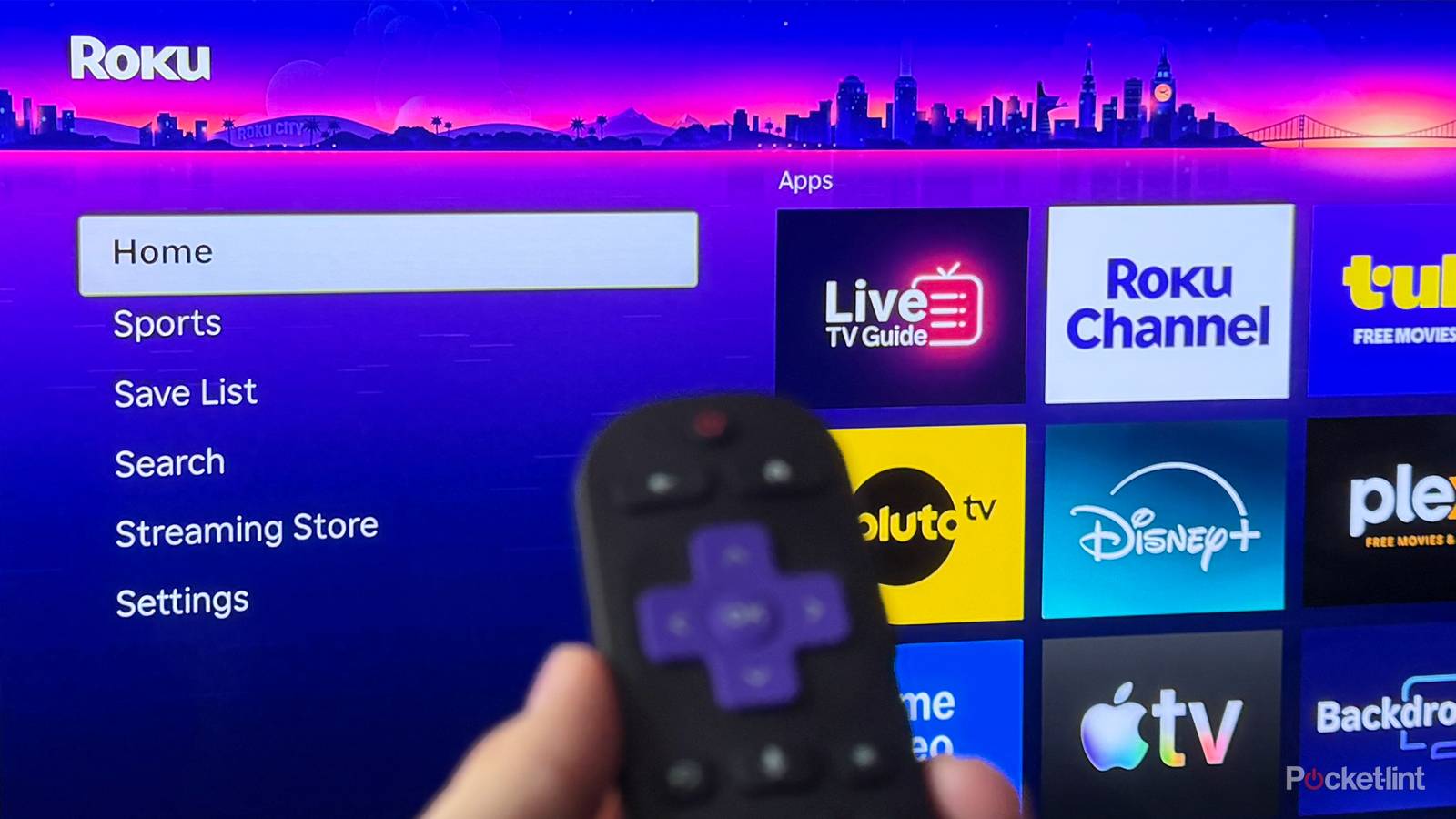
The Roku Channel has become one of the most popular free streaming platforms, and it’s easy to see why. Not only is it home to thousands of free on-demand movies and TV shows, but it also offers more than 500 free live TV channels. And even with such an extensive lineup, Roku appears to be nowhere near done expanding it.
In just the last few months, Roku has added more than 70 new free channels, with over 30 arriving between June and July, followed by another 15 in May and 30 in April. Now, to kick off August, Roku is back at it again, this time adding four more free channels to its lineup (via Cord Cutter News).
Highlights from this wave of free channels include Mad TV, which features episodes from the popular sketch comedy series; Retro Black Laughs, which celebrates decades of amazing Black comedy with stand-up specials and sitcom episodes; and the new Whose Line Is It Anyway channel, which features episodes of the improv-based comedy series around the clock.
Here are all four of the new channels Roku just added:
- MAD TV
- Retro Black Laughs
- Whose Line Is It Anyway
- Fairground AI
More free channels to watch on Roku
There’s an easy way to find these new channels and more

In addition to the four new channels Roku just added, the streaming service also added six new channels in July. Some of the highlights include Free TV, which offers a mix of classic movies and TV shows; World of Love Island, which features episodes from the reality TV series along with recaps and special features; and Watch Wed Wrestling, which offers wrestling highlights and fan analysis.
Here are all the channels Roku added in July:
- FREE TV
- iShowSpeed TV
- Mayday and Cesar Art Tro a Leree
- The Kalogeras Sisters
- Watch Wed Wrestling
- World of Love Island
If you’re looking for an easy way to find any of these new channels or discover the channels Roku has offered for a while, I’ve found the best way is through the new search feature built right into Roku’s live TV guide.

Roku added a search function to its Live TV Guide in an update earlier this year. You can find it on the left side of the Live TV Guide, alongside categories such as Entertainment, Family Favorites, and Sports (as you can see in the image above). Selecting it opens a search screen where you can type the name of any channel you’re looking for or search by voice. This makes it easy to find one of Roku’s newest additions, such as Mad TV or Whose Line Is It Anyway, as well as channels the service added earlier this year, like Murdoch Mysteries, Free TV, or History Untold.
You can also search by genre, such as “Action” or “Sports,” to find new channels if you’re not exactly sure of the name of the channel you’re looking for and just want to quickly find something new.
Another thing I like to do whenever I find a channel I really enjoy is add it to my Favorites, so it’s easy to find again later. To favorite a channel, simply hover over it in the Live TV Guide, press the Star (*) button on your remote, and then select the first option that appears in the pop-up menu, “Favorite this channel.” Once you’ve favorited a channel, it will appear in the Favorites category in the Live TV Guide.
Beyond The Roku Channel, if you’re looking for even more free live TV channels, other apps worth checking out are Plex, Pluto TV, and Tubi, all of which offer hundreds of free channels and extensive on-demand libraries of free movies and TV shows to stream.

- Brand
-
Roku
- Operating System
-
Roku OS
- Downloadable Apps
-
Thousands
- Resolution
-
4K