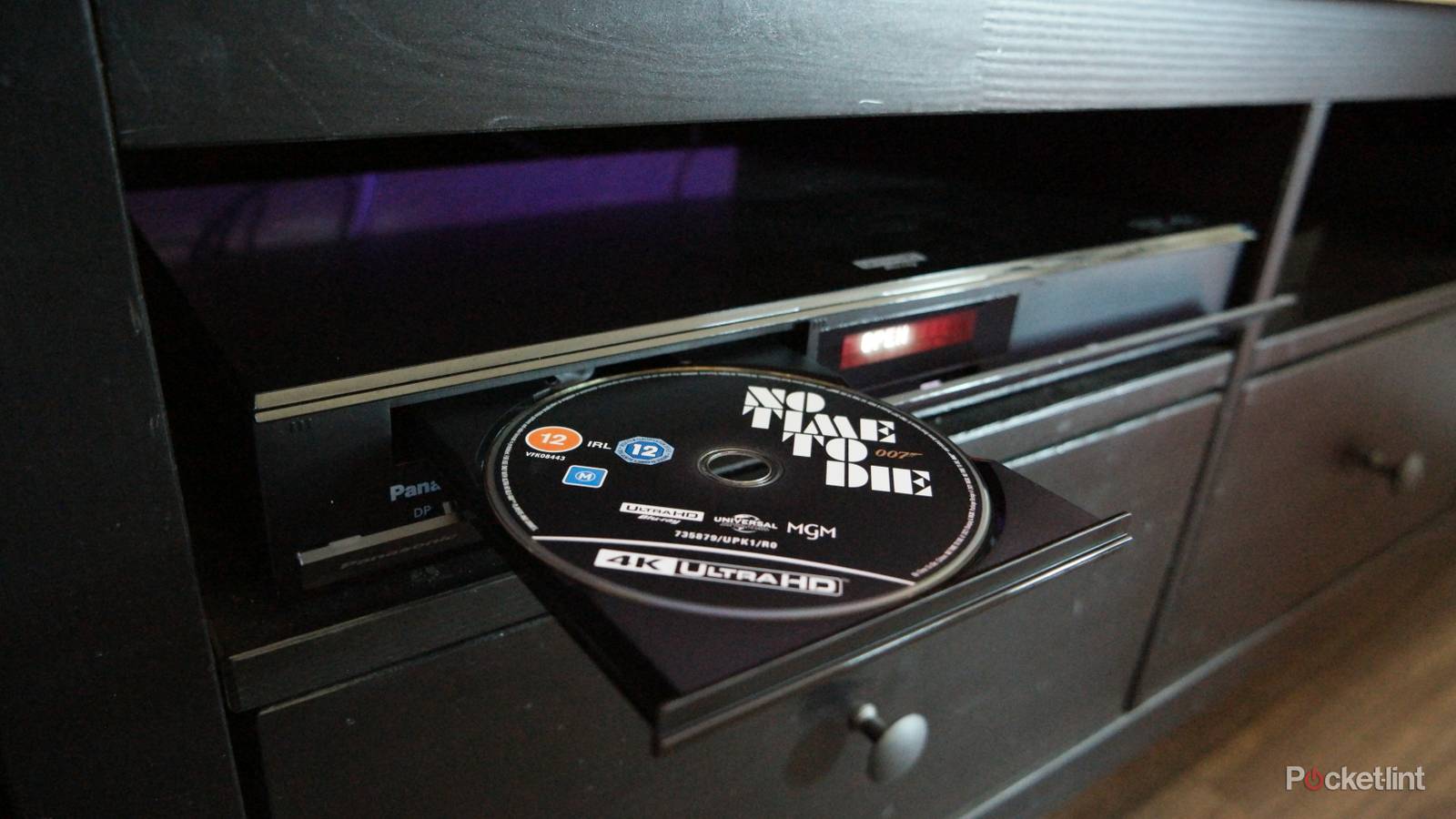
I’ve talked a few times about why I still prefer streaming media, despite cost and ownership issues, and the recent resurgence of interest in Blu-ray and DVD. One of my leading concerns has always been the fragility of discs — they can scratch, shatter, or get lost, and in the long run, they all succumb to a phenomenon known as disc rot. Oddly enough, something I haven’t discussed much is the vulnerability of the disc players themselves.
If you’re here, I’m assuming you’re trying to troubleshoot a faulty Blu-ray player. This guide isn’t meant to be comprehensive, but it should be a quick way of identifying potential causes, with quick fixes suggested where it makes sense.
How to troubleshoot a broken Blu-ray player
The common culprits and fixes

Your first mission is to check that it’s really your Blu-ray player that’s at fault. Inspect power and HDMI cables, making sure they’re undamaged and securely plugged in. Have a look at ports as well, plus the disc you were just trying to play. If a disc is cracked or scratched, there’s probably nothing you can do to salvage it — but a smudged disc should work again if you can wipe it thoroughly with a microfiber cloth. Avoid heavy pressure. To help, you can use water, or specially-formulated glass cleaners meant for monitors and TV screens. Do not use ammonia-based cleaners like Windex.
Assuming you’re still having problems, one potential cause of read errors is a dusty (or otherwise dirty) laser lens. Because this is embedded deep in the player, the easiest ways to try to clean it are a compressed air can or a bulb brush specifically designed for lens cleaning. Be careful with compressed air. Keep the can level, and use short controlled bursts, as you don’t want the can’s liquid spraying out.
More rarely, software glitches could be at fault. If your player is still controllable and connected to the internet, this may be the time to check for firmware updates. These could resolve both bugs and compatibility issues, which should definitely be on your mind if your player stopped working after installing another piece of equipment.
Device settings are also worth considering. Your player may be set to produce audio or video output your TV (or the chosen HDMI input) can’t handle well, in which case you may have to dial things back based on relevant specs. It’s also possible that your TV is configured improperly — say if its HDMI inputs aren’t set to Enhanced mode, which is needed for technologies like Dolby Vision and VRR. Settings conflicts are unlikely to prevent a player from working outright, however, since quality will usually scale automatically to keep things flowing.
Speaking of conflicts, there are other kinds to keep on your radar. One involves HDCP, an anti-piracy technology built into HDMI. If an HDCP handshake fails, all you’ll get is a black screen. Your player, TV, and HDMI cable should all support HDCP 2.3 or later.
Parallel to that is codec compatibility. It’s possible that your TV, receiver, and/or the player itself are incapable of handling some formats, a common example being DTS:X audio. The solution to this is enabling passthrough, sometimes known as bitstream. This passes along raw data to a device better equipped to decode it. With DTS:X, for example, you might set your player and TV to pass audio along to a compatible soundbar.
Other physical problems to be aware of
Tray motors and more

There are relatively few other problems that are easy to troubleshoot, but one of them is heat. Honestly, it’s unlikely that a Blu-ray player will overheat so much that it shuts down — but if it’s sitting in a dusty, insulated space within a hot room, it’s possible. You should dust your player periodically and ensure some sort of airflow around your entertainment center.
If the tray doesn’t eject, there should be some sort of manual release mechanism. If the motor itself doesn’t seem to work in either direction, however, that’s unfortunately beyond my pay grade. You may be able to track down parts, tools, and instructions for diagnosing and repairing a motor, but the simplest option for most people is to find a local repair shop.
It’s also possible that other internal components have been damaged, such as the disc motor, the power supply, or the circuitboard. This can be caused by defects, impacts, static shock, liquid exposure, or plain and simple wear. Repairs may be possible, but they could be expensive enough that you’re better off buying a replacement player. If you’re ruled everything else out, there’s nothing to lose with a DIY effort.