


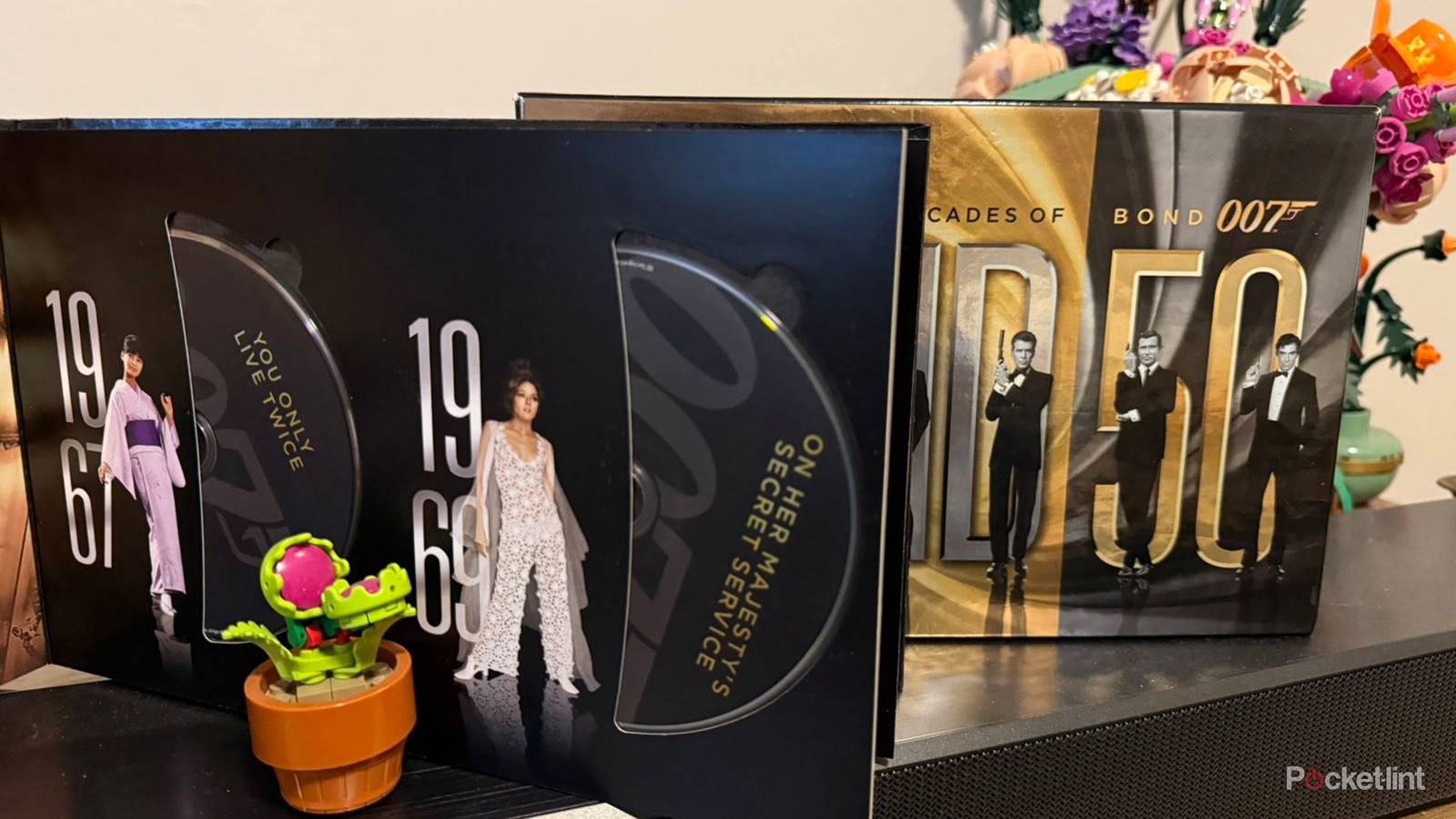
Physical media is once again growing in popularity, with many multimedia fans opting to purchase both new and old content on discs, tapes, records, and other storage mediums. Vinyls are experiencing quite a boom, as are CDs, DVDs, and Blu-rays.
Now, considering how ubiquitous digital distribution is these days, it can be a bit daunting to hop back on the physical media bandwagon. That being said, with a few tools at your disposal, you can reacclimatize to a pre-streaming lifestyle without all the associated growing pains.
Here are three overarching actions you can take to help ease your transition over to physical media collecting, all of which will aid in keeping yourself organized, while simultaneously streamlining access to your content for overall ease of use.
Prepare your environment
Carve out a dedicated space for your physical media

First and foremost, you’ll want to factor in where to store your physical media products. It’s no secret that optical discs and the like tend to take up lots of space over time, and so it’s important to carve out a dedicated storage solution right from the get-go. There are a variety of ways to go about this, but I’d recommend sticking with the basics to start with. If you have a mix of formats in your possession, a bookshelf is an easy enough solution. For disc lovers, a dedicated disc rack or disc binder might prove ideal.
Organize your burgeoning collection
Stay in the know when it comes to your physical media

Just as it’s important to keep your media collection organized from a physical standpoint, it’s equally important to stay organized and up-to-date in terms of what you own, what you want to own, what you’ve watched/played, and what you plan on watching/playing. The simplest way to go about this is to create a simple list via a spreadsheet program, but you can also rely on one of several dedicated watchlist applications. Personally, I’ve been using the My Movies by Blu-ray.com app as of late, as it helps me stay in the know when it comes to cataloging my collection.
Access your physical media from anywhere and everywhere

To help ease the transition over to physical media, consider employing the use of a personal media server application. Both Plex and Jellyfin are excellent options, allowing you to ‘split the difference’ between streaming and physical ownership by facilitating personal streaming of your already-owned multimedia. This way, you’re able to enjoy the convenience of digitization, all without giving up on ownership and collectibility. As an added bonus, you can use a service like Movies Anywhere to congregate all your existing digital purchases under a single roof, which, in turn, can supplement your physical collection of movies and TV shows.


