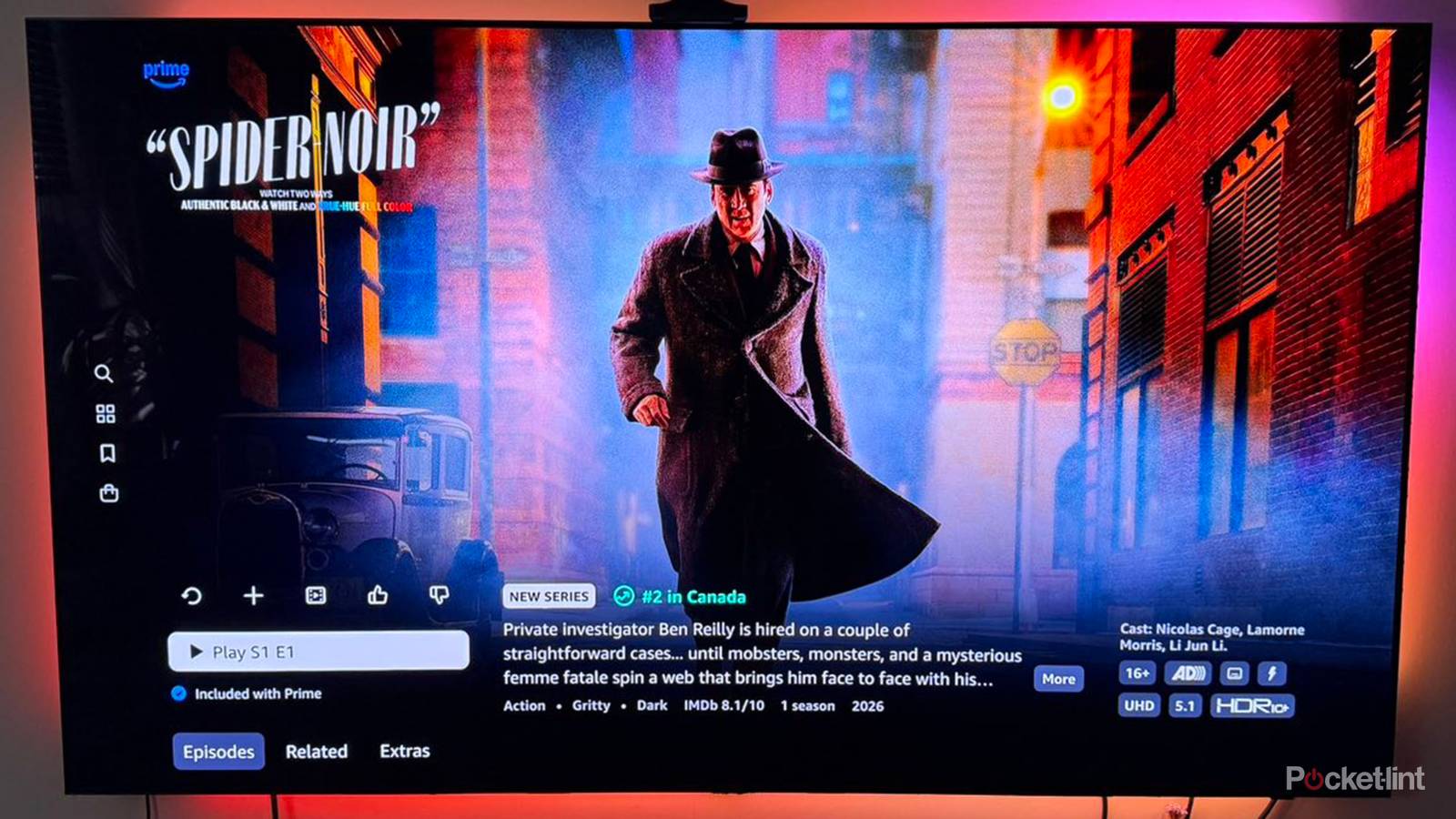
While Dolby Vision was the first commercial HDR format (launched in 2014), you may have noticed that it’s not the most ubiquitous. That honor belongs to HDR10, which is available on every 4K TV on the market, and all but the cheapest media streamers. And I do mean every 4K set — just check the specs on any given model you find on Amazon.
Since 2017, a large number of TVs have shipped with HDR10+. If you’re shopping, the natural question is what’s upgraded in the newer tech, and whether the difference is worth spending a little extra money for. The quick answer is yes, although you won’t necessarily be disappointed with the earlier protocol, and you may want to keep an eye on HDR10+ Advanced.
What you need to know about HDR10 and HDR10+
The industry workhorses

You usually never see a company name associated with the two standards, and that’s because they’re open platforms. HDR10 was created by the Consumer Technology Association, while HDR10+ was co-developed by Samsung, Sony, and Panasonic. By open, I mean that the formats can be freely adopted for any app, video, device, or streaming service. With Dolby Vision, businesses have to pay royalty fees.
Both formats allow brighter highlights, increased shadow detail, and an extended color palette. As I like to say, it’s often HDR that’s more important to making images “pop” than 4K resolution, although it’s rare to get the former without the latter.
HDR10 is limited to 10-bit color depth and up to 10,000 nits of brightness. Functionally, that’s fine. No consumer TV has a 12-bit rendering pipeline, and it’s only in 2026 that the first 10,000-nit TVs started hitting the market. That’s absurdly, almost unusably bright, by the way. For a point of reference, at 3,000 nits, my Apple Watch Ultra 2 is readable outdoors in the midday sun.
The more serious limitation with HDR10 is that it uses static metadata. While filmmakers can customize how it appears on your TV, it’s locked for the entire runtime of a video. That’s the fundamental improvement in HDR10+ — with dynamic metadata, adjustments can be made on a scene-by-scene or even frame-by-frame basis, just like Dolby Vision. Sometimes the impact may be subtle. In other cases, however, it may produce a substantial improvement, say by preventing blown-out highlights and crushed shadows. HDR10+ and Vision operate on a similar level.
That’s true in more ways than one. HDR10+ technically supports 16-bit color depth, surpassing Vision’s 12-bit spec, even if mastering for either is largely pointless at the moment. There may be some tiny value in 12-bit. Though your TV can’t display the full 12-bit range, choosing 12-bit output on a connected device can still improve rendering accuracy.
I’ve already touched on device support, so here I’ll just add that you may occasionally have to pay a bit extra for a product with HDR10+. When it comes to content, HDR10 is effectively universal, assuming HDR is supported in the first place. You may run into titles that omit HDR10+ while offering Dolby Vision and/or HDR10, but the gap is closing. My biggest gripe is that most streaming services continue to paywall all HDR behind “premium” plans.
What’s the deal with HDR10+ Advanced?
Hold your horses on this one

The goal with Advanced is to compete with Dolby Vision 2, which is likewise already shipping on some new TVs. There’s a heavy AI focus, but also expanded metadata for creators, for instance enabling local tone mapping, more color control, and genre-based optimizations. You can also expect better overall brightness handling, and “intelligent” motion smoothing — hopefully preventing the dreaded soap opera effect.
There are two giant catches here. First, very few TVs are compatible as of this writing, all of them coming from Samsung. Second, available content is non-existent, as studios need to remaster their catalogs. It could be years before all your favorite movies are enhanced. If you buy an Advanced-capable TV today, the only point is futureproofing.