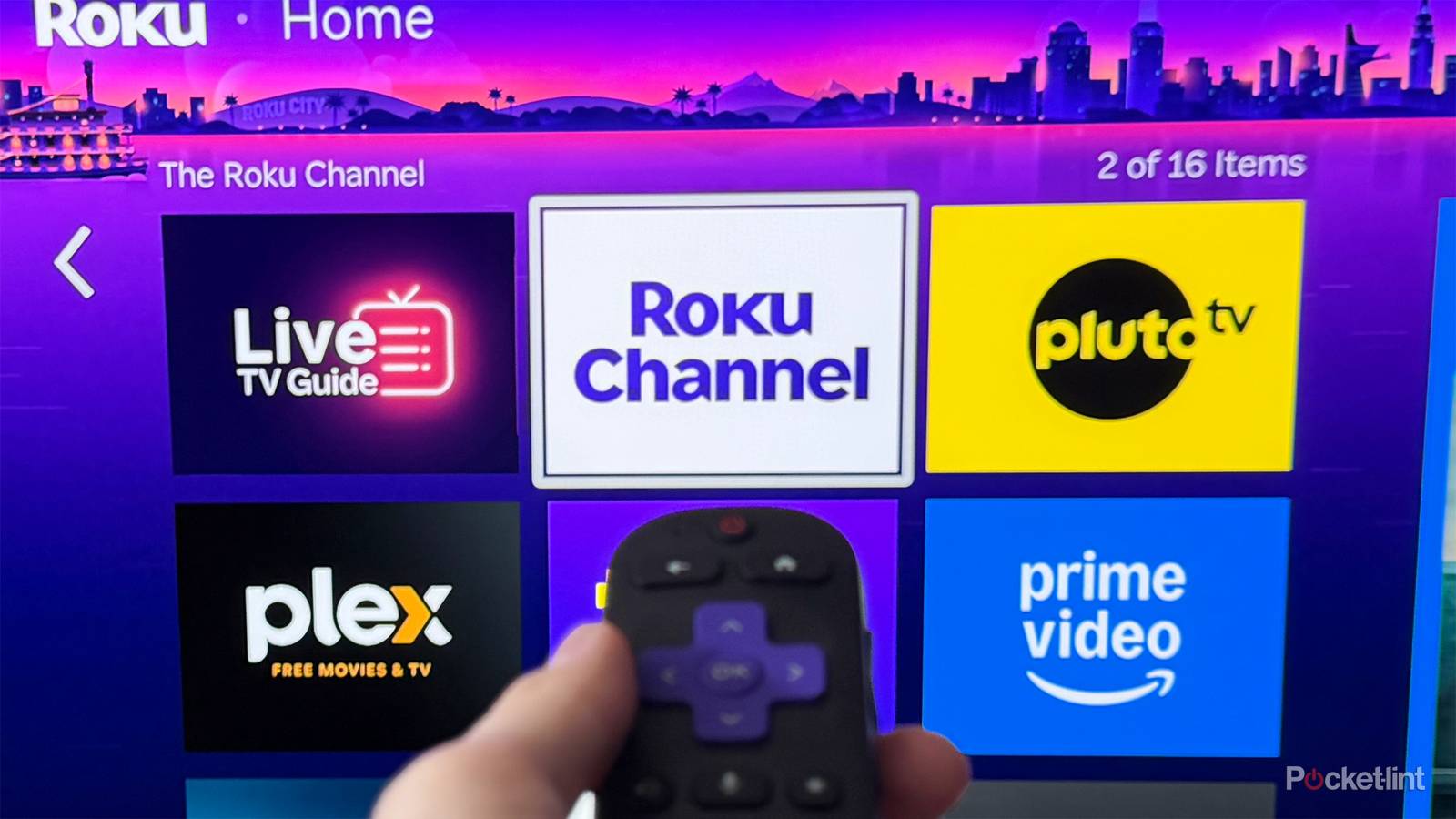
The Roku Channel is already home to more than 500 free live TV channels, but that isn’t stopping Roku from continuing to expand its lineup.
So far this year, Roku has been on a roll when it comes to adding new free channels. It added 30 in April, another 15 in May, and 20 earlier this month, bringing the total to 65 new channels in just three months. Now, just in time for the start of summer, Roku is back at it again with seven more free additions to The Roku Channel (via Cord Cutter News).
Some of the highlights include History Untold, which features documentaries exploring different periods of human history; The World Surf League, which showcases surfing content and professional competitions; and All Out Alaska, which offers documentaries and reality shows focused on Alaska’s geography, wildlife, and what it’s like to survive on the frontier.
Here are all seven of the new free channels Roku has added:
- World Surf League
- History Untold
- Third Watch
- Nosey Daytime Talk
- All Out Alaska
- Extreme Living
- Jesser

- Brand
-
Roku
- Operating System
-
Roku OS
- Downloadable Apps
-
Thousands
How to get the most out of The Roku Channel
It’s easy to find new channels and to favorite them

If you’re looking to check out any of the new free channels Roku has added, or just explore The Roku Channel in general, one of the easiest ways is to use Roku’s new Live TV Guide search feature, which arrived in an update earlier this year. I’ve been using it for the past few months now, and it’s way faster than endlessly scrolling through the channel guide, which is quite long given that Roku has over 500 free channels.
You can find the new search option on the left side of the Live TV Guide, alongside categories such as Entertainment, Sports, and Classic TV (as shown in the image above). Selecting it opens a search screen where you can type the name of any channel you’re looking for, whether it’s one of the seven new additions or any of the new channels Roku added earlier this year, like Murdoch Mysteries, Doctor Who, or Stargate Atlantis.
You can also search by genre if you don’t know the exact channel name. For example, entering terms like “action,” “drama,” or “comedy” will help surface channels that are related to those categories, making it easier to find something to watch.

Another thing I like to do when I find a channel I enjoy is add it to my favorites. When you favorite a channel, it gets added to a dedicated Favorites category in the Live TV Guide, making it easy to jump back to the channels you watch most instead of having to search for them again every time.
To favorite a channel, simply highlight it in the Live TV Guide and press the star (*) button on your remote. This will open a menu on your screen, where the first option is “Favorite this channel” (as you can see in the image above). Select it, and the channel will be added to your Favorites list.
I also think it’s worth mentioning that even if you don’t have a Roku device, such as a Roku Streaming Stick, Roku Ultra, or a Roku smart TV, you can still watch The Roku Channel for free. Roku has an app available on Samsung smart TVs and Fire TV devices in the US, and you can download it on iOS and Android.
If you’re looking for even more free content, my top recommendations are Plex, Pluto TV, and Tubi, all of which are free, ad-supported streaming services like the Roku Channel. They offer thousands of free on-demand shows and movies, as well as hundreds of free live TV channels.