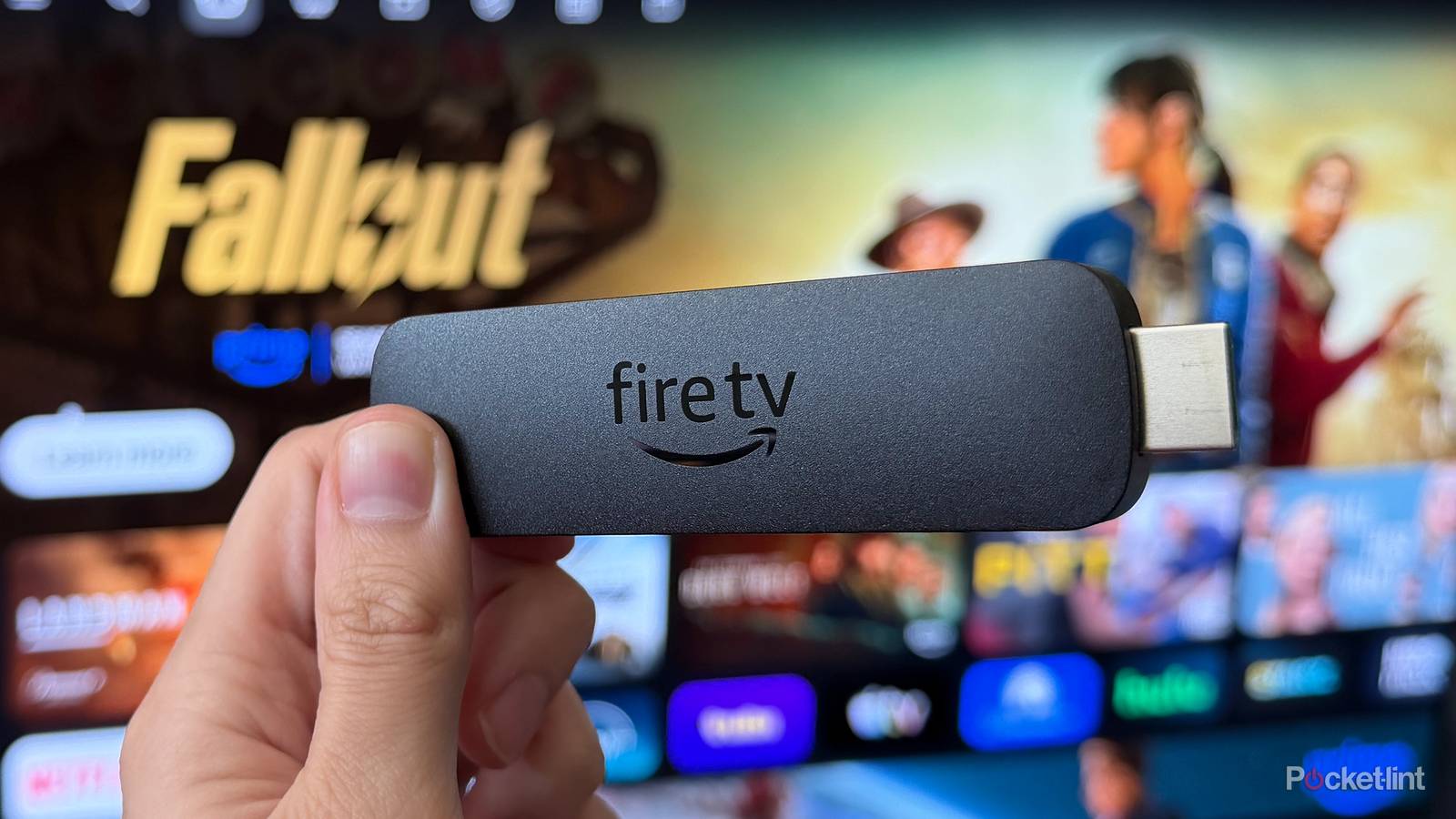
It’s been a busy year for Fire TV. Amazon recently launched its new Ember Artline TVs alongside a refreshed Fire TV Stick HD, and back at CES 2026 in January, the company unveiled one of its biggest Fire TV updates in years: a completely redesigned user interface (UI) that changes how Fire TV devices look and feel.
When Amazon first announced the new Fire TV UI, it said the goal was to make the experience “cleaner, faster, and better organized.” However, when the update arrived in February, there was a catch. It was only available in the US and limited to a handful of devices, including the Fire TV Stick 4K Plus, Fire TV Stick 4K Max (2nd Gen), and Fire TV Omni Mini-LED Series.
That’s finally changing.
Just in time for the start of summer and Prime Day, Amazon has announced that its new Fire TV UI is now rolling out to all current-gen Fire TV devices, including the Fire TV Stick 4K Select, Fire TV Cube, and Ember smart TVs. Better yet, the update is now available worldwide too, meaning Fire TV users outside the US can finally download it and see what’s new for themselves.
What changes does the new Fire TV UI introduce?
A new look, combined with improved performance

The biggest change you’ll notice with the new Fire TV UI is the completely redesigned home screen, which now looks a lot more like Google TV. Amazon says the update brings “a more modern design with improved layouts, rounded corners, redesigned color gradients, updated typography, and more optimized spacing,” and that’s immediately noticeable the moment you boot it up for the first time.
The navigation tabs have been moved to the top of the screen instead of sitting in the middle, and your pinned apps now live directly on the home screen. Not only are they larger and easier to access, but you can also pin far more of them. Previously, Fire TV only let you pin six apps; now you can pin up to 20.
The redesigned navigation bar includes eight main tabs: Menu, Search, Home, Movies, TV Shows, Sports, News, and Live TV. In the US, Amazon has also added a dedicated FIFA World Cup tab, making it easier to keep track of the tournament.

But the update isn’t just about giving Fire TV a fresh coat of paint. Another major part of Amazon’s redesign is the performance improvements it brings. While rebuilding the UI, Amazon says it also reworked much of the underlying Fire TV code, resulting in speed improvements of up to 30 percent.
I’ve been using the new UI since March, and while I can’t say exactly how much faster it is percentage-wise, I have noticed that everything feels smoother overall. Navigating menus, launching apps, and moving around within them all seem noticeably more responsive on my Fire TV Stick 4K Max since installing the update.
The last big change is that Amazon has redesigned the shortcut panel as well. By long-pressing the Home button on your remote, you can quickly access Fire TV’s most-used controls, including audio and display settings and smart home device management, without digging through the larger settings menus.
How to install the new Fire TV UI

If you’d like to try the new Fire TV UI on your device now, whether you’re using a Fire TV Stick, Fire TV Cube, or a newer Ember smart TV, you can check for the update and install it through the Settings menu. Here’s how:
1. From the Fire TV home screen, open Settings.
2. Select My Fire TV.
3. Choose About.
4. Scroll down and select Check for Updates.
5. Select Install Update once it’s downloaded; your device will then install it and reboot.
If you’ve updated your device but still don’t see the redesigned UI, don’t worry. Amazon just started rolling out the update worldwide, so it may not have reached your device yet. If that’s the case, it’s worth checking back periodically over the next week or so to see if the update is now available to you.
The new Fire TV UI is rolling out worldwide on all current-gen Fire TV devices, including the Fire TV Stick HD, Fire TV Stick 4K Select, Fire TV Stick 4K Plus, Fire TV Stick 4K Max, Fire TV Cube, and new Ember smart TVs.

- Brand
-
Amazon
- Resolution
-
4K
- Audio codecs
-
Dolby Atmos