Privacy usually isn’t the first thing most people think about when buying a new TV. We’re far more concerned about picture quality, streaming apps, and getting everything set up correctly. But that’s exactly why many people overlook the amount of data their TV may be collecting in the background.
Modern smart TVs can collect information about what you’re watching, and Samsung TVs are no exception.
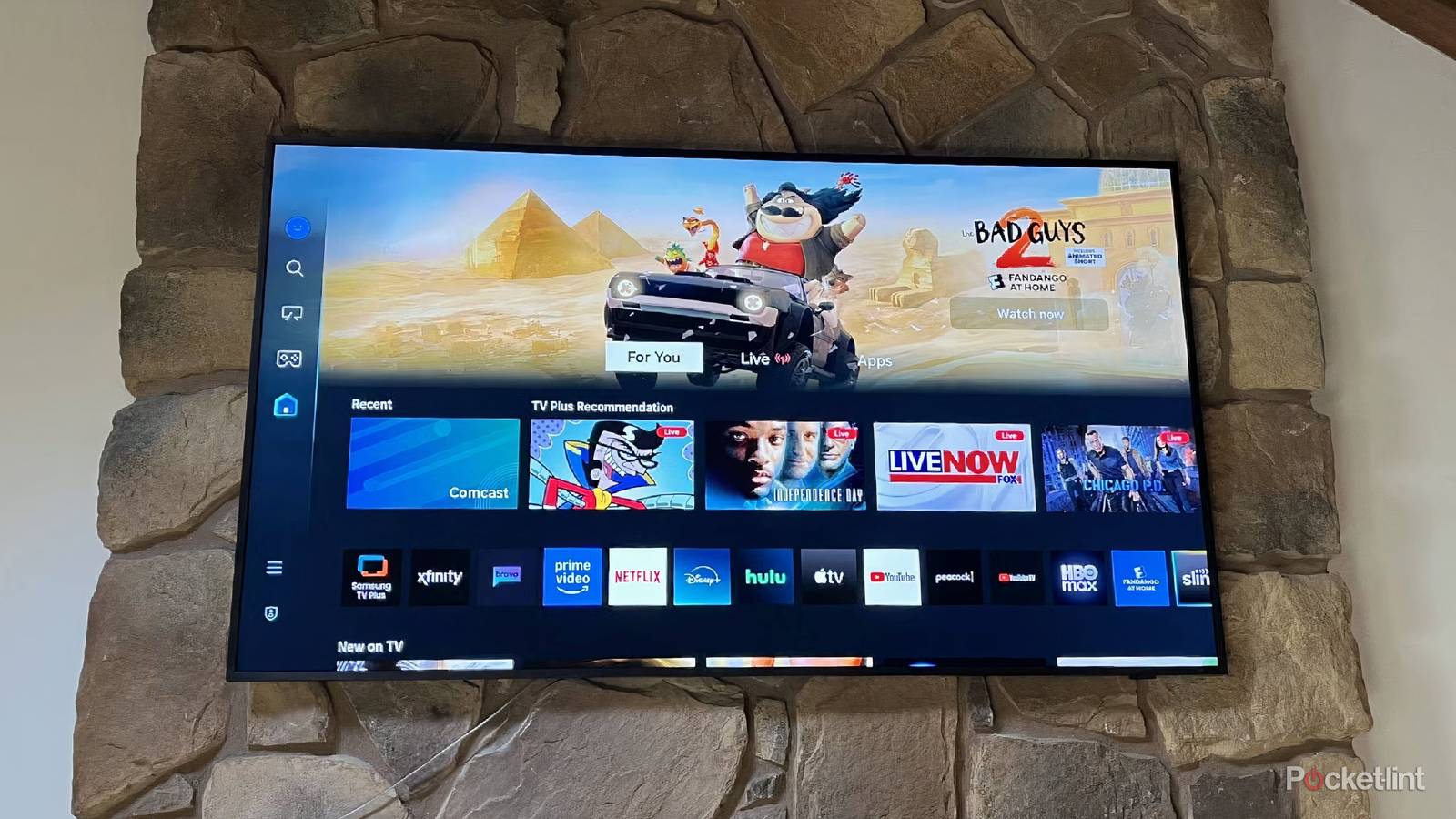
On many Samsung TVs, a feature called Automatic Content Recognition (ACR) is enabled by default. Samsung refers to it as Viewing Information Services, and it’s designed to understand what content is being displayed on your screen. That information can then be used to improve recommendations and support advertising-related services.
Samsung is far from the only company doing this, but most people have no idea the feature even exists. The good news is that turning it off only takes a minute or two.
Disable these 5 TV settings as soon as you can
Improve image quality and stop spying.
Samsung secretly tracks what you watch on your TV
How ACR works and what data it can collect

ACR or Automatic Content Recognition allows your Samsung smart TV to identify what’s playing on the screen. Unlike app-specific tracking, this feature doesn’t just look at what you’re watching inside Samsung TV Plus or another Samsung service. Instead, it can recognize content from a wide variety of sources.
That includes streaming apps like Netflix, YouTube, Disney+, and Prime Video, but it can also extend to content played on external devices, such as cable boxes, set-top boxes, and even gaming consoles.
The way it works is surprisingly simple. The TV periodically captures small visual fingerprints of what’s being displayed and compares them against a large database of movies, TV shows, advertisements, and other content. Once a match is found, the system can determine exactly what’s being watched.

That information can include what content was viewed, when it was watched, and how long it remained on screen. ACR can also collect device-related information. According to The Markup, some ACR systems can capture thousands of content snapshots per hour.
Samsung says the feature is designed to improve recommendations and other personalized experiences. By understanding what viewers watch and engage with, companies can better measure audiences, improve content discovery, and deliver more relevant advertising. And Samsung isn’t alone here. Similar ACR technology is used by a number of TV manufacturers across the industry.
Because ACR runs quietly in the background, most people don’t even realize it’s active while they’re watching TV. And while Samsung says the feature is optional, I’m personally not comfortable with my TV collecting viewing data across all the devices connected to it.
I’m especially not comfortable with that information potentially being used to help advertisers build profiles or improve ad targeting. Thankfully, you can disable ACR on Samsung smart TVs pretty easily.
Here’s how to stop your Samsung TV from tracking what you watch
Turn off Samsung’s viewing data collection in a few steps

On Samsung smart TVs, to disable ACR, you need to go into the TV settings and look for Viewing Information Services. The exact menu names can vary slightly depending on your TV model and software version, but the process is generally the same across modern Samsung smart TVs. Here’s how you can do it:
- Press the Home button on your Samsung remote.
- Navigate to Settings and select All Settings.
- Navigate to General & Privacy.
- Open Privacy Choices.
- Locate Viewing Information Services.
- Turn the setting off and select OK to confirm the change.
On some older Samsung TVs, you may find this option under Terms & Privacy instead of Privacy Choices.
Once disabled, your TV will stop sharing viewing information with Samsung. It’s also worth noting that turning off ACR won’t affect how your TV works. Streaming apps will continue functioning normally, and you won’t lose access to any core features. It’s just that your TV will stop sharing data with Samsung.
While you’re already inside the privacy settings menu, I’d also recommend reviewing any advertising-related settings. Depending on your TV model, you may find options related to personalized advertising, and turning those off can further reduce the amount of data used for ad targeting.

Your smart TV has a cache and if you’ve never cleared it now is the time
Left unchecked, a cache designed to speed things up can slow everything down.
A hidden setting every Samsung TV owner should know
On the whole, though, now that I’ve discovered this setting, it’s probably one of the first things I’d change on any Samsung TV I use going forward. It’s surprising how few people know it exists.
And while ACR is probably the biggest privacy-related setting to disable, there are several other Samsung TV settings worth tweaking as well to improve the overall experience.