


I mainly use a Windows desktop at home, and until recently, I gravitated towards my MacBook Pro when I needed a computer on the go, like traveling for work or on holiday. However, that’s all begun to change — thanks to my iPad.
When I went on an overseas trip late last year, I left my MacBook Pro at home and brought my iPad along for the two-week journey instead. Since then, I’ve found myself grabbing my iPad more and more rather than my MacBook when I’m away from home.
Aside from the iPad’s obvious portability advantage, I’ve found that many of the apps I use on my MacBook are also readily available on my iPad, work just as well, and offer a similar experience. Of course, depending on your workflow and use cases, things might be different for you, but here are five apps that have helped my iPad replace my MacBook Pro.

- Brand
-
Apple
- Storage
-
128GB, 256GB, 512GB, 1TB
- CPU
-
M4
- Operating System
-
iPadOS 26
- Ports
-
USB-C
- Display type
-
Liquid retina display
OneDrive
Easy access to all the files on my Mac and PC

Since I mostly use a Windows PC at home, I frequently rely on OneDrive for all my file storage needs instead of Google Drive. I find it more convenient, and having relied on it for so long, switching to Google Drive is out of the question for me.
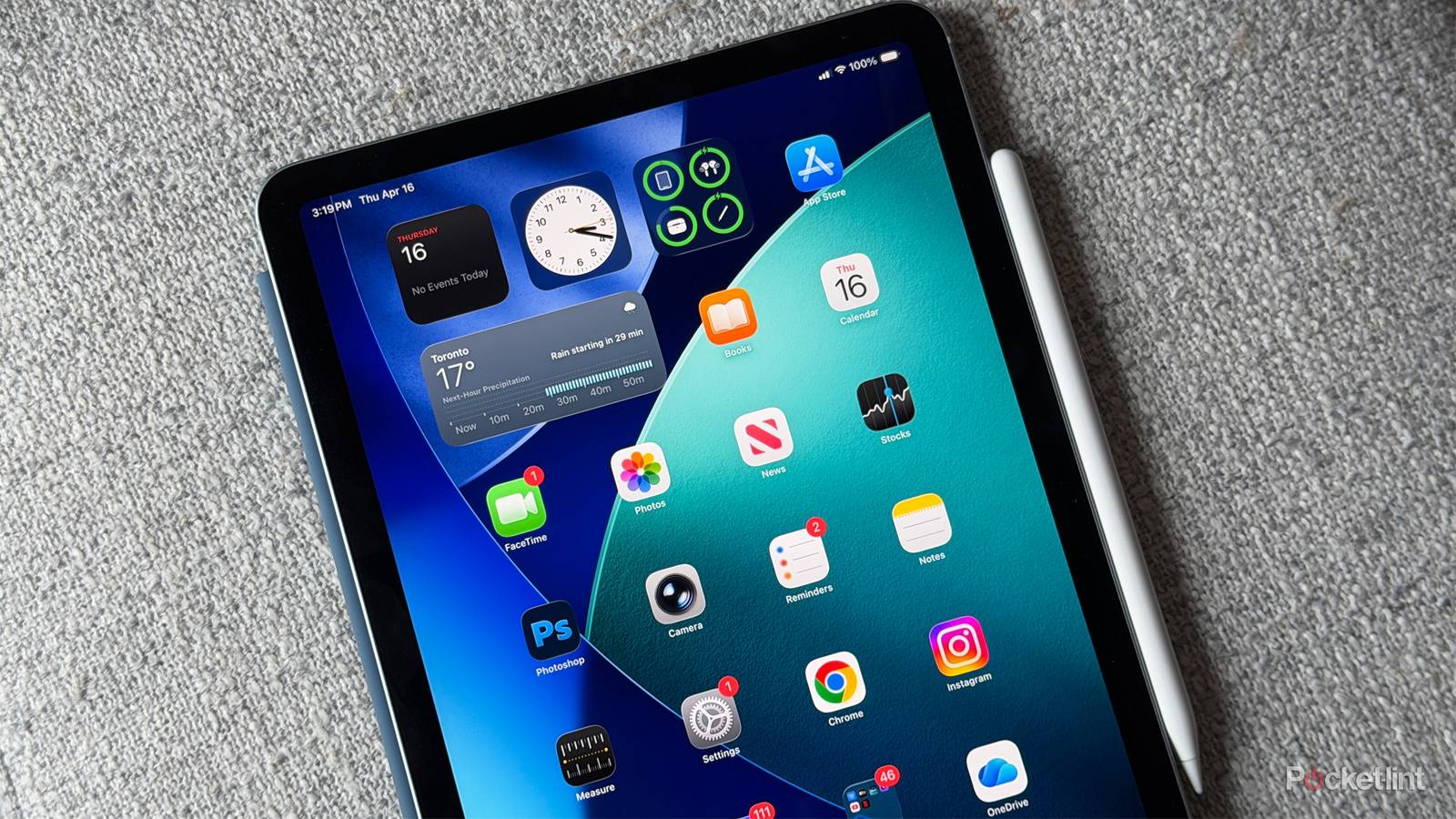
The OneDrive app on the iPad is excellent, and the user interface makes it easy to navigate all your documents, photos, and more. I typically edit PDFs on my iPad, so if I save them on my desktop PC or Mac, I can quickly pull them up to fill them out on my iPad. I also use OneDrive to transfer photos from my PC to my iPad for use with mobile editing apps like Photoshop. While my Mac also has OneDrive, I find the app on the iPad much more user-friendly since I’m not a fan of the Mac’s file explorer. You can also access your Personal Vault on the iPad if you need to view sensitive files while on the go.
If you’re on the Google side of things, the iPad’s Google Drive app is comparable to OneDrive.
small
Photoshop
Its iPad app has all the essentials

For my work, I do a lot of straightforward image editing, such as adding or removing backgrounds, cleaning up photos, and resizing them. I usually do a lot of this work on my desktop, but when I’m away from home and need to make an edit, I’ve found Photoshop on the iPad to be surprisingly reliable.
Photoshop’s iPad app offers many of the same tools found on Mac or Windows. Notably, for me, these include the Spot Healing Brush, Object Selection, Magic Wand, and the ability to apply layer effects like a stroke or drop shadow. I’m not a Photoshop expert, but if you are, you might find the iPad app more challenging to adapt to compared to the MacBook app. However, for basic edits, it’s been a fantastic tool to have on my iPad, making me less dependent on my MacBook Pro on the go.
Notability
My favorite way to take notes

I take a lot of notes and have found that using a dedicated note-taking app like Notability is far better for organization than Apple’s default Notes app. Notability offers subject areas that allow me to categorize my notes by different topics, which is convenient for me as a tech writer since there are so many devices and platforms to consider. I also have an Apple Pencil for my iPad, which makes it even easier to jot down my ideas quickly.
Additionally, Notability lets you edit and annotate PDFs, which is how I found the app in the first place. Thanks to Notability, I haven’t used Adobe Acrobat in months, and it’s just one more reason I don’t reach for my MacBook as often anymore.
You can get Notability on your MacBook as well, so if you take notes on your iPad, you can access them on your Mac.
Discord
The iPad app is very similar to the experience on Mac

Discord is one of my favorite apps, and not a day goes by that I don’t use it. There isn’t another app quite like it for connecting with friends and playing games together. I was pleasantly surprised to see how closely the iPad app resembles the macOS version. Switching between servers, managing direct messages, and even screen sharing on my iPad feel as effortless as they do on my Mac.
I’ve never liked Discord’s iPhone app, but the iPad version is significantly better. The larger display on the iPad offers an experience similar to using it on a Mac or PC. I particularly appreciate Discord’s video call capabilities, and on the iPad, it functions as smoothly as it does on my Mac. Thanks to Discord, I hardly use FaceTime anymore.
small
Google Chrome
It syncs across all my devices

Love it or hate it, Google Chrome is the biggest web browser in the world. The app features personalized news articles, quick links to your favorite sites, downloads, Google Search and more.
All my bookmarks, history, and passwords are accessible across all my devices, including my iPad, and the browsing experience is close to on par with using Chrome on my MacBook on the go. I’ve noticed that I tend to hoard fewer tabs on my iPad than I would if I were on my MacBook. Plus, if I need to see a desktop version of a site like I would on my Mac, I can easily do that in Chrome on my iPad. The biggest drawback is that you don’t have the extension support you would have on a Mac, but that hasn’t bothered me too much when I’m out and about.
A few other apps I want to give an honorable mention to are Steam Link, Microsoft Word and Apple News, all of which have increasingly made me push my MacBook off to the side in favor of my iPad.