


I’ve been using VLC media player for a long, long time.
The free and open-source (FOSS) program is undeniably powerful, capable of playing back even the most obscure media file formats on my PC without a hitch. With a massive backlog of extensions and plugins to choose from, VLC remains as indispensable a tool today as it did when it first hit the scene some twenty-five years ago.
Like many other all-time greats in the PC program space, VLC has remained largely unchanged from a user interface perspective. This is both a positive and a negative, making it a familiar experience but also a somewhat antiquated one. As someone with a massive library of digital content, VLC’s 90s-era presentation is charming but not exactly pretty.
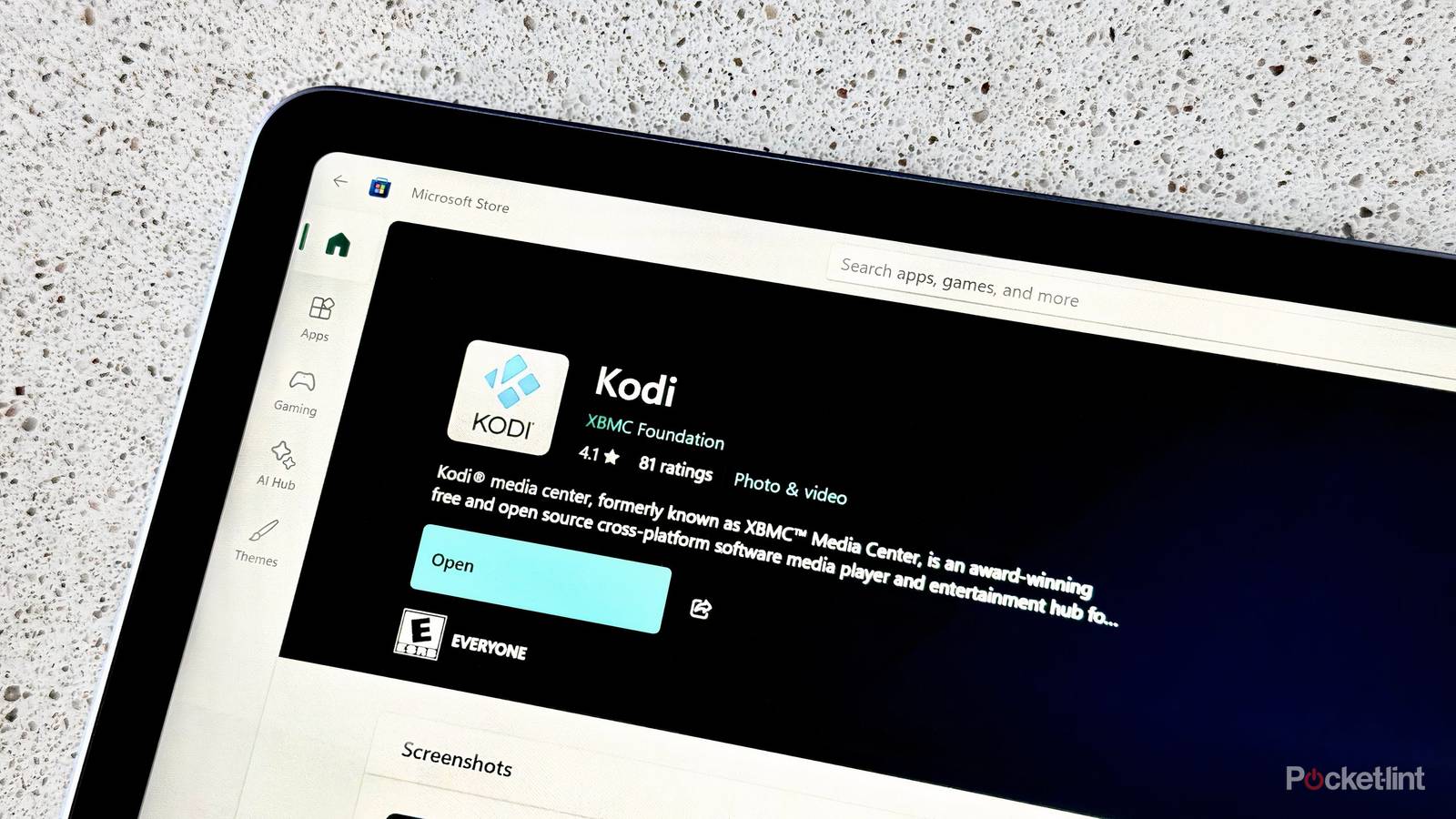
With that in mind, and with the desire to present my local content catalog in the most aesthetically pleasing and home media setup-friendly manner possible, I decided to check out another FOSS media player application called Kodi.
Kodi’s interface and setup flow are unmatched
A FOSS media player with a picture-perfect presentation

In many ways, Kodi is the media player I never knew I needed. While VLC excels at being a lightweight program for quick-and-efficient playback of audio and video files, Kodi goes the extra mile by serving as a full-blown media center suite.
Similar to Windows Media Center from back in the day, Kodi automatically organizes your files for big-screen playback, allowing you to swiftly traverse through your movies, shows, and even music in an aesthetically pleasing manner.
The program automatically organizes content for you, and it scrapes the internet for metadata and other content-specific information like plot summaries and cast details. Once it’s all said and done, everything is presented on-screen through a bespoke UI that’s designed for large-screen television sets and for TV remote-based interactions.
In many ways, Kodi is the media player I never knew I needed.
Like VLC, Kodi also supports a massive backlog of add-ons and plugins, allowing it to integrate with not only third-party streaming services like YouTube and Twitch, but also local server platforms like Plex and Jellyfin.
While I’m still new to Kodi and thus haven’t taken advantage of all of its perks, I’m so far enjoying the experience it provides. I have no trouble playing back large 4K UHD files in high dynamic range (HDR), I have no encounters with buffering or stuttering, and I find the app’s interface to be both clean and intuitive.
That being said, I do wish the Windows, macOS, and Android versions of Kodi supported each respective operating system’s native design language, and the lack of an iOS/iPadOS version of the app is a disappointing reality. Nevertheless, the program has quickly become a part of my daily life, and my home theater setup is already all the better for it.