



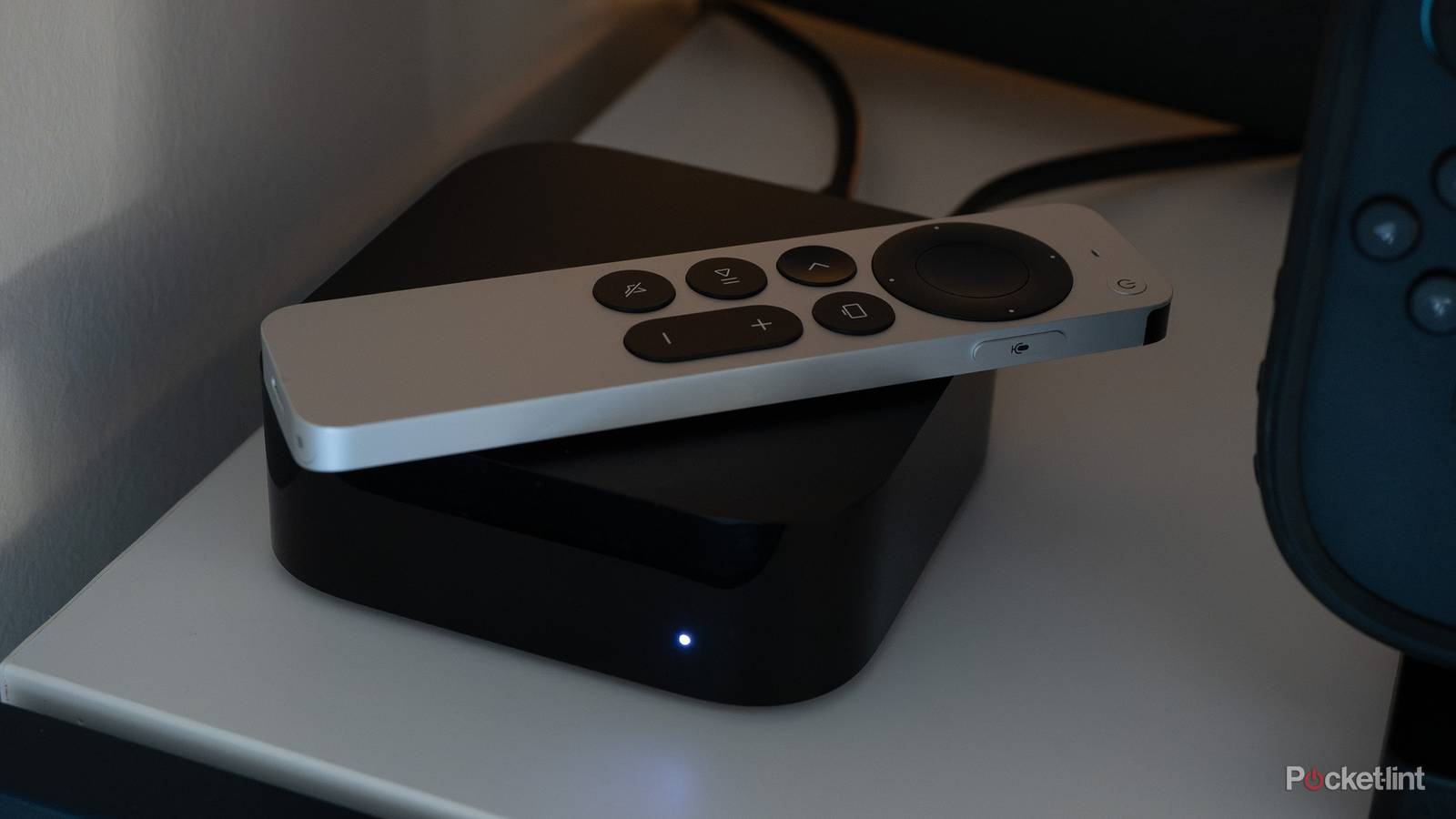
There are a lot of reasons why your devices slow down, and your Apple TV 4K isn’t immune to it. While the Apple TV 4K is my favorite of all the streaming devices, I can’t sit here and pretend that it’s perfect. I’m still using a first-gen model, so it’s nearly 10 years old. With that age comes its share of issues, and I find myself having to baby it more than I’d like. I’ve been telling myself to upgrade to the latest gen, but there have been rumors swirling about a new model for over a year now that have stopped me from doing so.
I do find myself having to force close apps more often than I’d like. That solves my problems a lot of the time, but when it doesn’t, there’s another easy fix you can try. It’s not as simple as clearing the cache, like you can do on many devices, but it’s pretty much the same thing.

- Brand
-
Apple
- Bluetooth codecs
-
5.0
- Wi-Fi
-
6
- Ethernet
-
Gigabit (128GB model only)
- Storage and RAM
-
64GB, 128GB
Give your Apple TV 4K a restart
A fresh beginning

There’s a very common bit of tech advice that goes around that is all about unplugging and plugging your device back in. As it turns out, there’s a good reason for that. Doing that does the trick for a lot of things, and your Apple TV 4K is no different. There are two ways of doing this, and the easiest one is simply pulling the power cable out of the back of your Apple TV 4K and letting it sit for 10 seconds. When you plug it back in, you’ll see it takes longer than usual, which means the restart worked.
Alternatively, you can navigate to the power settings and click restart. This is done by going into Settings, then System, and then Restart. Holding the menu button down on your remote can open up the screen too. Make sure you don’t hit the factory reset button because that’ll wipe your apps clean and make you start anew. While that’ll more than likely speed up your Apple TV, that should be treated more as a last resort.
A restart typically solves problems I come across, so it’s one of the first things I’d recommend if you’re experiencing slowdowns. It’s just an easy thing to do, and if it doesn’t work, you didn’t waste a lot of time trying it. Now, if this doesn’t solve anything for you, the problems might be a little deeper, and there’s no telling what’d fix them. In my situation, it’d be getting a new device, since nine years is quite a long time for a streaming box to stick around, even if it’s working great for the most part.
If you’re like me, you want to hang on to your devices as long as you can, especially since a new Apple TV 4K costs over $100 and hardly ever goes on sale. Knowing my luck, I’d buy the latest model and Apple would finally announce the next generation. All things considered, I’m happy with how much life I’ve gotten out of my Apple TV 4K. It still gets the tvOS updates, but it hasn’t received anything of note in recent updates. There’s no Liquid Glass, no Snoopy backgrounds, and no additional aspect ratios. It’s just a device that runs streaming services.
It works more than it doesn’t, but it’s not magic
Don’t expect it to revive your Apple TV

I found that giving my device a restart only works when the problems bogging my device down are simple ones. Restarting usually solves the issue of a device using too much storage as it lets it start with a clean slate. You can do this on most devices by clearing the cache, but your Apple TV doesn’t have a dedicated way of doing this like you see on other devices.
If your device is dirt slow or randomly shutting off, I’d say your problems run a lot deeper than what a simple restart can solve. It might be time for you to go out and buy something new, or consider giving a factory reset a try. In my experience, streaming boxes and sticks don’t just randomly die, but you’ll see them slowing down as time goes on. However, I’m usually ready to replace them with something new by the time that happens, and it’s how I end up with things like a Google Chromecast 4K sitting in a box with nothing to do.
The Apple TV 4K doesn’t really have a lot of nagging issues outside of apps freezing, so this is usually a good fix for that. Something else you might come across is a flashing black screen when switching to apps, especially YouTube videos. This was something that bugged me for years, and the only thing I had to do was turn off HDR on the Apple TV and change one of the settings to Match Content. This meant that things meant to be watched in SDR were watched in SDR, and my HDR videos were HDR.