


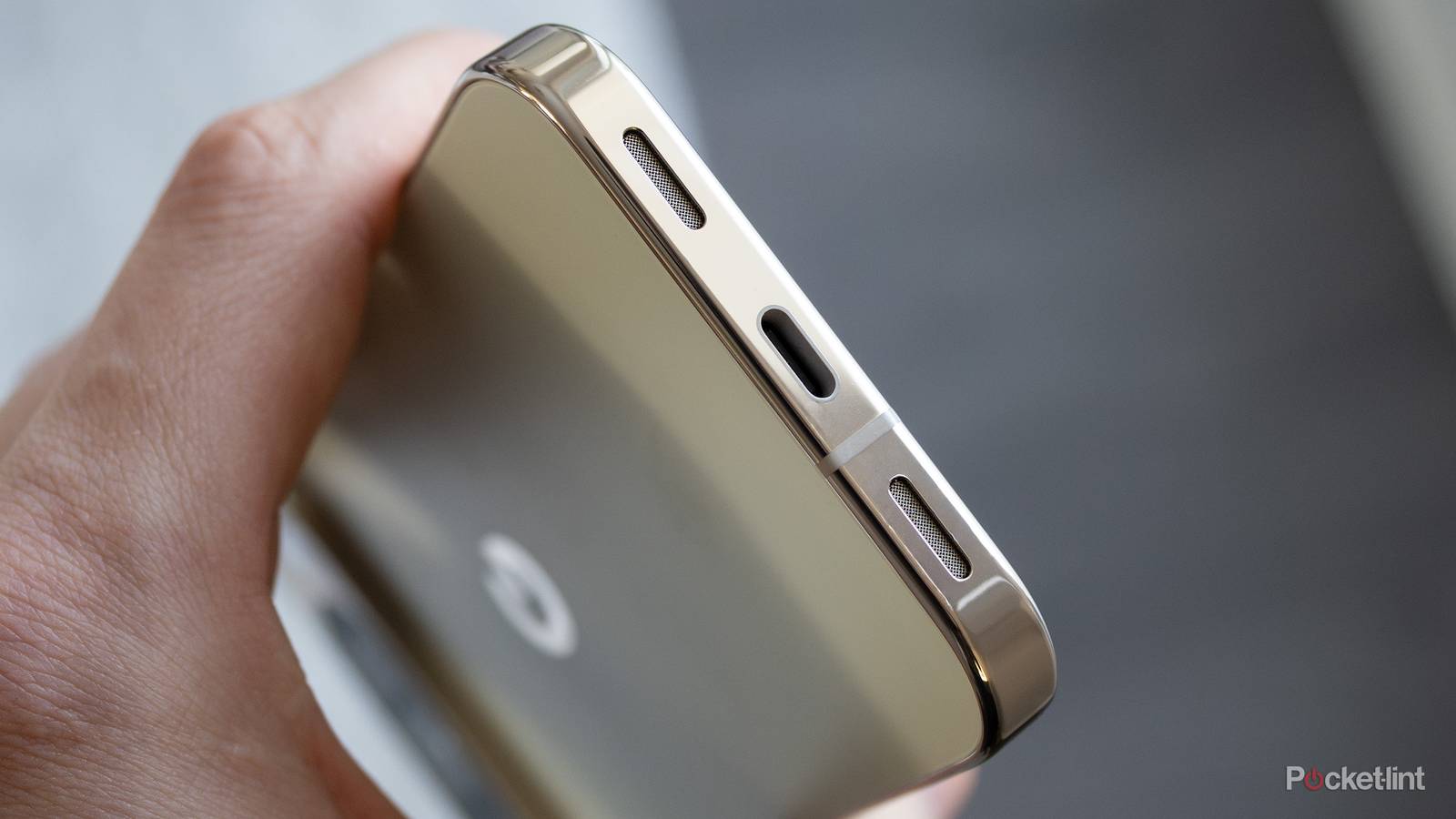
USB-C is an excellent format for many reasons. The big one for me is that I can use one cable for all my devices, at least for the most part. There are still big differences between cables, so the fact that they all look the same can actually be a big deal in many cases. No, I don’t think you have to worry about anything catastrophic, but it would be a bummer to bring the wrong cable with you on a work trip only to find out you can’t charge your laptop at all.
Since the cables look the same, you need to start learning about the different speeds on offer, and no, you don’t have to run out and get all new cables for your devices. You just need to know the difference between a USB-C cable that charges your phone and one that charges your laptop. While they both plug in your devices, they don’t work the same.
As you continue to add more devices to the mix, the chances of these cables getting jumbled together rise. You need to be able to tell the difference, and it’s something that a lot of people struggle with. In fact, it might be the biggest problem with the USB-C format today. As more and more cables get introduced into the mix, you’ll have all types of speed mismatches, and that can become very frustrating.
USB-C cables aren’t created equally
An unfortunate truth

Fast charging has been something that’s been around for a while, but not every cable does it the same way. For fast charging, you’ll typically want something 60W and up. The higher the wattage, the faster the charge. Now, your 60W cable is what you’ll see a lot with phones, and it’s perfect there. However, that same cable won’t perform as well when you charge a laptop with it. Instead of that 60W cable, you should opt for 100W, but ideally you’d want 240W. Those same cables will all charge, but the speed at which they’ll do it differs.
These cables are fully backward compatible, and while you might be afraid to plug a 240W cable into your phone, it’s perfectly safe. Your phone will only draw the power it needs, so your phone won’t explode. However, it does mean a high-speed cable goes to waste. For example, if your phone only supports 40W charging, that’s all it’ll draw from the cable, regardless of whether it’s 100W or 240W. In many ways, it’s still worth having the best cables that you can all the time, but don’t go out and replace everything just yet. If your current cable situation is working, I wouldn’t mess with it. Much like HDMI cables, the device you buy comes with its own cable. As long as you don’t lose track of what goes where, it’s not a big deal. Then again, it’s much easier to mix and match USB-C cables since those move around much more than an HDMI cable does.
My Chromebook charger uses USB-C, but it comes with an attached power brick that tells me that’s what it’s for. I also use that same cable to charge my phone, so it frees up the need to have extra cables that all do the same thing. However, I need to make sure that the Chromebook charger stays there. It’s not a huge deal since that one’s easily identifiable thanks to the power brick, but that’s not the case with each and every cable.
What’s good is that even if you have a slower-than-expected cable, it doesn’t really cost much to go out and get a replacement. A good bang-for-your-buck cable is something in the 100W range, and there are plenty of options for that. A brand I keep going back to is Anker, and you can find a 2-pack on Amazon for $13. You can get by with just about any cable, but I like to go with ones that I recognize. If a cheap cable works for you, don’t let me stop you.
You don’t need the fastest cable, but fast is good
Don’t spend more if you don’t have to

The concept of a Thunderbolt cable is great, but the reality is that most people don’t need 240W of charging power for their devices. That 100W number I mentioned earlier is much more of a sweet spot for most people. This wattage will charge your laptops and your phone, and I would wager it’s good enough for most people. If you have something a little more power hungry, like a gaming laptop, then yeah, you’ll need some more wattage.
There are a lot of different USB-C cables out there, so I forgive you if you get them confused. I was in your shoes for a long time, and it wasn’t until I sat down and actually looked up the differences that I understood why there were so many. Sure, it’d be simple if they could just make the best cable the only thing on the market, but that’s not how it works. HDMI has largely figured it out because you don’t see HDMI 1.4 cables for sale anymore, but you still get a wide range of USB-C cables of varying speeds on store shelves.
My advice is the same as it is with most cables — just use what comes with your device. I don’t see why the manufacturer would ever lead you astray, so just use what came in the box. If in doubt, grab a nice USB-C cable from Amazon and call it a day.