


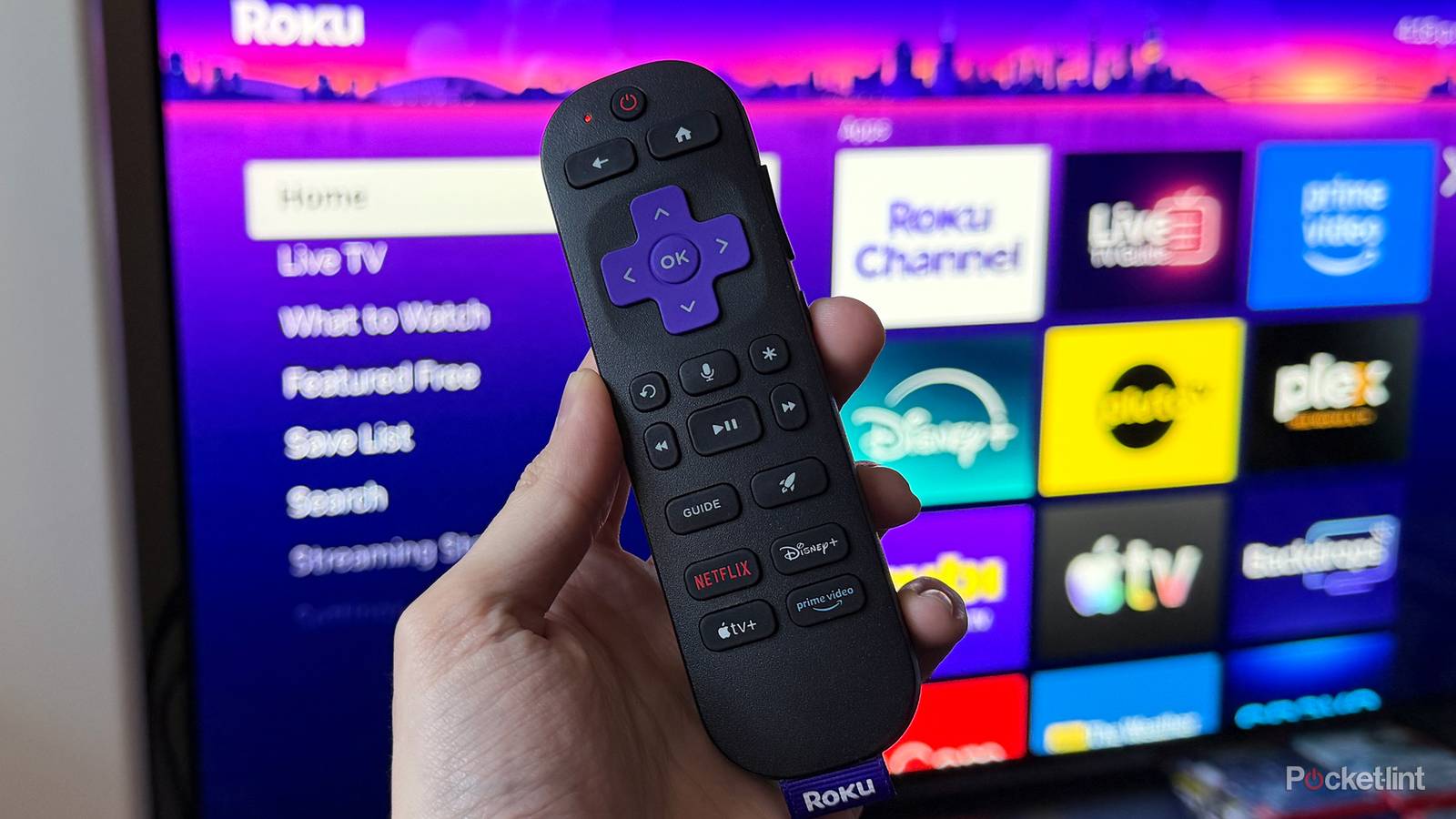
Roku is easily one of the most recognizable names in streaming, thanks in large part to its lineup of affordable streaming devices and Roku TVs. It also helps that the company offers one of the biggest libraries of free, ad-supported streaming content around through The Roku Channel.
While I don’t agree with everything Roku has done — especially when it comes to ads — I’ll give the company credit where it’s due: it’s made the streaming experience on both the Roku Ultra and the Roku Streaming Stick Plus I use in my house every day really enjoyable. And another thing Roku deserves lots of credit for, much like platforms such as Google TV and Fire TV, is its steady stream of updates.
Sometimes these updates are easy to spot, while other times they’re more behind the scenes. Last year, Roku rolled out Roku OS 15, which added features like Bluetooth audio support to its new streaming sticks and improved HDR10+ and Dolby Vision performance. Recently, Roku also rolled out a substantial update that added one of my favorite features in a long time: a search function for the live TV guide, making it much easier to find the free live TV channel you’re looking for.
Now, Roku is back at it again with another major free update, Roku OS 15.2. Like some past updates, this one is more focused on behind-the-scenes magic than on new front-facing features. But don’t let that disappoint you; this update is heavily focused on one thing that should make many users happy: performance.

- Brand
-
Roku
- Operating System
-
Roku OS
- Downloadable Apps
-
Thousands
A slim plug and play streaming stick that includes 4K/HDR support and includes a voice remote.
Roku OS 15.2 is all about optimization
It gives developers more tools to help make their apps run faster

Roku OS 15.2 is rolling out now to compatible Roku streaming devices and Roku TVs. While you may not have noticed it on your device yet, the update brings several behind-the-scenes improvements designed to help your Roku run faster. It also introduces new tools developers can use to better optimize their apps for Roku OS.
According to Cord Cutter News, some of the standout improvements in this update include smoother menu navigation, faster app launch times, and improved multitasking capabilities. In other words, your Roku device should now open apps more quickly and handle multiple apps and the operating system more smoothly, leading to a snappier overall streaming experience.
…behind the scenes, it’s got a lot going on for developers that should, in the long run, help improve performance for all Roku apps.
For app developers, Roku OS 15.2 includes several new tools designed to help identify and improve app performance. One of those is Roku’s Perfetto-based app tracing tool, which has been enhanced in Roku OS 15.2 to give developers a better understanding of which parts of their app consume the most system memory, so they can fix it.
Developers can also now integrate a new “chanperf” command into their app monitoring tools, which provides access to “raw Linux CPU and processing statistics.” Roku says in its release notes that “Developers can use this data in their own monitoring and debugging tools to optimize app performance.” In non-developer lingo, this means developers can use this command to track and identify ways to make their apps run better, which in turn means faster, more responsive apps for us users.
So while Roku OS 15.2 might not have any new features you can use on your Roku right away, behind the scenes, it’s got a lot going on for developers that should, in the long run, help improve performance for all Roku apps. Which certainly isn’t a bad thing, in my view.
How to update your Roku
Get the latest performance improvements on your device

Roku devices usually update automatically when a new update is available, but if you want to check whether your Roku is ready to update to Roku OS 15.2 as soon as possible to take advantage of any performance improvements, it’s easy to do. Here’s a step-by-step guide that applies to both Roku TVs and streaming devices (like the Roku Streaming Stick and Roku Ultra):
1. Press the Home button on your Roku remote.
2. Choose the Settings tab on the home screen.
2. Navigate to System > Software update.
3. Select Check Now to scan for updates. If an update is available, it will download, and your Roku will eventually restart to install it.