


Projectors are the best way to inject whimsy into a regular old movie night. They aren’t nearly as convenient as a normal screen, but casting a huge picture on a wall feels much more magical than your standard OLED smart TV. The intention is to create your own movie theater in a place without a formal silver screen, and it’s enough to send a group of kids (or even adults) into a fit of excited giggles. It’s just different.
But if you’re hosting, you know how annoying using a projector can actually turn out to be. You have to deal with HDMI cords, connected devices, powering those devices, or even just the projector’s built-in interface. My Dangbei N2 mini runs on Linux — which, arguably, isn’t too shabby — but it isn’t nearly as familiar or fun as my Roku Streaming Stick 4K. Unfortunately, nothing beats Roku City in my book.
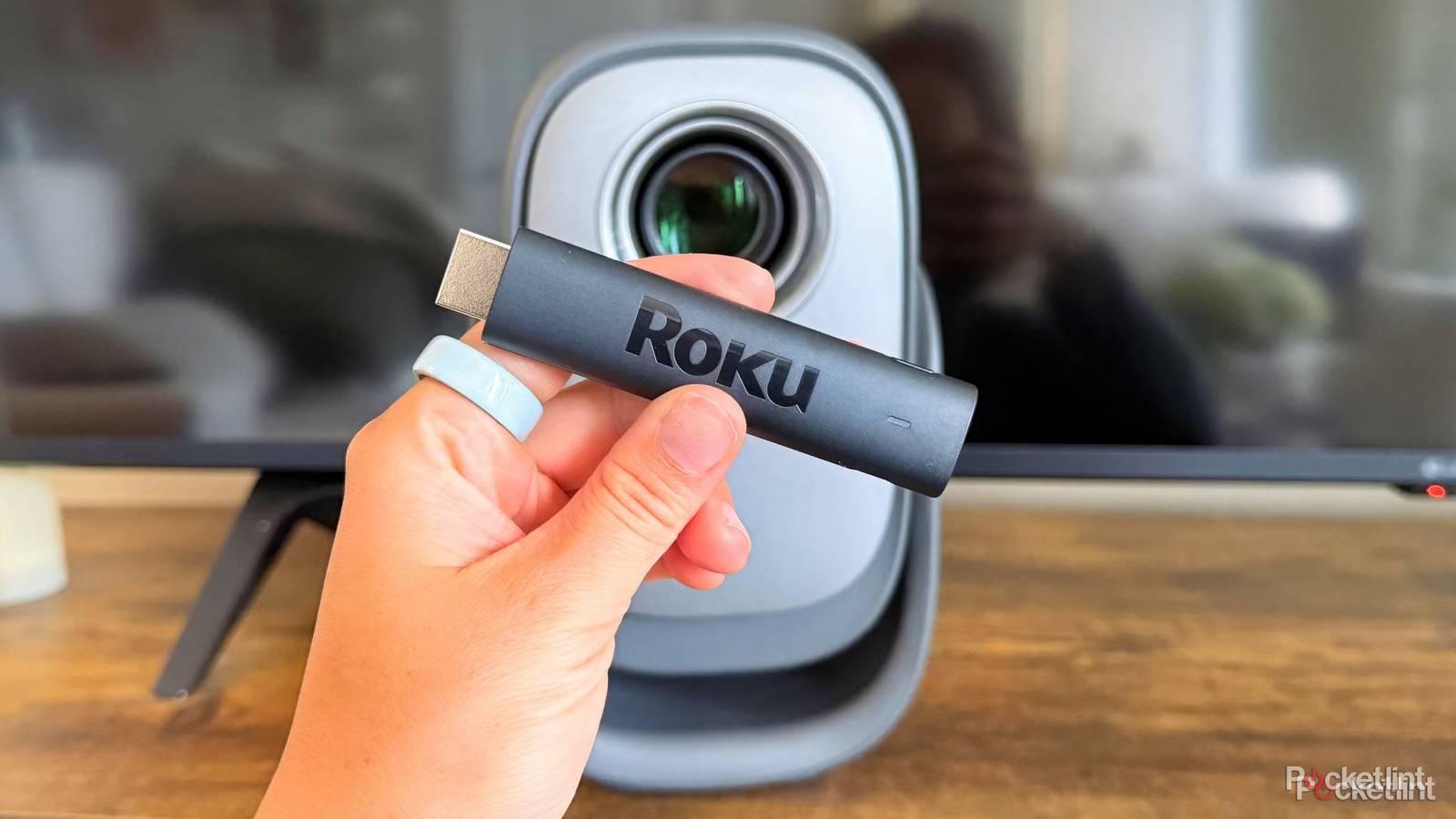
The other day, after rolling my eyes at the boring blue Linux projection, I had the bright idea to yank my Roku out of my LG TV and stick it in the N2 mini. It instantly loaded my favorite purple screen, and drastically improved the setup I already loved (inconvenience and all). If you have an old Roku Stick rotting in a drawer somewhere (that isn’t expired yet), here’s why I think you should plug yours into a projector.

- Connectivity
-
HDMI
- Misc.
-
Works with Alexa, Works with Apple AirPlay and HomeKit, Works with Google Home, Works with Roku Smart Home
- Remote
-
Yes
- Video
-
HD, 1080p
A streaming stick makes a projector feel less like a gadget and more like a TV
Familiarity without stealing the fun

Before plugging in my projector for the first time, I’d never used Linux OS on anything before. It wasn’t a hard learning curve, but it definitely wasn’t as organized as my Roku’s interface, which I had already spent some time customizing. Most importantly, it didn’t have all the streaming apps I wanted already downloaded. And one thing about me: if I’m plugging a gadget in, I want to be able to use it right out of the box — I’m not a fan of setup processes. Even new Apple devices take too long for me.
Another huge perk of using my Roku in my projector is the remote situation. I usually use my projector to watch movies in bed (since I don’t have a TV in my bedroom), and the last thing I want is another remote tainting my space. Instead of another remote, I can just use the Roku app on my phone to control the picture on the projector, easy-peasy.
The projector gives me the screen, and the Roku gives me the living room ease of controlling it.

- Brand
-
Dangbei
- Native Resolution
-
1080p
- ANSI Lumens
-
200
The N2 mini projector is a fantastic entry-level device perfect for movie nights and users who don’t want steep learning curves to host one.
It’s a free upgrade
Especially if you have an older model that needs a new life

Streaming sticks from companies like Roku and Amazon are celebrated for their affordability. That low price point makes it easy to jump at every new model that hits the market, so there’s a good chance many users have an older generation or two rotting in a drawer somewhere. If you don’t have another TV to plug it into, a projector is a perfect designated HDMI home for it.
Knowing a Roku is plugged into a projector automatically creates less friction when you think about using it, too. At least for me, knowing I don’t have to deal with some obscure native operating system or onslaught of cables makes plugging it in for a casual movie night much easier.