


With how expensive streaming services are these days, it’s no surprise that more and more people are turning to free, ad-supported alternatives like Tubi, Pluto TV, and Google Freeplay. These latter services might serve a hearty heaping of ads, but they don’t cost a penny, and they offer thousands of shows, movies, and live TV channels to boot.
One such free, ad-supported streaming service that’s made a name for itself in recent years is The Roku Channel. From the makers of Roku-branded streaming sticks, set-top boxes and affordable television sets, the Roku company has been quietly building out a full-blown internet streamer of its own, helping to facilitate a new subscription-free (and thus worry-free) content consumption era.

- notable shows
-
2 Broke Girls, Billions, Mary & George
- Originals
-
Yes
- Live TV
-
Yes
- Price
-
Free
- Ad plans
-
Ads included
How to get free live TV on your Roku streaming stick or set-top box
The Roku Channel is your one-stop shop


- Developer
-
Roku
- Subscription cost
-
No
You can connect Roku’s mobile app to your Roku streaming device and use it as a backup remote.
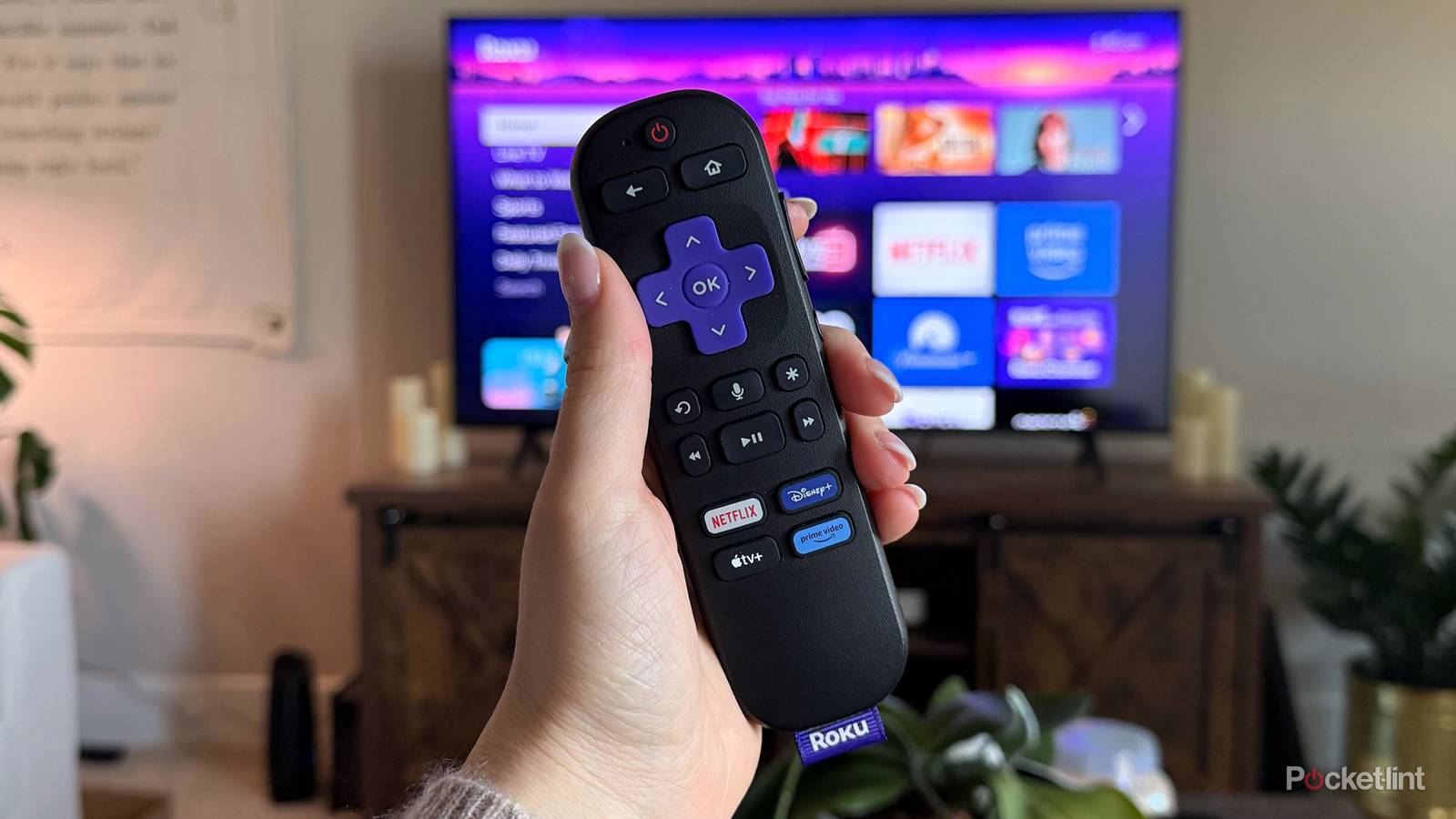
If you happen to own a Roku-branded piece of streaming equipment, then you have built-in access to The Roku Channel at all times. The Roku Channel curates movies, television shows, and live broadcasts all under a single roof, with live, all-day, every-day access that doesn’t require a paid subscription.
To access The Roku Channel on your Roku streaming stick, set-top box or TV, simply press the Home button on your Roku remote, and then navigate to Apps > The Roku Channel. If, for any reason, the app isn’t already installed, it can be found via Home > Streaming Store > The Roku Channel > Add app.
How to get free live TV without first-party Roku hardware
All you need is a Roku account

As it turns out, Roku has gone a step further by making The Roku Channel available on essentially all third-party platforms. You can access the service and its massive catalog of free content through either a web browser on PC (Windows, macOS, Linux), or through Roku’s official application on mobile (Android, iOS, iPadOS).
To access The Roku Channel on your desktop or laptop computer, simply visit https://therokuchannel.roku.com/ to get started. On mobile, visit the Google Play Store or the Apple App Store to download the Roku app on Android and iPhone/iPad, respectively.
Note that while The Roku Channel is accessible using first-party hardware in several markets, access to the service through non-Roku equipment is currently limited to the United States.
While streaming live content from The Roku Channel is free across all operating systems and web browsers, it does require you to sign up for a Roku account as a prerequisite. Luckily, setting up a Roku account is painless and doesn’t require inputting any credit card details. Once you’ve completed the sign-up process, it’s off to the races — you’ll be able to stream countless hours of live TV to your heart’s content.