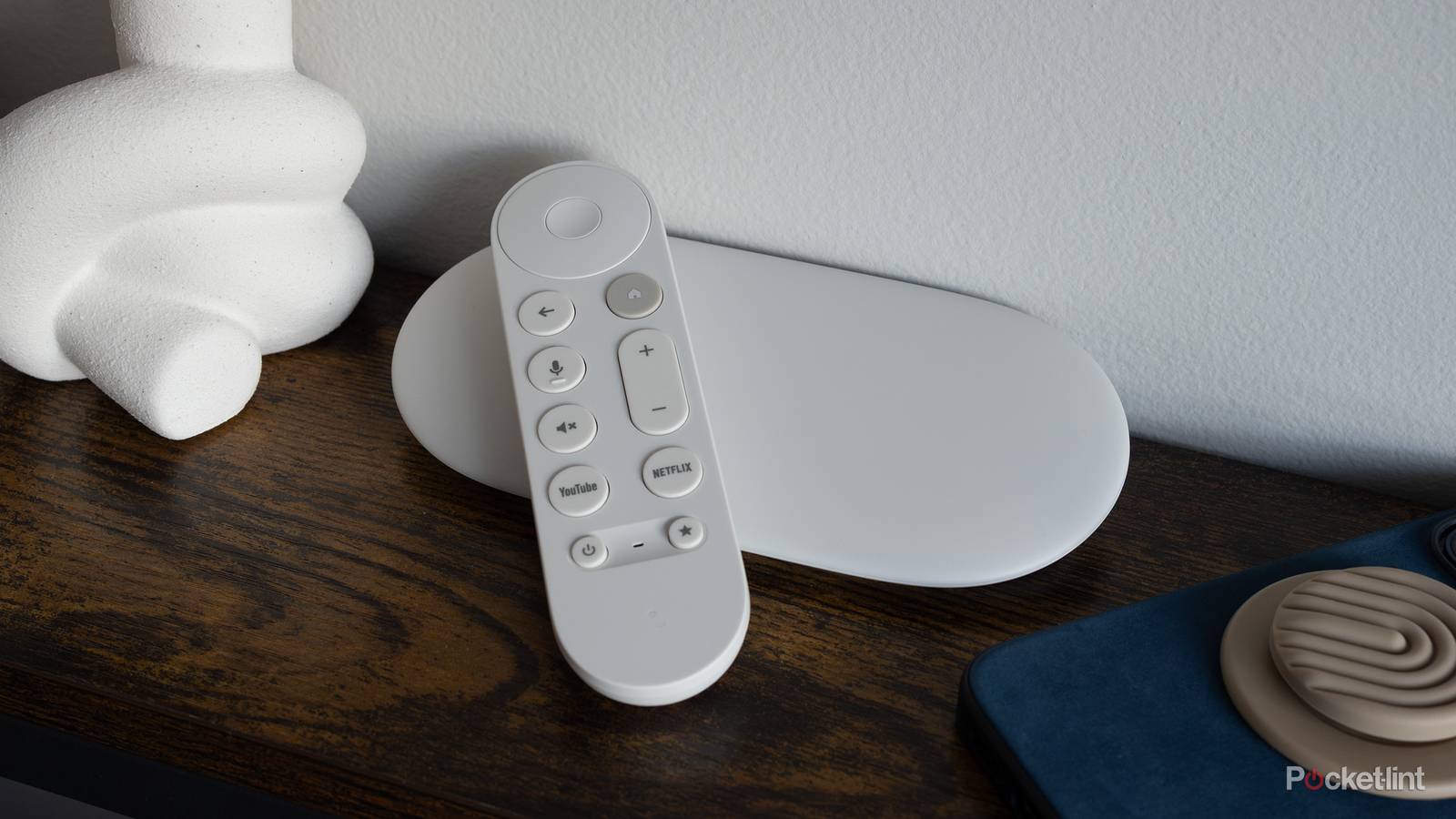
I love my Google TV Streamer. It’s a simple and approachable set-top box with the power of Android under the hood, and the similicity of Google’s software design over top of it. With access to the Google Play Store, there are countless streaming apps and services available to choose from on the Streamer, encompassing just about every movie and TV genre under the sun.
Sometimes, however, I just want to stream some content without the headache of signing up for a new service, entering my credit card details, or worrying about recurring payments. That’s where Google’s underappreciated Freeplay service comes into, well, play. Google TV Freeplay is a free ad-supported streaming TV (FAST) channel service, hosting over 250 live channels and counting.
Of course, you don’t need to be using the Google TV Streamer to enjoy Freeplay’s catalog of content — any Google TV device will do the trick, whether it be an older Chromecast, or a television set with the operating system built into it (manufacurers like TCL, HiSense, RCA, and Sony all ship their television sets with Google TV out of the box).

- Dimensions
-
6.4 x 3 x 1-inch
- Connective Technology
-
Wi-Fi, Bluetooth
- Brand
-
Google
- What’s Included
-
Remote
- Bluetooth codecs
-
Bluetooth® 5.1
- Wi-Fi
-
Wi-Fi 802.11ac (2.4 GHz / 5 GHz)
The Google TV Streamer is a streaming device designed to support the latest video and audio technologies with AI integration and smart home control.
How to get free live TV on your Google TV device
A rather frictionless experience

FAST channel services are continuing to grow in popularity, with the likes of Tubi, Pluto TV, The Roku Channel, Plex, and MyFree DirecTV providing free access to movies and TV shows without any added commitments or financial considerations to worry about. Google Freeplay is quickly making a name for itself as a viable FAST channel contendor with its hundreds-strong catalog, it’s ease of use, and its sheer convenience.
Note that at the time of writing, Freeplay itself is exclusively available in Google’s domestic market of the United States. In other jurisdictions, the Live tab within Google TV will agregate various FAST channels from third-party service providers, instead.
To access Google Freeplay, simply power on your Google TV Streamer of other Google TV device, and then tap on the Live tab located near the top of the home screen. From here, you can easily browse through live channels via a cable guide-style menu, and filter through content based on your preferences. There’s no need to enter a seperate application to access Freenow, as its channels are organically embredded within the Google TV platform’s user interface.
What channels are available on Google Freeplay?
The service now provides access to over 250 live channels

As mentioned, Google Freeplay is now home to over 250 live and free FAST television channels. A full list of available channels can be found by visiting Google’s official support website. Broadly speaking, the service offers channels encompassing the genres of enterainment, sports, news, music, cartoons, dramas, game shows, in addition to a variety of movies.
Google doesn’t comment on the availability of upcoming shows, movies, and channels, but it’s fair to assume that Freeplay’s rotation is subject to dynamic rotations over time. In other words, as with other FAST streaming services on the market, individual channels may come or go based on the time of year, on seasonal themes, on licencsing contracts, and on various other industry factors.