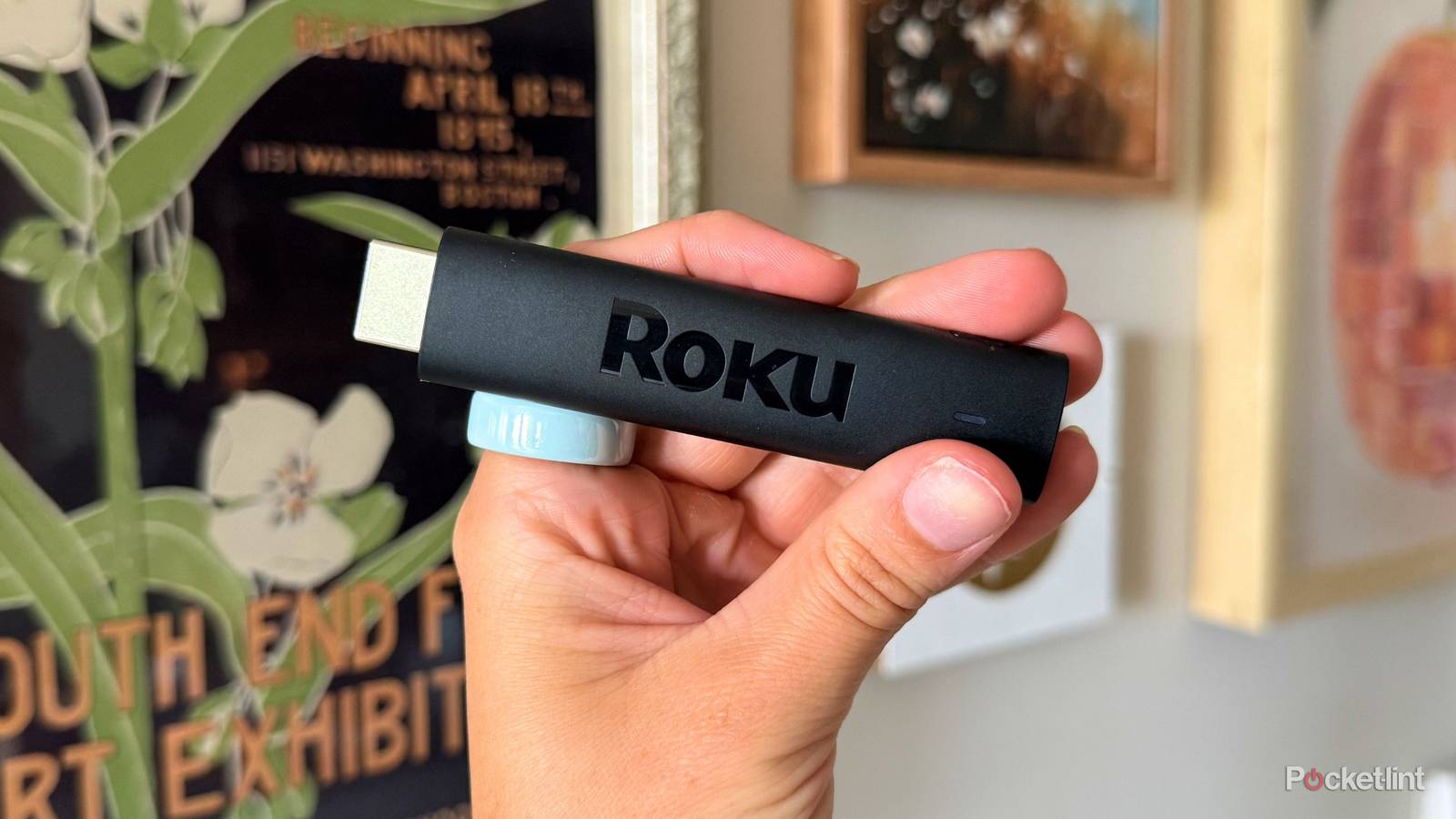
The big streaming players seem to be dropping new devices left and right, making it borderline impossible to keep your paws on the newest versions of any streaming stick, affordable or not. That is, unless you have an Apple TV 4K, which hasn’t seen a new model in four years.
Streaming devices from affordable companies like Roku are almost too easy to upgrade when a new version comes out, which probably means you have a couple of those special HDMI sticks rotting in a drawer somewhere. If you have one that still works, there’s no reason why it can’t get a second life, or — at least — avoid ending up as e-waste in a landfill somewhere.
Here are five smart things you should do with your old Roku Streaming Stick instead of tossing it in the trash.

- Connectivity
-
HDMI
- Misc.
-
Works with Alexa, Works with Apple AirPlay and HomeKit, Works with Google Home, Works with Roku Smart Home
- Remote
-
Yes
- Video
-
HD, 1080p
Plug it into another TV
In the guest room, basement, etc.

TVs aren’t as expensive as they used to be, and most home setups typically have more than one nowadays. If your house has a guest bedroom or even a basement with a TV that doesn’t see consistent use, it’s the perfect candidate for your old Roku. As long as you aren’t relying on the best, top-notch experience for that TV — say, like you would in the main living room — the people watching on those extra TVs aren’t going to need the most elite streaming device.
They’ll enjoy the basic apps and free channels just fine in their alone time, if they turn the TV on at all.
Keep it for a projector
Novelty movie nights made easy

This is my favorite way to use my old Roku Streaming Stick — my Dangbei N2 mini projector has an HDMI port that I plug it into, which I use much more often than the default Linux operating system. Plus, the familiar interface is so much easier to navigate.
This way, you don’t have to drag a laptop outside or leave it sitting on a table or floor to get a movie up and running. Not only does it pose a risk to the laptop, especially if people are moving around it for popcorn refills or mingling, but plugging in a whole other external device is distracting and incredibly clunky — definitely not the vibe of an organized evening.

- Brand
-
Dangbei
- Native Resolution
-
1080p
- ANSI Lumens
-
200
Sell it online
Facebook Marketplace is your best friend

When something useless is taking up valuable real estate in my apartment, the first place that sees a listing is Facebook Marketplace. Selling it online is the best way to squeeze a little cash out of it if you don’t want to squeeze any more use from it. If you don’t know anyone in your life who would be willing to take it off your hands, someone online is bound to make you an offer — just know that older models probably won’t fetch the highest prices, especially since online buyers are more privy to negotiating it down even more.
You get a little money, the buyer gets a streaming stick for cheap, and the stick itself avoids becoming e-waste for just a little while longer. It’s a win-win-win.
You can also list your old Roku on other sites like Craigslist, eBay, or other local buy/sell/trade groups. Just make sure you’re practicing safe selling and avoiding scams.
Give it to someone else
Friends, family, neighbor, etc.

If you truly can’t find another TV, projector, or buyer online willing to squeeze out a little use from your Roku stick, there’s another way to pawn it off to someone else: give it away for free. There usually aren’t many logistics involved — like payment apps, negotiations, etc. — involved besides communication, so it’s the lowest-effort and least wasteful option. Plus, it can qualify as a win-win good deed of the day.
Students in a college dorm or apartment setup are especially likely to jump on a hand-me-down streaming device if you’re offering. Just make sure to factory reset it and remove it from your account before you hand it over to its new owner.
Recycle it (the right way)
There’s a special process, but it’s not hard

I know — the trash can is right there. It would be so easy to toss the old tech into it if none of the options above are speaking to you, but streaming sticks are e-waste. That means they’re part of a group of trash with potentially toxic materials like mercury or lead that could contaminate the environment if not properly handled. E-waste sometimes also has valuable substances inside, like gold, copper, or lithium, that can be collected for reuse. So, you don’t want to ship any tech to a regular landfill right away — including your streaming stick.
So how do you dispose of your streaming stick properly if you really do just want to throw it away? Some stores offer e-waste recycling services for free, like Best Buy. If you don’t live near one, you can also mail it in or check out your local e-waste recycling centers. Roku even has its own take-back and recycling program depending on what state you live in.