



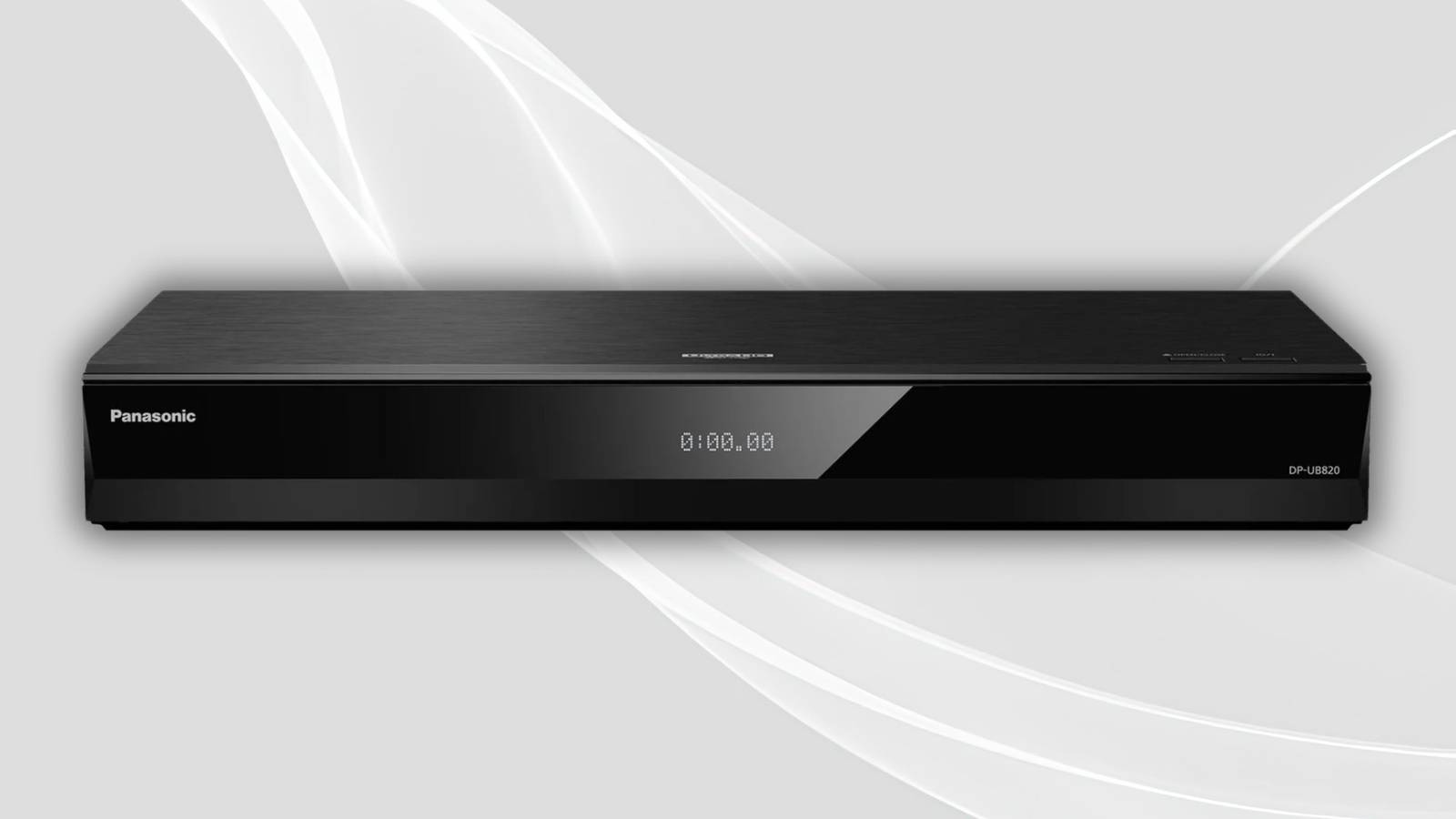
If you’re like me and are becoming increasingly jaded by today’s ecosystem of steaming services, non-stop subscription costs, and lack of media ownership, then the solution might just lie in the past. Indeed, physical media remains a viable alternative in 2026, so much so that it’s seeing something of a resurgence in popularity.
In looking to recalibrate yourself towards yesterday’s world of physical media, optical discs are undoubtedly the way to go. Within the world of optical-based data storage, the one medium that stands well above the rest is the 4K UHD Blu-ray format. 4K Blu-ray takes all the benefits of physical ownership, and combines them with high storage density, high fidelity multimedia, and a grab bag of extra audiovisual bells and whistles.
Of course, there are a variety of 4K UHD Blu-ray players out on the market, even in the streaming-centric contemporary market of today. Here are three major feature sets that I’d recommend looking for when shopping for a new player, as to maximize the quality of your movie and TV show watching experience.
HDR10 + Dolby Vision
For high dynamic range

High dynamic range — or HDR for short — is an image and video technology that improves the color and contrast of a given picture. There are a lot of under-the-hood technical specifications that go into making an image HDR-ready, but the main thing to know is that HDR content benefits from deeper blacks, brighter whites, and more realistic visuals on the whole.
There are several different HDR formats out on the market, but for the purposes of 4K UHD Blu-ray player compatibility, I’d recommend looking for native HDR10 and Dolby Vision support. The former is the baseline standard for HDR, while the latter is a more advanced technology that makes frame-by-frame adjustments to picture quality.
It’s important to note that in order to enjoy an HDR media experience, you’ll need more than just a compatible player. You’ll also need a television or display panel capable of producing an HDR image, an HDMI or other data cable capable of pumping enough bandwidth through its pipes, and content itself that’s encoded for the AV standard in question. As a general rule of thumb, not all 4K UHD Blu-ray discs are HDR compatible, but all HDR compatible optical disks are of the 4K UDH Blu-ray variety.
DTS:X + Dolby Atmos
For surround sound

The term 4K UHD Blu-ray is a bit of a misnomer, as it doesn’t fully represent the breadth of improvements and extra audiovisual features the standard includes over its regular Blu-ray format predecessor. While higher 4K UHD resolutions and HDR compatibility are the highlights on the video side of the equation, audio tech is also significantly bolstered when compared to HD Blu-ray.
DTS:X is an object-based 3D sound technology that adds a surround sound effect to properly encoded media, allowing sounds to feel as though they’re moving around you in 360-degree space. Dolby Atmos is also an object-based surround sound system, though it works through different technological mechanisms to produce its audio effect.
As is the case with HDR, not all 4K UHD Blu-ray discs are compatible with DTS:X or Dolby Vision. You’ll have to cite the product details of a given physical movie disc for definitive tech specs, and, of course, you’ll also need a speaker system that’s compatible with surround sound or with spatial audio to truly benefit from a more immersive sonic experience.
USB + Ethernet + analog audio out
For I/O flexibility

When picking out a 4K UHD Blu-ray player, I recommend selecting one with an adequate selection of I/O ports. USB Type-A ports can come in handy for plugging in digital media files via a USB thumb drive, an SSD, or an HDD, all while avoiding the need to use your TV’s built-in ports. An Ethernet port, meanwhile, will allow you to hard-wire your internet connection, which could result in less buffering in the off chance you decide to stream a show from your player (all modern 4K UHD Blu-ray players ship with their own operating systems and access to streaming platforms).
Last but certainly not least, there’s optical audio. Also known as TOSLINK, optical audio allows for a hard-wired digital audio connection within your home theater setup, and it allows you to hook up your 4K UHD Blu-ray player to your TV, to an AV receiver, to a digital-to-analog converter (DAC), to a sound bar, or to a full-blown 5.1 channel surround sound system. An optical connection is generally more stable and reliable than, say, Bluetooth, and it’s fortified against electromagnetic interference that can sometimes impact other types of cables.