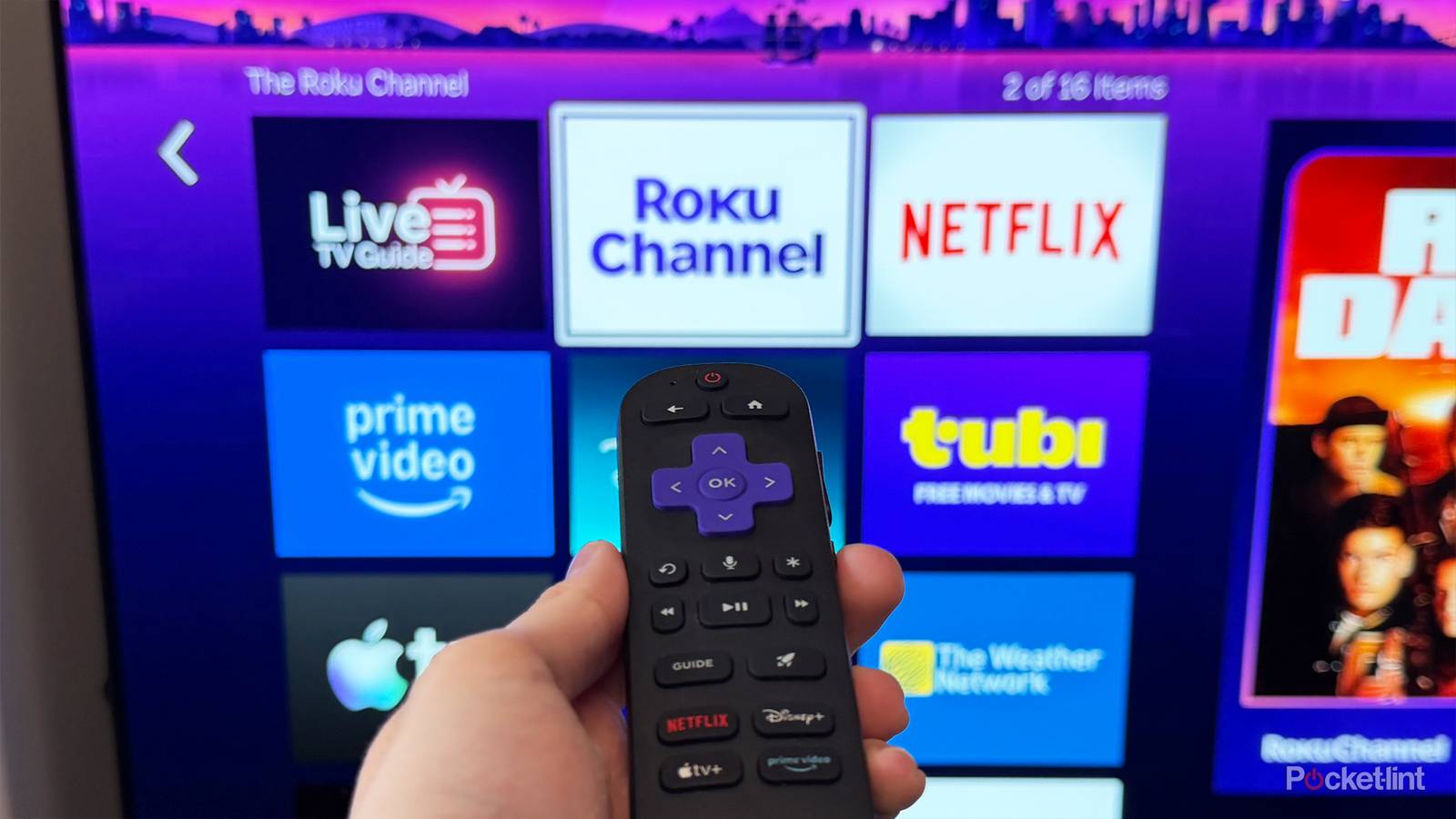
Whenever I look at the news and read yet another story about a streaming service raising prices, it’s hard not to think about the good old days when streaming wasn’t that expensive. When I signed up for Netflix for the first time back in 2014, it was $12 a month for 4K streaming, and now, 12 years later, it’s nearly $30. Though, as the cost of streaming has risen, cheaper ways to stream have gained popularity, such as FAST (free ad-supported TV) apps, and no doubt one of the best is The Roku Channel.
I’ve been watching The Roku Channel a lot lately, and one of the main things that keeps me coming back is that it has over 500 free channels to watch, and its list keeps growing. Roku tends to add new free channels almost every month, and the past few months have been no exception, with new additions in January, February, March, and April. Now, just before the calendar flips to May, Roku is back at it again, adding over 30 new free channels, this time with a focus on classic TV series and fan favorites (via Cord Cutter News).
Some of the highlights include 24/7 channels for The Red Green Show, The Tonight Show, Baywatch, The Dick Van Dyke Show, Home Improvement, and the Saturday Night Live Vault. There are also a few other popular classic series, like Stargate Atlantis, Doctor Who, and Saved by the Bell.
You can check out the full list of new free channels that are available now on Roku below:
- Baywatch
- Bones
- Cheaters
- Doctor Who
- Emergency!
- Grit Extra
- Heartland
- Home Improvement
- In the Heat of the Night
- Lassie
- Leave It to Beaver
- Little House on the Prairie
- MST3K
- Murder She Wrote
- My Wife & Kids
- Out California Way
- PBS Antiques Roadshow
- Rawhide
- Saturday Night Live Vault
- Saved by the Bell
- Stargate Atlantis
- Supermarket Sweep
- That Girl
- The Beverly Hillbillies
- The Carol Burnett Show
- The Dick Van Dyke Show
- The Goldbergs
- The Joy of Painting
- The Lone Ranger
- The Tonight Show
- The Red Green Show
- This Old House
- Universal Westerns
- Unsolved Mysteries

- Brand
-
Roku
- Operating System
-
Roku OS
- Downloadable Apps
-
Thousands
How to find and favorite free channels on your Roku
You search for channels and add them to your favorites

To check out any of the channels listed above for free, you can find them all within the Live TV Guide in The Roku Channel app. If you have a Roku device, such as a Roku TV, Roku Streaming Stick, or Roku Ultra, you can easily open the Live TV Guide on the home screen by navigating to the Live TV tab.
Once you’ve opened the Live TV guide, you’ll notice the different channel categories on the left-hand side of the screen, such as Entertainment, Sports, Classic TV, Game shows, and more. To find any of the new channels, you can scroll through these categories, but I’d recommend just using the search feature, which you can find in the list of category options (as you can see in the image above).
When you select search, you’ll be able to type in the name of the channel you’re looking for, or you can even use your voice to search for it, and it will immediately appear.

Additionally, what I like to do anytime I find a channel I enjoy watching is favorite it, which you can do by highlighting it in the TV guide and pressing the star button on your remote. This will bring up the option to favorite a channel, and when you do, it will appear in your Favorites so you can easily go back to it.
It’s worth mentioning too, that even if you don’t have a Roku device, you can still check out The Roku Channel for free, as the app is available on other platforms, such as Samsung smart TVs and Fire TV devices. Roku also has an app you can download on both Android and iOS.