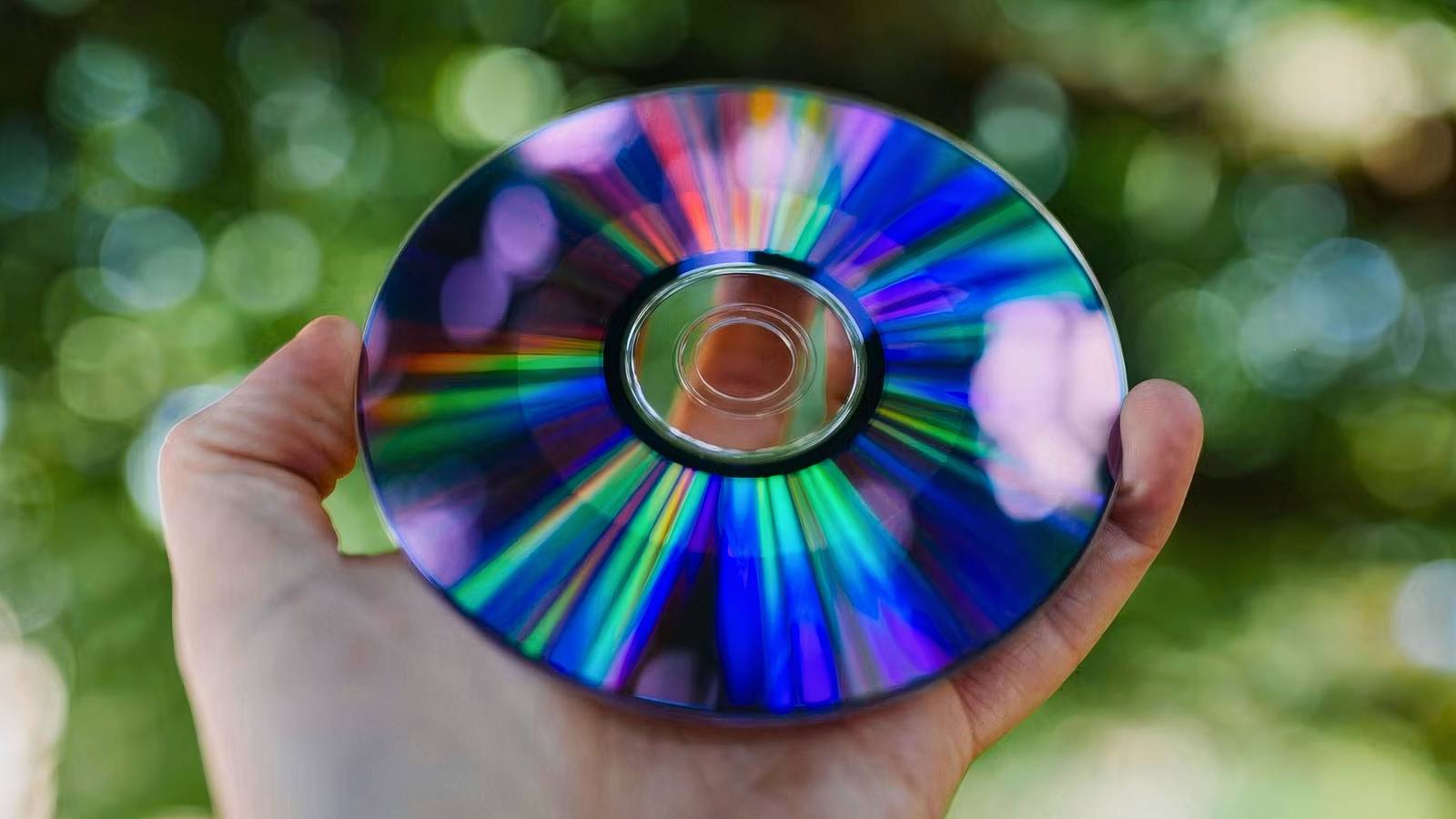
Do you have an old collection of 2004-era DVDs lying around in your home? Your first instinct may be to simply bin the discs in order to save on space– after all, DVDs are downright antiquated by the standards of today’s streaming-first content consumption era. There’s a good chance, in fact, that you don’t even own a dedicated player or a computer with an optical drive for reading said discs in 2026.
I’m here to urge you to resist trashing all your DVDs, even if doing so may be the convenient option. Disc-based media isn’t the juggernaut it once was, to be sure, but that doesn’t mean your existing set of discs aren’t useful in the modern context. Rather than condemning your once-state-of-the-art optical media collection to a life of e-wastefulness, consider one of the following three alternatives, instead.
Transfer their contents to a computer
Copy data onto an HDD or an SSD

If you plan on parting ways with your home movie DVD collection of yore, I’d recommend first archiving all your optical-based physical media either onto a computer or onto an external drive. DVDs and other similar formats are generally quite resilient to the elements, but they can suffer from disc rot if left unattended for long enough or if stored in the wrong environment. The more backups of a piece of personal media that exist, the better the odds are that it’ll survive well into the future.
In most jurisdictions, it’s illegal to rip copies of copyrighted materials such as commercially-available feature films and TV shows with the intent of distributing them to third-parties. Ripping copy-protected videos for personal use is also generally illegal, so stick with exclusively archiving personal home videos.
To transfer or ‘rip’ the contents of a DVD onto another storage medium like a solid state drive (SSD) or a hard disk drive (HDD), you’ll need to purchase an external disc reader for your PC (unless you still own a computer with a built-in reader). You’ll also want to employ the aid of an application like HandBreak or VLC Media Player to help facilitate the ripping process itself. USB-powered external DVD drives are inexpensive and readily available on sites like Amazon, and DVD ripping software is generally free and often even open-source.
Donate or sell them
Gift unwanted discs, or turn them for a profit

If you’re looking to clear the physical space taken up by, say, a bankers box full of DVDs, consider donating your collection to a charity, to a local library, or to one of several organizations that specialize in DVD donations. DVDs4Vets, for example, can take your discs off your hands, allowing your films and shows to be preserved and enjoyed by an all-new audience.
Alternatively, you can always use a website or app like Trash Nothing to exchange or give away your DVDs free of charge, which is far more sustainable for the environment than trashing or recycling your old collection.
Of course, you can also opt to sell your old DVDs through a pawn shop, or independently via digital platforms like Facebook Marketplace, Craigslist, or Kijiji. There are plenty of retro collectors out there who would love to adopt your old library of optical discs — as the saying goes, one man’s trash is another man’s treasure.
Use them for an art project
Optical discs are popular in the arts and crafts scene

As it turns out, optical media has been, and continues to be, readily repurposed for various creative endeavors. Across arts and crafts communities on the internet, you’ll find users who have leveraged the unique properties of DVD discs to create sun catchers, mug coasters, and even disco balls of all things.
Some people have even built makeshift scarecrows out of stringed-together DVDs — the reflective properties of the discs tend to drive away crows and other birds from the immediate area. If you’re the creative type, it’s worth thinking outside the box when it comes to your old DVD collection and what you can do with it.