



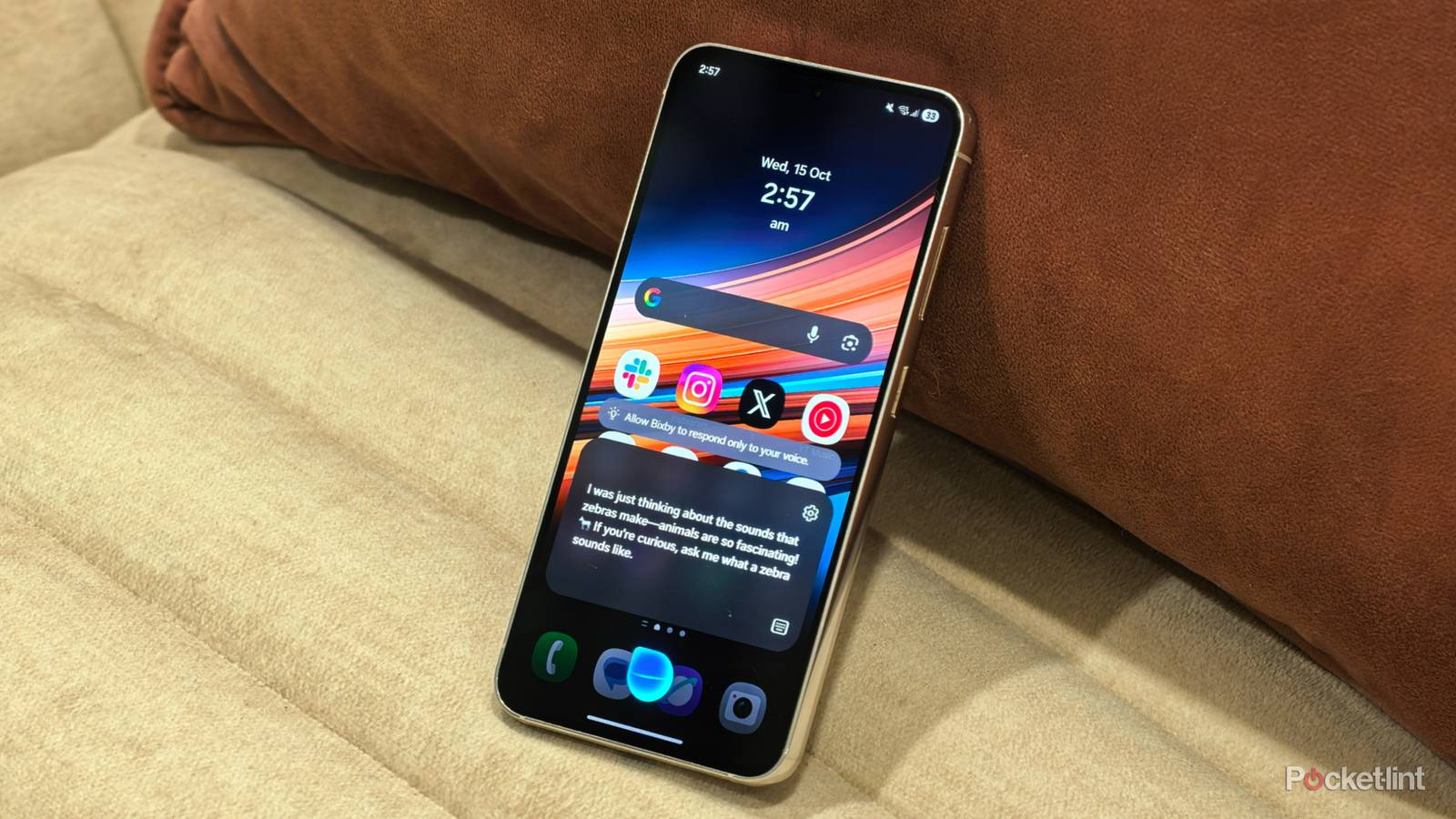
Android phones are more stable and durable than ever, and you can expect them to last for at least a few years of daily use. However, you still need to do your part and perform routine maintenance to keep them in tip-top condition. More importantly, you need to avoid bad habits which can damage your phone or degrade its performance.
Nobody wants to damage their phone on purpose and many of the harmful practices are due to users not understanding the consequences of their actions or believing debunked Android myths. That’s why I’ve made a list of things I never do to my Android phone, and you shouldn’t either.
Side-load apps from untrustworthy sources
There are many reputable sources to choose from

Google discourages users from side-loading apps because it bypasses its standards and security measures and can put your phone at risk of malware. It’s understandable, as the company wants to maintain control over its platform to keep it secure. However, people still side-load apps for various reasons. Some apps are only available in certain geographical areas, while others simply aren’t found on the Google Play Store for safety or other reasons.
Some apps are only available in certain geographical areas, while others simply aren’t found on the Google Play Store for safety or other reasons.
I often side-load apps on my phone but use caution to avoid issues. I stick to trusted publishers and reputable sources and avoid pirated or cracked apps which invite trouble. It’s not worth taking unnecessary risks and I walk away from APKs if I have doubts about their safety or authenticity.
Always grant permission to apps
Some of them aren’t safe

Some downloaded apps from official channels can open you up to spying, data theft, and other issues when they have full access to your phone. Many only need minimal permissions to function, but will still ask to access features, like your contacts, stored media, microphone, and camera to gain access to your data.
It’s best to delete apps which seem suspicious or require unreasonable access to your phone to function.
That’s why I always scrutinize the permissions required by any new app I install instead of blindly agreeing with its requests. I also use the “Allow only while using this app” setting to limit access to my phone. If I’m unsure of an app’s permissions, I go to Settings => Apps. Then I tap on the app and go to Permissions to see what it can access. It’s best to delete apps which seem suspicious or require unreasonable access to your phone to function.
Use cheap charging cables
Stick to reputable brands to avoid issues

Some people spend hundreds or even thousands of dollars on a new phone, then buy the cheapest charging cable which can damage their investment. These charging cables are often manufactured with low quality materials and offer minimal insulation from electrical current. They often provide inconsistent charging speeds and low durability. Using them can damage your battery due to the fluctuating current and can also cause overheating and pose fire risks in extreme cases.
It’s best to be safe and stick to certified cables from original OEMs or reputable third-party brands.
It’s best to be safe and stick to certified cables from original OEMs or reputable third-party brands, like Anker or Ugreen. These cables deliver consistent power and their improved durability means they last longer and are better for the environment.
Fully drain the battery
It has a limited number of cycles

Lithium phone batteries can provide years of service if you take care of them. It’s not that difficult and you should try to charge your phone when it reaches around 20% and avoid it dropping to 0% if possible. This is because a lithium-ion battery enters a state called deep discharge when it drops below a certain level, which affects its long-term capacity.
Keeping your battery partially charged between around 20% to 80% is the best way to prolong its lifespan.
In a nutshell, lithium-ion batteries are rated for a certain number of cycles, which get used up faster when they drop to 0% then charged to 100%. Keeping your battery partially charged between around 20% to 80% is the best way to prolong its lifespan. It’s easy to do this these days because most Android phones have a battery protection tool which can manage the maximum charging level.
Neglect backups
Don’t learn the hard way

I once learned the importance of backups the hard way after my phone got stolen, and no longer take chances with my data. Nowadays, I back up regularly and don’t need to worry about losing my media, settings and other information if something happens to my phone.
There’s no excuse for not backing up because it’s easier than ever and takes seconds to run.
In fact, there’s no excuse for not backing up because it’s easier than ever and takes seconds to run. To back up to Google Drive, I go to Settings => Accounts and backup => Google Drive => Back up data. I then select Photos and videos and Other device data and tap on Back up now. I also use the Smart Switch app to back up all my data onto an external drive, and sync my Gallery app with my OneDrive account to ensure my data stays safe.