


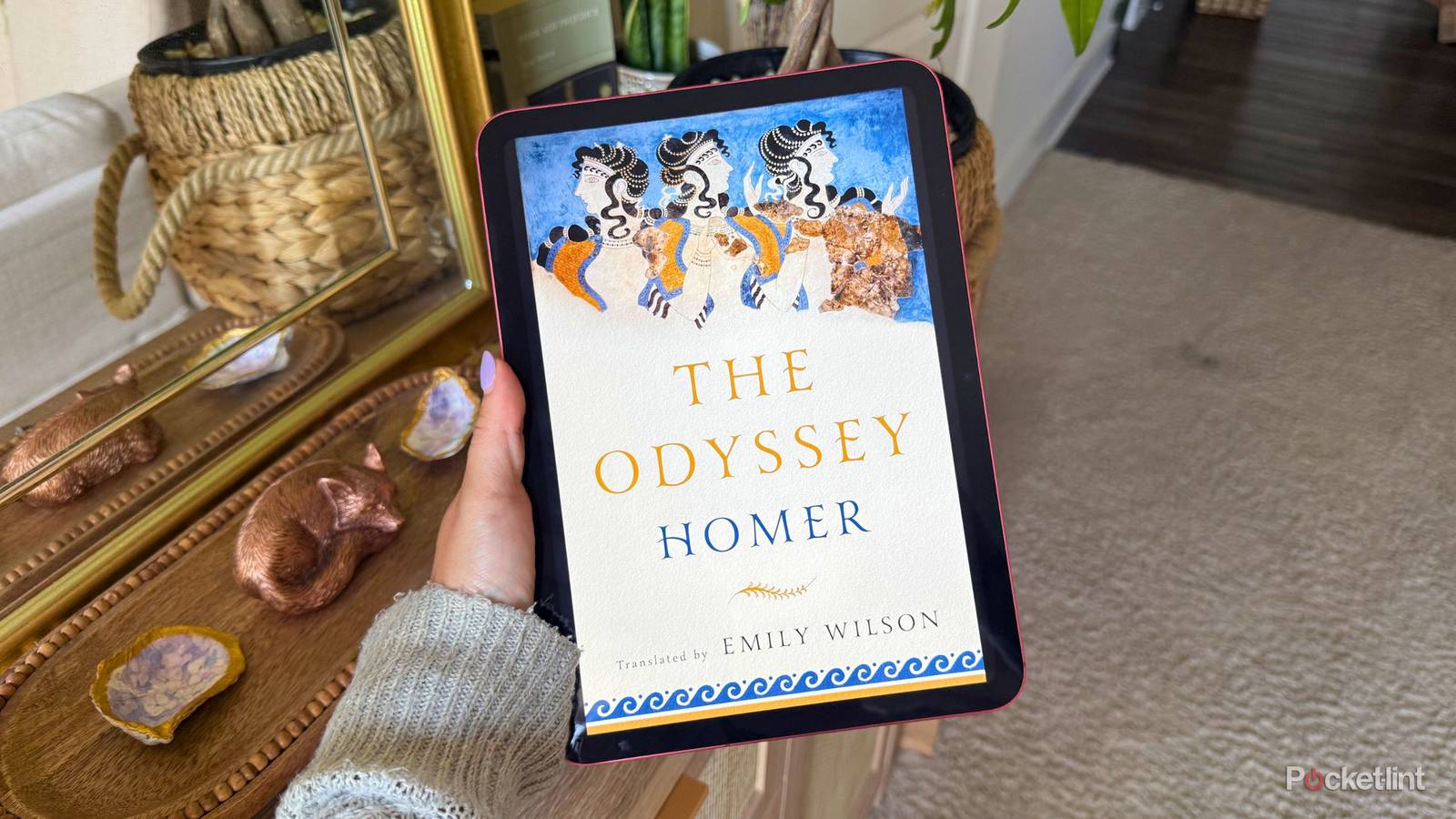
Christopher Nolan’s highly-anticipated upcoming film is going to be nothing short of epic. I mean that quite literally — the beloved director is taking on The Odyssey, Homer’s epic poem written nearly 2,700 years ago. With a star-studded cast and Nolan’s distinct narrative style, the movie will surely do Odysseus’s ten-year journey justice in a way we’ve never seen before.
Many of us were forced to read a story like this in school, where the idea of an absurdly long poem made us groan. But now that we don’t have the homework to do along with it and Nolan has injected the excitement back into the story, many folks want to study up before the film hits theaters on July 17, 2026.
Unless you’re itching for a physical copy to display on your shelf, you shouldn’t be paying to read The Odyssey. There are plenty of free ways to read the story on your Kindle or iPad before it hits the big screen, and here they are.

- Storage
-
16GB
- Screen Size
-
6-inch E Ink (300ppi)
- Connections
-
USB-C
- Battery
-
Up to 6 weeks
Project Gutenberg
Enjoy the public domain

Because it’s nearly 2,700 years old, Homer’s epic is in the public domain. That means that in 2026, anything published in or before 1930 is free for anyone to use, share, or adapt without written or verbal permission from the original creator or any other entity. Since The Odyssey was written somewhere around the late eighth century BC, it’s safe to say you don’t need Homer’s permission to use the intellectual property.
This is why many modern works seem to take inspiration from The Odyssey. For example, The Sea of Monsters from Percy Jackson and the Olympians is loosely based on The Odyssey. A sillier example — and my very first impression of the epic — was even an episode of Arthur, the children’s cartoon on PBS.
Project Gutenberg is an online archive run by volunteers that hosts more than 75,000 free e-books in the public domain. The organization conveniently lets you download e-books in various popular file types, which lets you get the titles you want onto your Kindle, iPad, or e-reader any way that you want. If you’re using a Kindle, I suggest downloading an EPUB file and using the Send to Kindle portal to get it onto your e-reader.
The Odyssey is available on Project Gutenberg here. There are various translations available, so do a little research as to which one sounds the most interesting to you.
Standard Ebooks
A little more style

Standard Ebooks is another resource that takes full advantage of the public domain. However, unlike Project Gutenberg, it adds a bit more polish to the titles it offers. Each title gets fresh formatting, editing, and side-by-side comparisons to the original works to make sure no typos or errors make it out to readers.
My favorite detail, while tiny, is that the volunteer editors replace all ugly straight quotations and apostrophes with curly ones (e.g. “ instead of “).
You can read The Odyssey for free on Standard Ebooks here.
Open Library
An ambitious online archive

Open Library is another online organization with a huge goal it’s trying to accomplish: creating at least one page for every book that’s ever been published. Right now, it’s home to over 20 million of those pages — including full and partial texts. These books don’t even have to be in the public domain, so you can search for virtually any book.
However, that doesn’t mean you’ll be able to read just any title that goes viral on BookTok. Open Library is an archive, not an infinite library. But if it doesn’t have a full copy, it will provide links to buy it elsewhere. Luckily, there are several full versions of The Odyssey available there.
You can read The Odyssey for free on Open Library here.
Libby and Hoopla
Or your local library’s network

Libby and Hoopla are two different platforms that serve similar purposes. They both give you online access to your local library’s digital content, which includes e-books, magazines, audiobooks, movies, and more. All you need is a library card and the respective apps.
If you want to borrow an e-book like The Odyssey from Libby, you may have to hop on a waitlist. Hoopla can give you instant access to these titles, but some users find it to be more limiting in terms of newer, popular titles. Luckily, I consider The Odyssey to be the latest romantasy sensation, so it should be relatively painless to download it from either platform.
That being said, you can always run to your local library to check out a physical copy of The Odyssey. It’s a world-famous classic, and most branches can be expected to have it on their shelves.
What about online PDFs?
They aren’t always your friend

Remember when I mentioned that most of us were forced to read The Odyssey in school? The copy I was given was just a suspiciously long link to a messy PDF in high school. But even with Send to Kindle and an iPad’s big screen, PDFs aren’t the best way to binge-read a 2,700-year-old classic.
There are plenty of PDFs online for free, but be warned — not every link is trustworthy, and you might have to sift through a lot of those documents to find one that’s properly formatted, translated, or even positioned well on the page. It’s a wild goose chase, especially when you consider the e-reader-ready options above.

- Brand
-
Apple
- Storage
-
128 GB
- CPU
-
A16
- Operating System
-
iPadOS
Apple’s most colorful iPad model complete with the A16 chip.