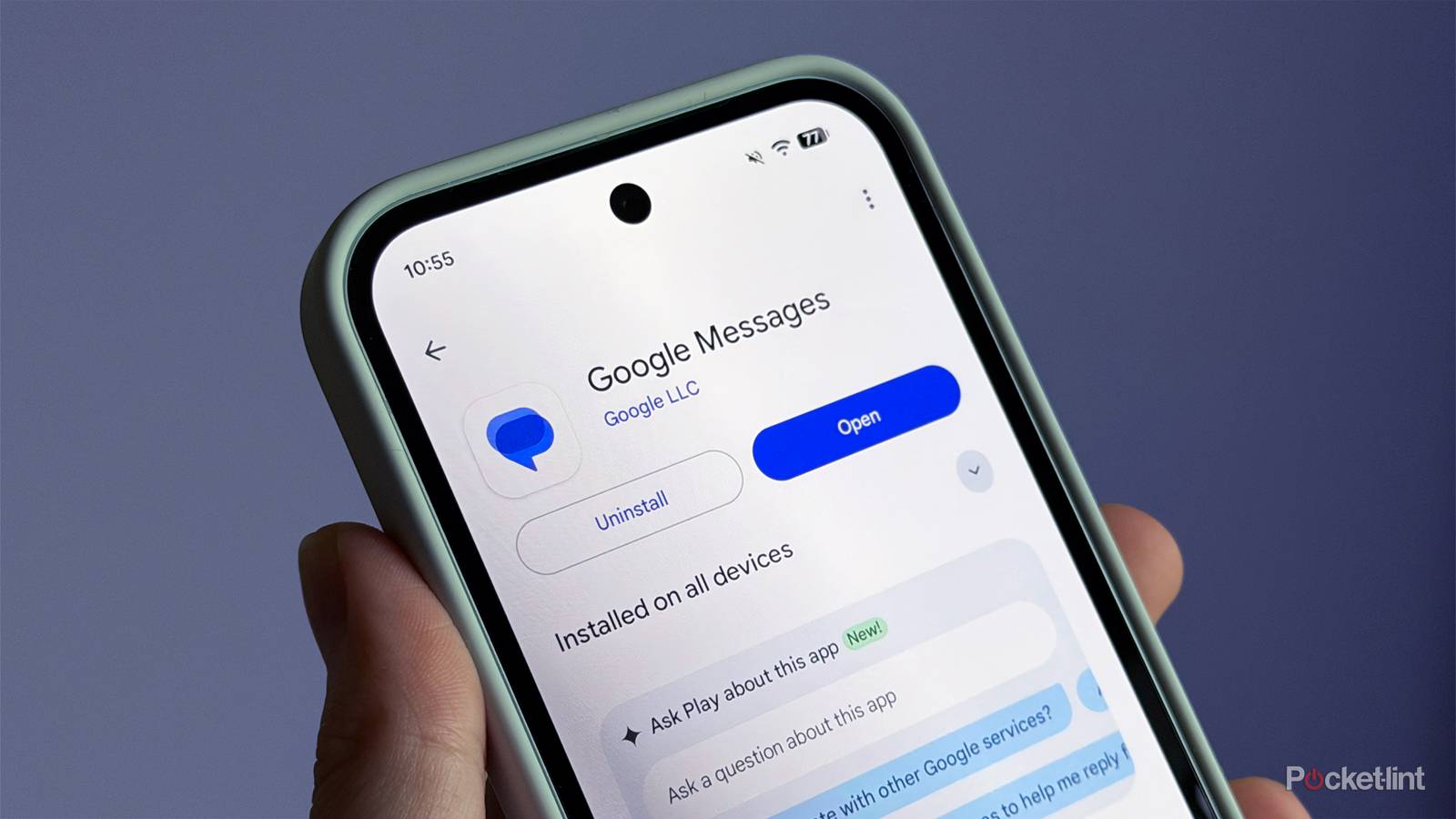
It’s something that can easily happen to anyone. You’re clearing out your message history in Google Messages and accidentally delete a conversation you didn’t mean to. Unfortunately, for the longest time, there was no way to recover those messages. Thankfully, after all these years, Google has finally changed that.
With the latest Google Messages update, Google has added a handy new feature that lets you recover deleted messages for up to 30 days.
Here’s how it works: when you delete a message, you now have the option to “Move to trash” instead of deleting it outright. Once it’s in the Trash folder, it stays there for 30 days before being permanently deleted.
So if you’ve ever been clearing up your inbox in Google Messages and accidentally deleted a message instead of archiving it, it’s now super easy to recover any messages you lost.
A welcome addition
This feature will no doubt prevent some headaches

If you want to try out this new feature, just tap your profile icon in Google Messages, then select the Trash folder option under “More from this app” (as shown in the image above).
Don’t see the option? Just make sure your app is up-to-date. I’m seeing it on both my Pixel 10a and Galaxy S25+ running the latest version of Google Messages from the Play Store (version 20260331_00_RC02).
Once you’ve got the feature, any message you delete will appear in the Trash folder, where you can either restore it or delete it permanently. For most Android users, messages stay there for 30 days before being automatically removed. On Android Go devices, though, they’re reportedly deleted after seven days to “save space” (via 9to5Google).
Alternatively, if you just want to tidy up your inbox without deleting anything, the Archive feature, which has been around for a while now, is the best way to go. It moves conversations into a separate Archive folder, keeping them out of your main view without deleting them. To use it, just long-press a message and tap the Archive icon (the box with the down arrow).
Overall, I’m really glad to see Google finally add a way to recover deleted messages to Google Messages, though it feels long overdue, especially since iMessage has had this functionality for a long time. The feature is rolling out with the latest version of Google Messages, so just make sure your app is updated to use it.