


I love watching epic popcorn-flicks on my TV, but I don’t have the best experience without adding these accessories. Buying a new TV is usually a big deal for me and I love experiencing the phenomenal picture quality offered by the latest OLED and Mini-LED tech. However, even the best modern TVs with the latest features have some drawbacks and can’t provide the best sound quality or navigation experience without some help.
That’s why it’s worth splashing some extra cash on a few accessories which not only enhance your TV’s capabilities, but also make it more user-friendly. These are my four go-to TV accessories I can’t do without.
A surround sound system
TV speakers don’t cut it

TV sound quality is getting worse as models get slimmer and external speakers are a must if you want an immersive audio experience. This usually means getting a soundbar or surround sound system to provide the extra oomph. Soundbars are cheaper and easier to install, but they don’t compare to true surround sound.
Soundbars are cheaper and easier to install, but they don’t compare to true surround sound.
I prefer a 5.1 surround sound system which includes a dedicated subwoofer, a pair of rear-mounted speakers, a pair of front speakers, and a center speaker all connected to a receiver. I’ll admit that the initial setup was challenging because I needed to run speaker wires and mount the speakers on the wall behind my couch. Many newer sets are easier to set up and offer wireless connectivity. For me, this is still the optimal audio setup for my TV, despite the drawbacks, because of directional sound and depth. However, I’ll admit that many buyers will be better off with a soundbar.
Wireless mouse and keyboard
Easy navigation and typing

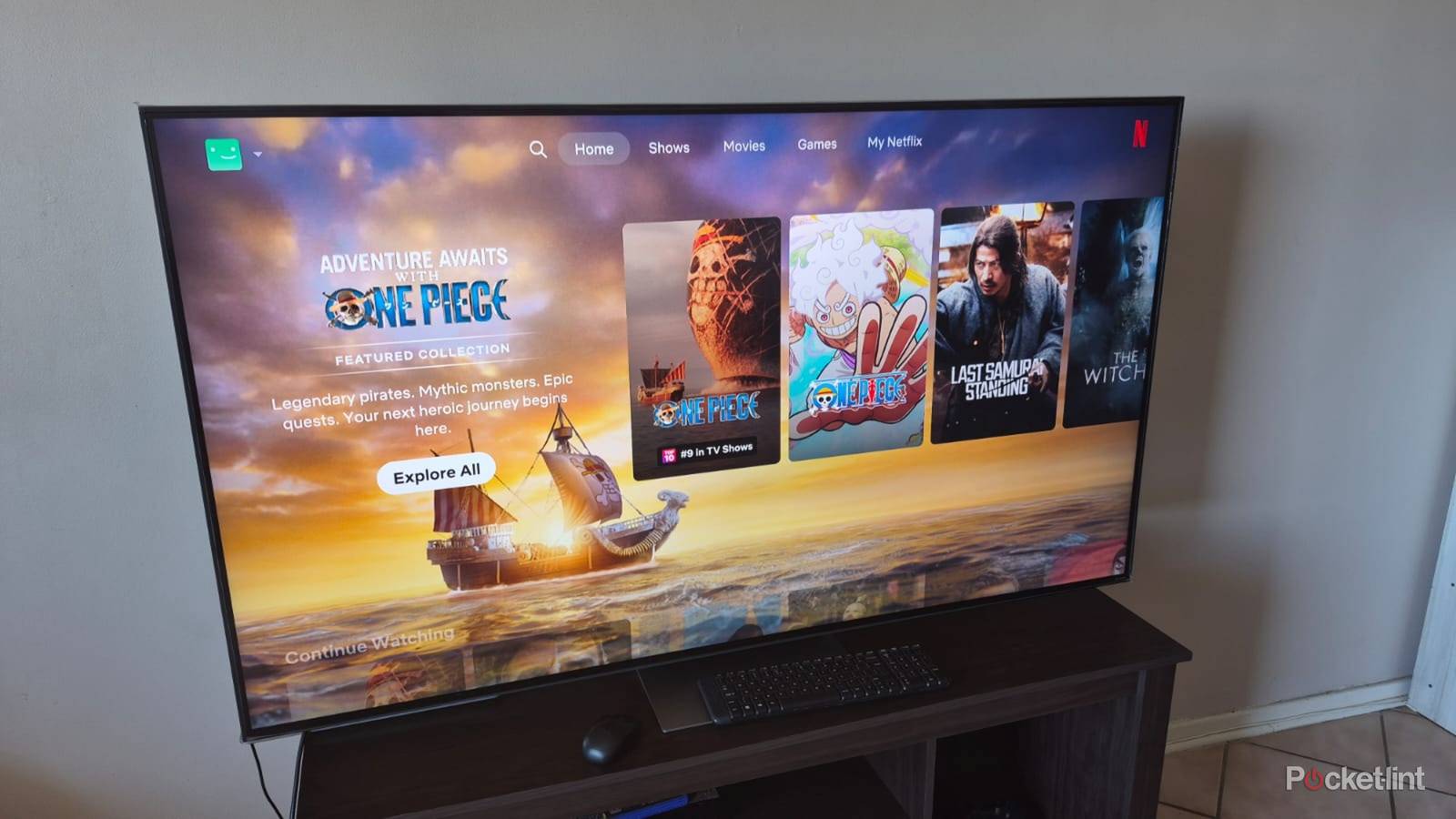
My LG TV has a magic remote offering gesture navigation, but it’s nowhere near as intuitive as using a mouse and keyboard. Adding a wireless mouse and keyboard to my TV was a game-changer and there’s no going back to using the remote control only for navigation and typing.
Using search tabs is always easier with a keyboard, because I don’t need to waste time navigating around a grid and just type what I’m looking for instead.
I find it much faster to scroll through apps like YouTube and Netflix using my mouse rather than the navigation buttons on my TV remote. Using search tabs is always easier with a keyboard, because I don’t need to waste time navigating around a grid and just type what I’m looking for instead. The best thing is that I don’t need to make any settings or configuration changes and just plug a dongle into my TV to get them working.
Universal remote control
One remote to rule them all

I once had separate remote controls for my TV, Blu-ray player, surround sound, and satellite box, and constantly needing to switch between them was a pain. And that’s after digging under the cushions or searching my coffee table to fit the one I was looking for. Getting a universal remote changed my life and reduced clutter in my lounge.
Instead of fiddling to find the right setting, I just tell the remote control what I’m looking for, and it makes the adjustments automatically.
I now access all my devices with a single remote control that offers voice access and integrates with my smart home. Instead of fiddling to find the right setting, I just tell the remote control what to do, and it makes the adjustments automatically. I can easily find what I’m looking for through numerous streaming services and have configured macros to adjust my lighting and temperature settings when I’m watching my favorite shows.
Wireless headphones
A quieter alternative to speakers

I enjoy booming audio from my 5.1 surround sound system during the day when I’m watching movies and shows with my family, but switch to wireless headphones at night when they’re sleeping. I get to experience the same immersive sound quality and enjoy all the explosions and other sounds from my content without disturbing my family or neighbors. Not all headphones are the same, and cheaper options don’t do justice to the movies I’m watching and sometimes suffer from lag or intermittent disconnections.
Not all headphones are the same, and cheaper options don’t do justice to the movies I’m watching and sometimes suffer from lag or intermittent disconnections.
It’s worth paying for premium models that offer amazing sound and last longer than cheaper options. They also tend to be more comfortable and offer padding and excellent adjustability in a lightweight design. Some offer different audio profiles and include noise cancellation.
I prefer having a single device for multiple roles. I use my gaming headset on my TV via Bluetooth and connect it to my gaming laptop with a wireless dongle when I’m ready to play. You can also try dedicated TV headphones which offer incredible sound and connect to your TV via a transmitter that plugs into the 3.5mm or optical port.