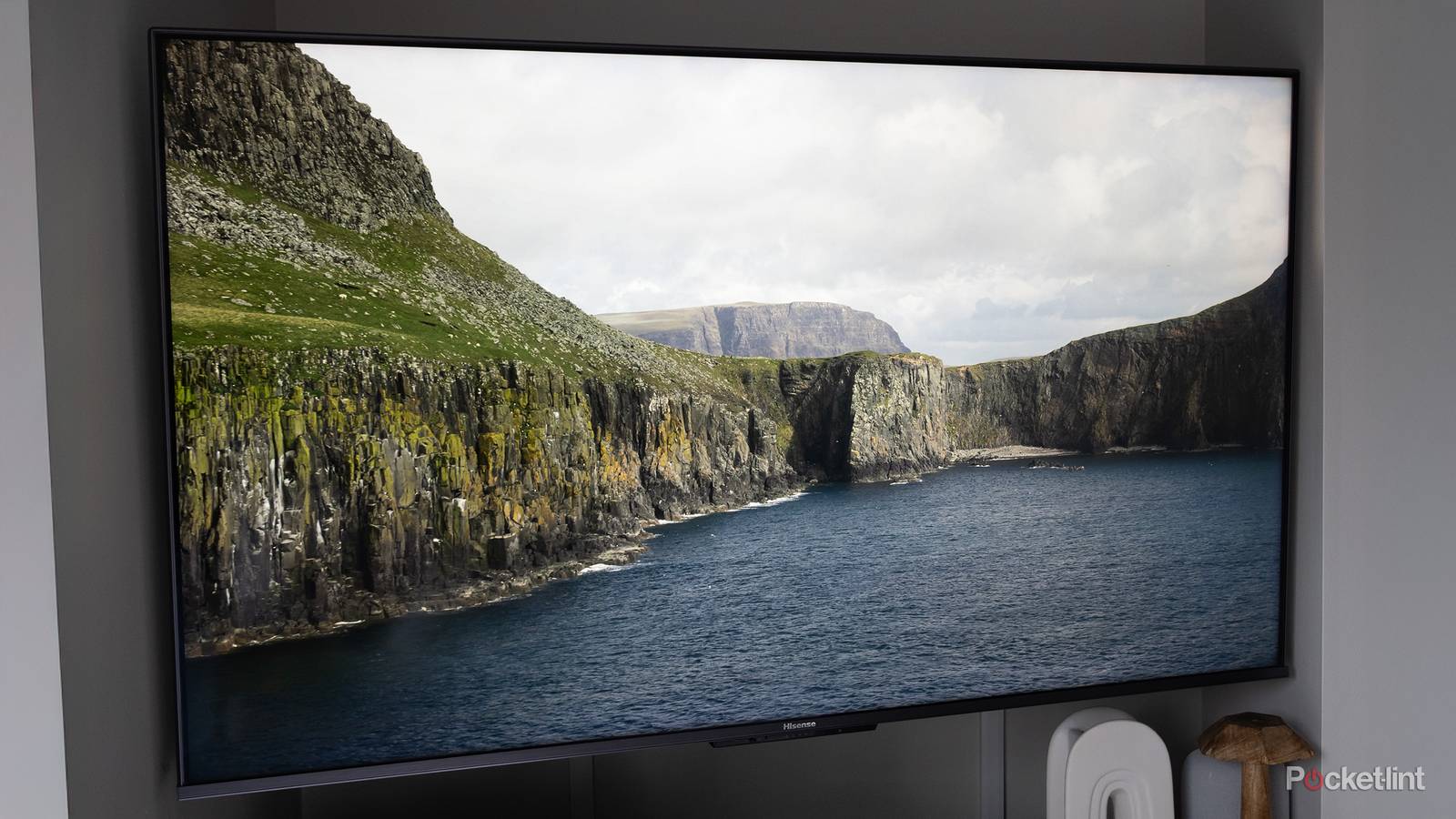
Thinking about this topic, I remember when the idea of leaving any TV on overnight was universally accepted as a bad idea, especially if your parents were paying the bills. Back in the CRT days, TVs consumed a massive amount of power relative to their size, and there wasn’t any reason to leave one on unless you needed help falling asleep. Worse, you increased the risk of failure, and getting furniture-sized electronics fixed or replaced was an ordeal. People older than me might remember the days when there literally wasn’t anything to watch past a specific time.
In 2026, it’s taken for granted that any TV is going to have a standby mode available, probably triggered by default whenever you push the power button on your remote. You might be wondering if there are any serious drawbacks to this arrangement. While the quick answer is “no,” it’s worth explaining in more detail why standby modes exist, and why you might still want to power your TV off completely occasionally.
What does standby mode do on a TV?
Convenience über alles

Before anything else, something worth clarifying is that standby excludes any modes that display a screensaver, widgets, or static art. Although you might not be able to interact with your TV when those are on, your TV is still operating at or near normal power levels. Indeed if you click a button, you’ll probably be right back at your TV’s homescreen, or the last app you were in.
True standby modes leave your screen completely blank. Your TV is operating on as little power as it can get away without shutting off completely.
The main thing this accomplishes, of course, is reduced power consumption while keeping your TV ready to go. Though it might take a few seconds for your TV to be usable, that’s better than a cold boot, which could take far longer. Much like a Mac or Windows PC, a smart TV has a complete operating system to run, including various apps and background processes. In standby, much of the OS is either sitting in memory or functioning at a low level.
There’s a lot more going on when you pick things apart. It’s common for TVs to support voice commands these days, and without standby, they wouldn’t be able to hear their wake words, much less interpret full sentences by sending them to cloud servers. On top of this, it’s common for TVs to be integrated into smart home ecosystems like Amazon Alexa, Google Home, and Samsung SmartThings. If your TV is completely off, it can’t be integrated into automations. It’s a game changer to have a “movie night” automation that not only sets up lighting and sound the way you want it, but opens your favorite streaming app at the same time.
A smart TV has a complete operating system to run, including apps and background processes. In standby, much of the OS is either sitting in memory or functioning at a low level.
Another benefit is silent software updates. A TV in standby can still fetch OS and app updates during predicted downtime. If you shut a TV off, it has no choice but to perform installs while you’re sitting on your couch, or else wait for you to launch them manually. Either way, there’s a chance that you might have to wait a few minutes while installation completes.
On OLED TVs, there’s one additional thing that runs: pixel refreshes, also known as pixel cleaning. These attempt to prevent image burn-in by recalibrating voltages to even out pixel degradation. They can’t launch if your TV isn’t on standby, so you might shorten the usable life of your TV by shutting down every time you’re done watching. Note that while you can trigger manual refreshes, these should actually be avoided — the manual ones are “deep” cleans that not only take a while, but can dramatically reduce your TV’s lifespan if they happen more often than every 2,000 hours or so. The option exists solely as an extreme troubleshooting measure, say if you’re already dealing with severe image retention problems.
Are there any serious consequences of using standby on a TV?
A matter of degrees

The concern for most people is power, but the impact of standby is really trivial once you start looking at hard numbers. A 55-inch LG G5, for example, is estimated to consume roughly 120 to 170W while it’s on and streaming, but 7 to 11W when Quick Start+ standby is enabled. For a frame of reference, an 800-lumen Philips Hue smart bulb consumes about 9.5W at full brightness.
These figures translate into a trivial increase in your power bill. If you assume an average power rate of 17.24 cents per kilowatt-hour, and a standby time of 20 hours per day, that amounts to about $13.84 extra per year, even assuming 11W. Some people will, of course, use more or less standby time, but you get the gist. Your TV is going to consume more power in just a few hours of active use than it will in several days of standby time, especially at the largest panel sizes. Some 100-inch sets can easily draw anywhere between 350 and 600W per hour, which is more than many gaming laptops running the best mobile processors.
In theory, standby does shorten the lifespan of your TV, owing to the waste heat produced by non-stop electricity. This heat increase is barely above room temperature, however, so it’s effectively a non-factor. Indeed you’re far more likely to create problems by sticking your TV in a badly ventilated room with direct sunlight, or perhaps letting your thermostat run out of control in a Texas summer while you’re away on vacation.
Overall, there’s not much harm in letting a TV operate in standby, and a lot of convenience that goes out the window by powering down completely. With an OLED TV, you may actually be undermining its longevity by shutting down instead of letting it run pixel refreshes.
Arguably, the only halfway serious consequence involves software. Without the occasional cold boot, there’s a chance that your TV’s system caches — the temporary files used to speed up actions — will accumulate enough junk items to slow the OS down, or cause crashes and other glitches if some of those files become corrupt or outdated. Depending on the platform, there may be manual settings options to clear these caches — but the only reliable method involves a reboot.
How often should you reboot your TV? There’s no hard and fast rule out there, but you’re unlikely to notice performance gains by rebooting every day or every week, in my experience. Once a month is more than adequate. In some cases, a TV’s automatic clean-up functions may be good enough to keep it running for years without any performance hits, never mind crashes. You can help keep things tip-top by deleting any unused apps.
Overall, then, there’s not much harm in letting a TV operate in standby when you’re not using it, and a lot of convenience that goes out the window by powering down completely. As I mentioned, with an OLED TV, you may actually be undermining its longevity by shutting down instead of letting it run pixel refreshes.