



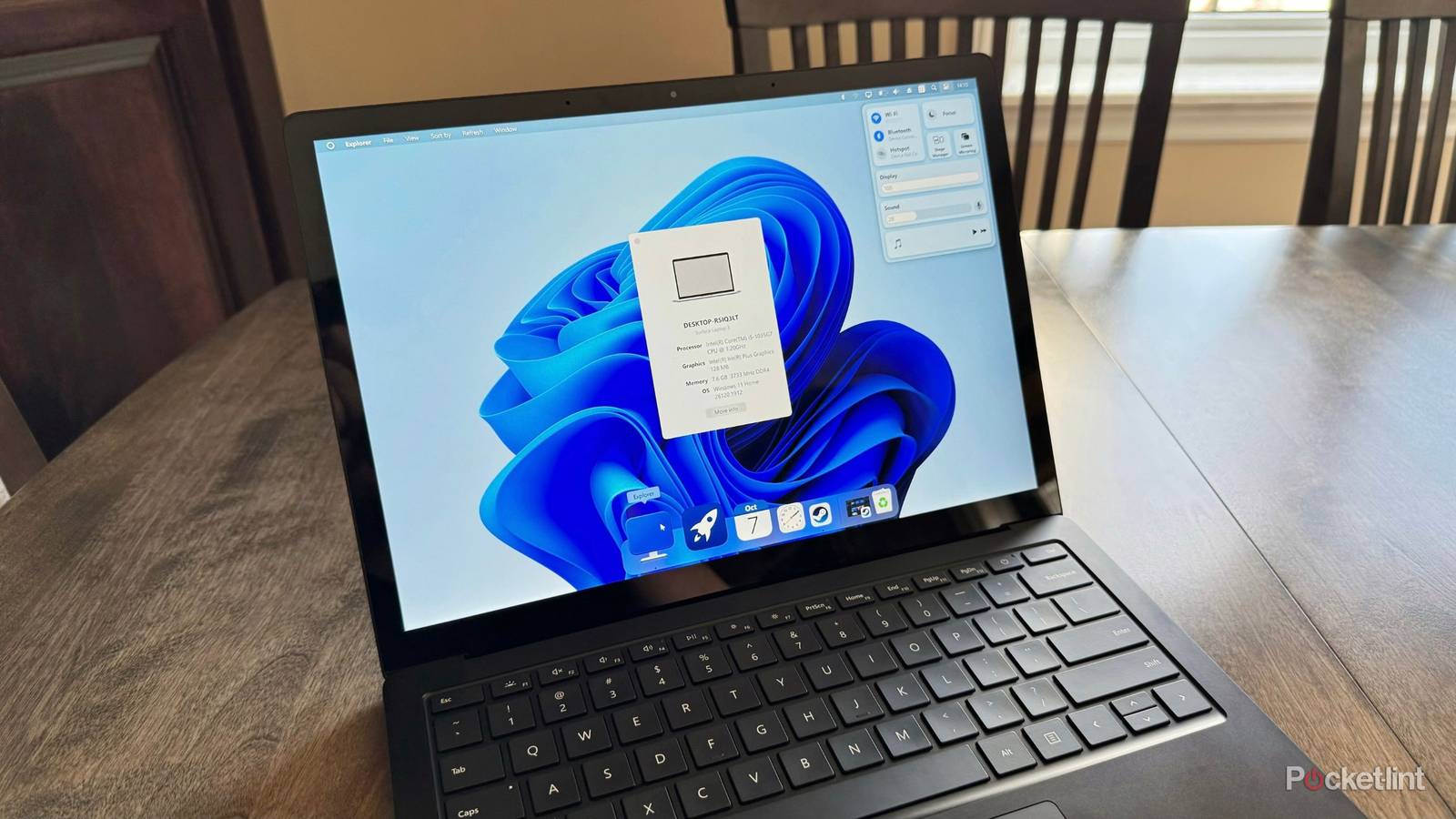
While it’s true that the latest modern-day incarnation of Microsoft Windows is less customizable out of the box than its legacy precursors, that doesn’t mean the platform lacks overall configuration potential. Indeed, with the help of one of several third-party modification programs, you can truly mold the desktop operating system into something personal and distinct.
Windows 11 offers a rich ecosystem of mods, tweaks, and customization-focused applications, unlocking the ability to make sweeping changes to the look and feel of the OS, while also adding in extra utilities, bringing back retro features, or even stripping the system back to the essentials by removing AI, legacy bloat, and other superfluous inclusions.
Here are eight third-party programs I’ve used in the recent past to mod my own Windows 11 PC. Some of these entries overlap in functionality, but each does things in its own unique way. Some customization apps on this list are completely free to download and install, while others can be had for a small one-time fee of just a few dollars.
Note that certain third-party mods for Windows 11 make low-level tweaks and edits to the system and its files. As such, future Windows Update installations may cause unforeseen compatibility issues, and certain mods may trigger false positives within antivirus suites.
Always back up your important data before modifying core components of the operating system, and be sure to download installers only from official sources. Additionally, avoid installing too many mods at the same time as this can cause performance issues.
Windhawk
Customize to your heart’s content

- Price: Free
- Open-source: Yes
Windhawk offers up an entire database (known as a repository) of third-party mods from independent developers, which can all be browsed through, downloaded, and installed right within a centralized user interface. Mods range from simple to sophisticated, but even the most advanced ones offer up a streamlined and user-friendly setup flow.
Some of my personal favorite Windhawk mods include:
-
Taskbar Show Desktop Button Aero Peek:
Ports Microsoft’s discontinued Aero Peak feature over to Windows 11 - Windows 11 Start Menu Styler: Lets you customize the Windows 11 Start Menu with themes
- Slick Window Arrangement: Adds a visually pleasing sliding animation when managing and arranging windows
- Classic context menu on Windows 11: Brings back Windows 10’s context menu within File Explorer and on the desktop
Start11

- Price: $10 per license (single user, up to 5 devices)
- Open-source: No
Start11’s claim to fame is that it lets you easily swap out Windows 11’s Start Menu with one of several differently-styled variants, including Windows 10 and Windows 7-themed ones. When compared to Microsoft’s default Start Menu experience, even in its most-up-to-date state, it’s severely lacking in customization potential when compared to the likes of Start11. As an added bonus, the app also lets you tweak Windows 11’s taskbar interface, which is much appreciated.
MyDockFinder
Make your PC behave more like a Mac

- Price: $5
- Open-source: No
MyDockFinder is the ideal tool for anyone looking to emulate the modern macOS experience on a Windows 11-based PC. Once installed, it can transform many of the user-facing interface elements of Windows, making for a surprisingly convincing macOS-like look and feel. This isn’t a haphazard hack — it’s a polished utility with clear attention paid to the smaller UI details.
StartAllBack
Tweak various elements of your PC

- Price: $5 per license (single user, up to 1 device)
- Open-source: No
StartAllBack is a comprehensive customization tool for Windows 11 that lets you tweak numerous settings, UI surfaces, and features throughout the OS. These mods extend across the Start Menu, the taskbar, File Explorer, context menus, and more. There are options here to revert to Windows 7 and Windows 8-era design sensibilities, a swell as to restore functionalities that have yet to officially make the jump from WIndows 10 to 11.
Open-Shell
Make the Start Menu look and feel the way you want it to

- Price: Free
- Open-source: Yes
Open-Shell is one of my favorite Windows 11 mods, primarily due to its simplicity. Upon installing it, it replaces the default Start Menu with a custom alternative, with three legacy-inspired layout options to choose from. There are also several optional taskbar and File Explorer tweaks included here, making for a well-rounded and highly-malleable overall package.
Rainmeter
Skin your desktop, add widgets, and more

- Price: Free
- Open-source: Yes
Rainmter is a full-blown skin engine for Windows 11. The program unlocks the ability to swap between one of several included skins, each of which influences the look and feel of the system, but the real magic can be found in the readily-available ecosystem of community-developed skins. Rainmeter is also an excellent choice for anyone looking to add widgets to their desktop, with plenty of glanceable applets available to sift through and configure.
ExplorerPatcher
Make low-level changes to Windows 11

- Price: Free
- Open-source: Yes
ExplorerPatcher seeks to restore classic Windows 10-era functionalities within Windows 10’s Start Menu, taskbar, context menus, File Explorer, and more. For anyone that loved Windows 10’s flexible, Live Tile-centric Start Menu, ExplorerPatcher offers a near one-to-one replica of that user interface element, and does so without the need to make any registry edits or the like.
Seelen UI
Give your PC a fresh coat of paint

- Price: Free
- Open-source: Yes
Seelen UI offers a unique take on the desktop experience, transforming WIndows 11’s default setup into something far more customizable. There are a staggering number of personalization options on deck here, ranging from adjustable menus, widgets, icons, and more. There’s also a dedicated Tiling Windows Manager that streamlines window management on the desktop, a dedicated media module for controlling content playback, and a custom app launcher that focuses on search.
Honorable Mentions
The list goes on and on

In addition to the mod programs listed above, there are several smaller software tools that can aid in the Windows 11 customization process. Some of these apps focus on tweaking the look and feel of the platform’s user interface to make it look cleaner and more minimalistic, while others are simple scripts designed to de-bloat the system by removing outdated code, killing unnecessary background processes, and ridding the OS of Copilot AI features.
Additional Windows 11 mods that let you adjust the look and feel of the OS include:
-
TranslucentTB:
Makes your taskbar translucent or transparent - RoundedTB: Rounds the corners of your taskbar to give it a floating dock-like appearance
- MicaForEveryone: Adds the Mica blur effect to legacy Win32 title bars
- AccentColoriser: Forces your chosen accent color across more areas of the system
Additional Windows 11 mods that can clean up the OS by reducing its footprint include:
- Win11Debloat (PowerShell script): Allows you to declutter your Windows 11 experience
- Rectify11: Makes Windows 11’s user interface more visually consistent
- WinSlop: Removes various AI features from Windows 11
- Tiny11 (system image mod): A lightweight, non-official version of Windows 11 that significantly reduces the size of the OS
-
Windows 25:
A community-created mod that tweaks the look and feel of Windows 11