



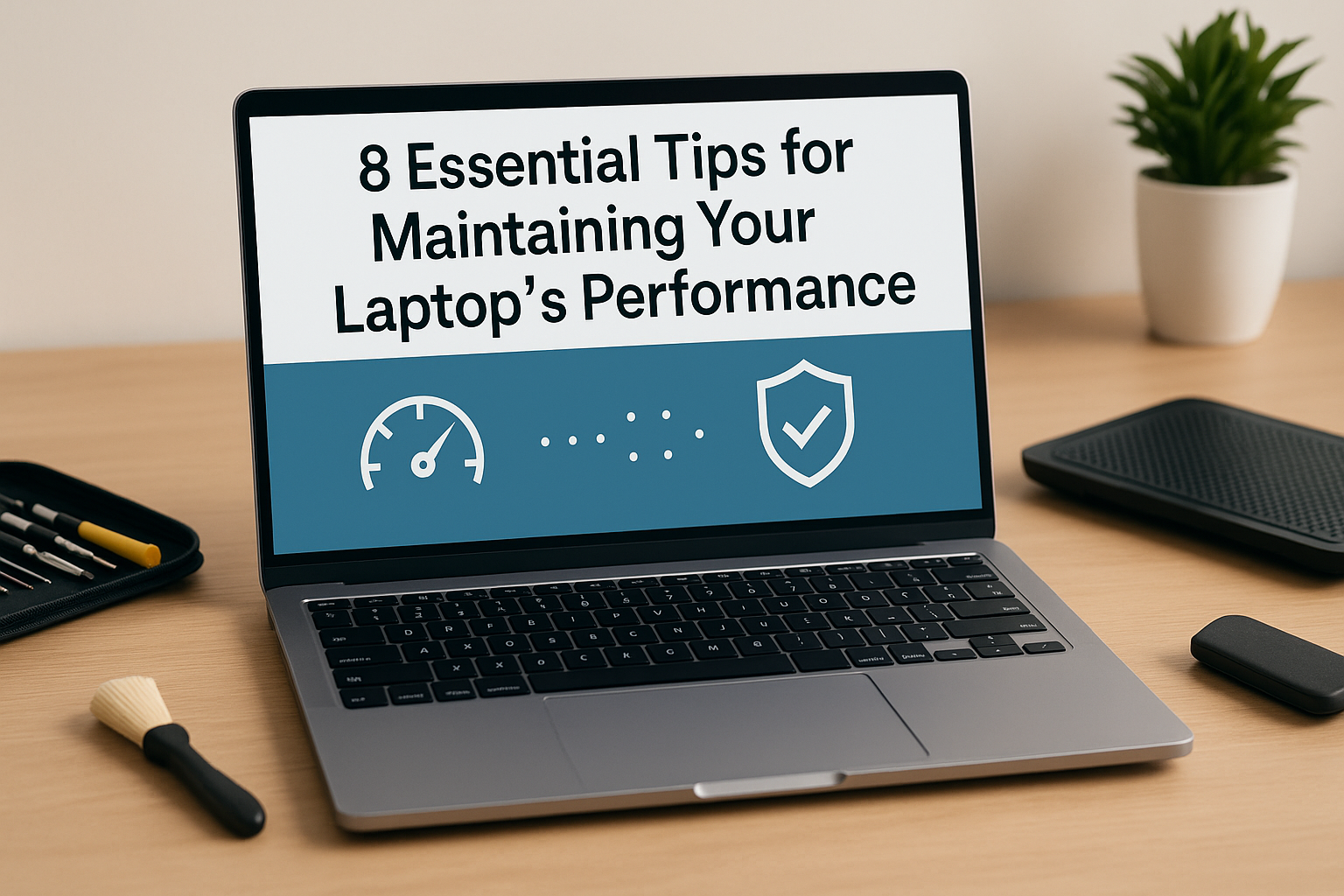
Laptops age like humans. Gracefully, if cared for—chaotically, if neglected. One day it’s lightning-fast, handling ten tabs, a spreadsheet, Spotify, and maybe even a game of Valorant on the side. Then suddenly… it starts stalling. Sluggish. Warm to the touch. Fans screaming like it’s prepping for liftoff.
We’ve all been there. Maybe you spilled coffee on the trackpad once (guilty). Or clicked one too many “Download Now!” pop-ups. Whether you’re a digital nomad or just a tired college student barely holding on (finals week, anyone?), these laptop maintenance tips will keep your device humming—not wheezing.
Let’s cut through the fluff—this isn’t another robotic checklist. This is the gritty, real-world guide your laptop actually needs.
1. Clean That Filthy Machine
Let’s be real. Your laptop? It’s gross. Dust. Crumbs. Maybe cat hair. All clogging vents like cholesterol in arteries. And if your fans are wheezing, it’s because they’re suffocating.
Once, I opened my old HP Pavilion and found a literal lint colony. Looked like a squirrel had been hoarding fuzz in there.
Here’s what to do:
- Gently wipe down the keyboard and screen with a microfiber cloth. No Windex, please.
- Blow out vents and ports with compressed air (a bit like giving your laptop a spa day—but louder).
- If you’re brave, open it up and vacuum the inside. Carefully. Or… just pay a pro.
Don’t forget: heat kills. Overheating = performance loss. It’s science and sadness.
2. Ditch the Digital Dead Weight
You ever hoard apps like emotional baggage? Me too. Installed that PDF converter in 2021 and never looked back—until it started auto-launching on startup. Why? Who knows.
Here’s the deal:
- Head to Settings > Apps. Scroll.
- If it sparks no joy and no function, uninstall it.
- Empty your recycle bin. Yes, you forgot again.
Less clutter = faster speed. That’s not an opinion; it’s digital feng shui.
3. Updates: Annoying, Necessary, Life-Saving
Nobody likes software updates. They pop up mid-Zoom call, demand a restart, and ruin your rhythm. But you know what’s worse? A security breach. Or that one driver issue that makes your screen flicker like it’s having a seizure.
Do this often:
- Turn on auto-updates. Trust me.
- Visit your laptop brand’s driver page. Dell, Lenovo, ASUS—they’re hiding the good stuff there.
- Update your browser too. Chrome eats RAM, but at least stay current.
True story: I once skipped a BIOS update and my laptop refused to wake up after sleep mode. For weeks. The solution? An update I’d ignored. Go figure.
4. Kill Malware Before It Kills Your Vibe
Somewhere out there, a shady download is watching you. Not to scare you—but malware is lurking. And no, incognito mode doesn’t protect you from it.
Here’s your armor:
- Use antivirus software. Paid or free, just don’t skip it.
- Schedule regular scans. Weekly, maybe biweekly if you’re forgetful (I am).
- Don’t click weird links. If the email says you’ve inherited $2 million… you haven’t.
Funny how one virus can turn your $1,000 laptop into a $100 paperweight.
5. Say No to Startup Chaos
You open your laptop. It takes 5 minutes to boot. A Dropbox window flashes. Skype (who still uses Skype?) pops up. Spotify auto-launches playing a song from 2016.
Stop the madness.
- Open Task Manager (Ctrl + Shift + Esc) > Startup tab.
- Disable the nonsense.
- Keep essentials only—think antivirus, keyboard drivers, not 13 other things.
Faster boot = less rage.
6. Backup—Because Heartbreak is One Crash Away
One day, your laptop won’t wake up. Maybe it fell. Maybe it just gave up. And all those essays, client files, or photos from 2018 Santorini? Gone. Unless…
Get your act together:
- Cloud backup (Google Drive, iCloud, OneDrive—take your pick).
- External hard drives if you’re old school.
- Automate it. Set it and forget it. No excuses.
Losing data is like losing a diary. It hurts, and it’s embarrassing.
7. Heat: The Silent Killer
Your laptop is too hot. Literally. If it’s burning your thighs or making your palms sweat, that’s not “just how laptops are.” That’s thermal throttling.
Here’s the cool fix:
- Get a cooling pad. $20 now beats $500 later.
- Keep it off blankets (looking at you, couch warriors).
- Install free temp monitor apps. I like HWMonitor—it’s ugly but effective.
I once fried a GPU playing The Sims 4. Not a joke. Learn from my mistakes.
8. When in Doubt, Upgrade
There’s only so much tuning you can do. If your laptop still chugs like an old car going uphill… consider this: maybe it needs a transplant.
Do this:
- Upgrade to an SSD. Game changer.
- Add RAM. 8GB is good. 16GB is sweet. 32GB? Overkill… but fun.
- If your laptop doesn’t allow upgrades (looking at you, MacBook Air), it might be time for a new one.
Modern software is demanding. Think of it as a high-maintenance friend—it needs more memory, speed, and snacks.
Closing Chaos (and Clarity)
Your laptop is your sidekick. Or your lifeline. Maybe both. But it’s not invincible. Treat it well, and it’ll keep you connected, productive, and sane—most days. Neglect it, and it’ll rebel at the worst possible moment (mid-interview, mid-deadline, mid-Taylor Swift album drop—whatever matters most).
So yeah. Clean it. Upgrade it. Back it up. Give it a digital detox.
And maybe name it? Mine’s called Luna. She’s moody but loyal.