



In 2025, the Microsoft Store is filled with several excellent third-party applications, and many of the most useful ones are entirely free to download and install. Over time, I’ve accumulated a great many programs that elevate my own personal computing experience, with each piece of software neatly nested away within my PC’s Start Menu.
Here are five Windows 11 apps in particular that make my life easier on the regular, despite not costing a single penny and while also being free of advertisements and pesky upsells to boot.
FlairMax
Fluently wrapped music recognition for PC

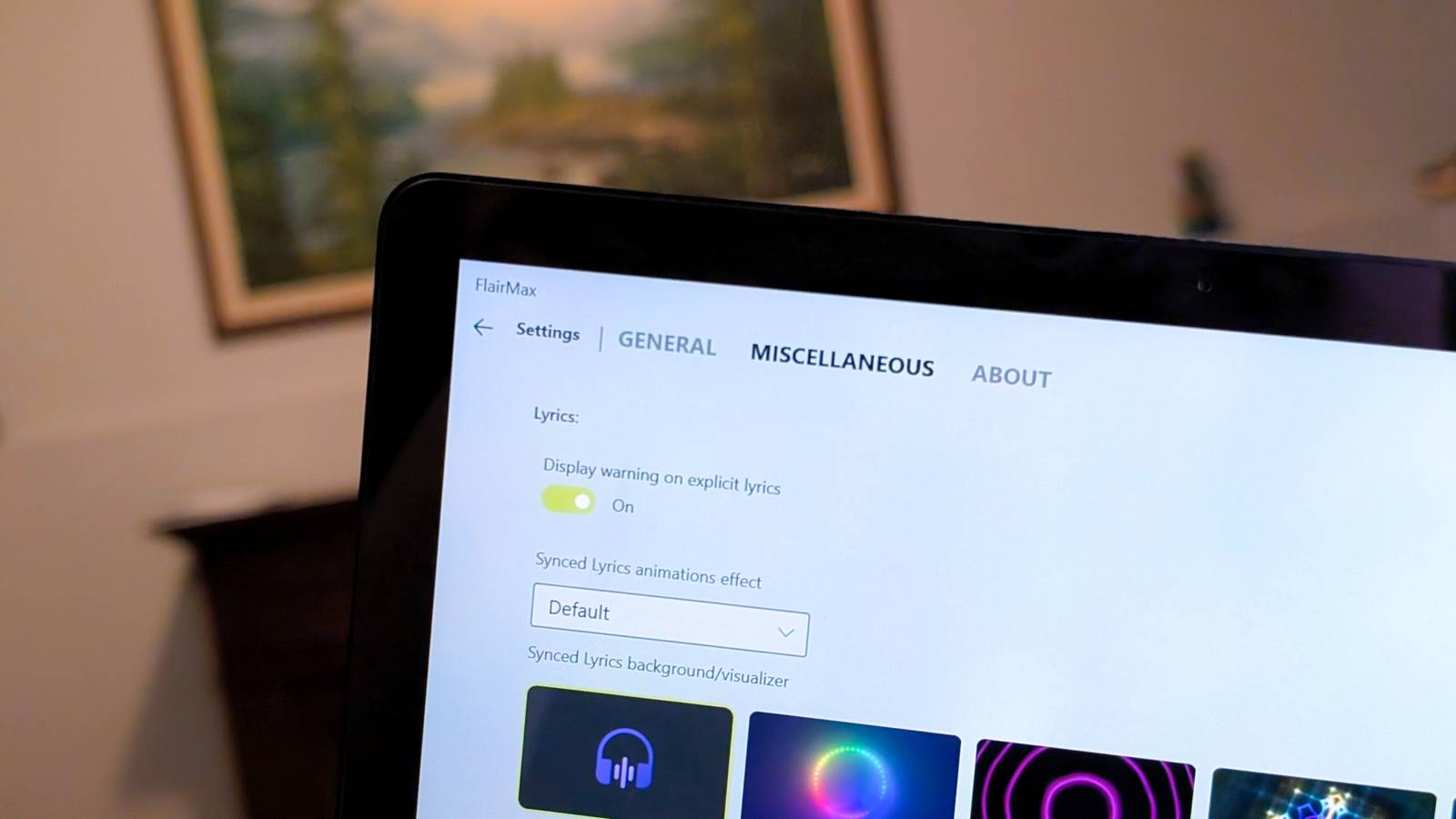
FlairMax is a free Windows 11 music recognition app that works similarly to the popular Apple-owned Shazam service. In fact, under the hood, FlairMax can tap into Shazam’s rich audio database, in addition to offering ACRCloud core recognition support. While technically still in beta, FlairMax is quite polished from a user interface perspective, being built using Microsoft’s Universal Windows Program (UWP) app technology and making use of several Windows 11 and Windows 10 design principles for a clean and intuitive end-user experience.
With Microsoft having removed Cortana-powered music recognition from the core of Windows back in 2018 (via Windows Central), FlairMax is the best alternative I’ve yet come across. It features customizable interface elements, it surfaces various music streaming links for each song identified, and it even ships with support for synced lyrics.
Simple QR Code Maker
Having a QR code generator can come in handy

Simple QR Code Maker is a free Windows 11 application that does exactly what it says on the tin. By feeding the program a website URL, plain text, or a number of other data points, it can spit out a custom-made scannable QR code within seconds. QR codes can come in handy for quickly accessing online resources or documents, and the ability to create and customize codes via a dedicated app is the sort of thing that you might find utility for when you least expect it.
Now, there are several other QR generator services available both on the web and within the Microsoft Store itself, but I’m personally a fan of Simple QR Code Maker because of its clean, minimalistic design language, its ability to be used while fully offline, and its promise of an ad-free experience and no hidden fees or other strings attached.
Monitorian
An essential tool for multi-monitor PC setups

Monitorian is a free and lightweight Windows 11 utility that lets you adjust the brightness of individual displays within a multi-monitor desk setup with ease. A dedicated flyout showcases all connected screens within a single space, with options to control each display’s brightness independently or, alternatively, all together in unison. Monitorian does require external monitors to be Display Data Channel (DDC) / Command Interface (CI) compatible in order to function correctly, and so individual mileage may vary. In any case, having a display brightness slider for my Dell monitor within arm’s reach is a genuine time saver, and it’s far more intuitive than relying on the display’s clunky in-line hardware controller.
EarTrumpet
Granular, powerful control over your PC’s audio

EarTrumpet is a deceptively simple Windows tool that punches well above its weight. Serving as a replacement for Windows 11’s default volume control interface, EarTrumpet provides quick access to advanced audio settings, offers a variety of hotkey shortcuts, and ships with a powerful audio mixer. As a free and lightweight utility, it’s hard to complain about EarTrumpet, though I do wish its interface was modernized with contemporary Fluent Design principles for some added bonus points in the fit-and-finish department.
Fluent Flyouts
The flexibility of Windows 10 with the design sensibilities of Windows 11

Back in the Windows 10 days, important system utilities each had their own corresponding flyout interfaces within the Windows Shell. Accessible via the taskbar’s system tray section, there were bespoke popups for audio, date and time, battery, networking, and more. As of Windows 11, most of these flyouts have been consolidated into the all-purpose Quick Settings pane, which offers a more streamlined experience at the expense of flexibility.
The free and open-source (FOSS) Fluent Flyouts application, which is still being actively developed and improved upon, aims to port the multi-flyout behavior native to Windows 10 while maintaining a slick WIndows 11-style design language in the process. At the time of writing, available flyouts include a classic clock with seconds displayed on-screen, a calendar, and an independent brightness slider. In a future update, a dedicated battery flyout is also expected to arrive, which will allow for easier control over a PC’s various power profiles.