


Summary
- Google has published a staggering number of Android applications onto the Play Store over the years.
- While some of Google’s best apps ship with Android phones by default, many others aren’t preinstalled and are therefore lesser-known.
- Here are 5 of my favorite Google-made mobile apps that I always install when setting up a new Android device.
As the owner of the Android operating system, it’s no surprise that Google has published many a mobile app onto its Play Store platform over the years. Many of Google’s premier services, including Gmail, Maps, and Chrome, are pre-installed on the majority of Android devices out of the box, owing to various Google Play Services agreements made with its OEM hardware partners.
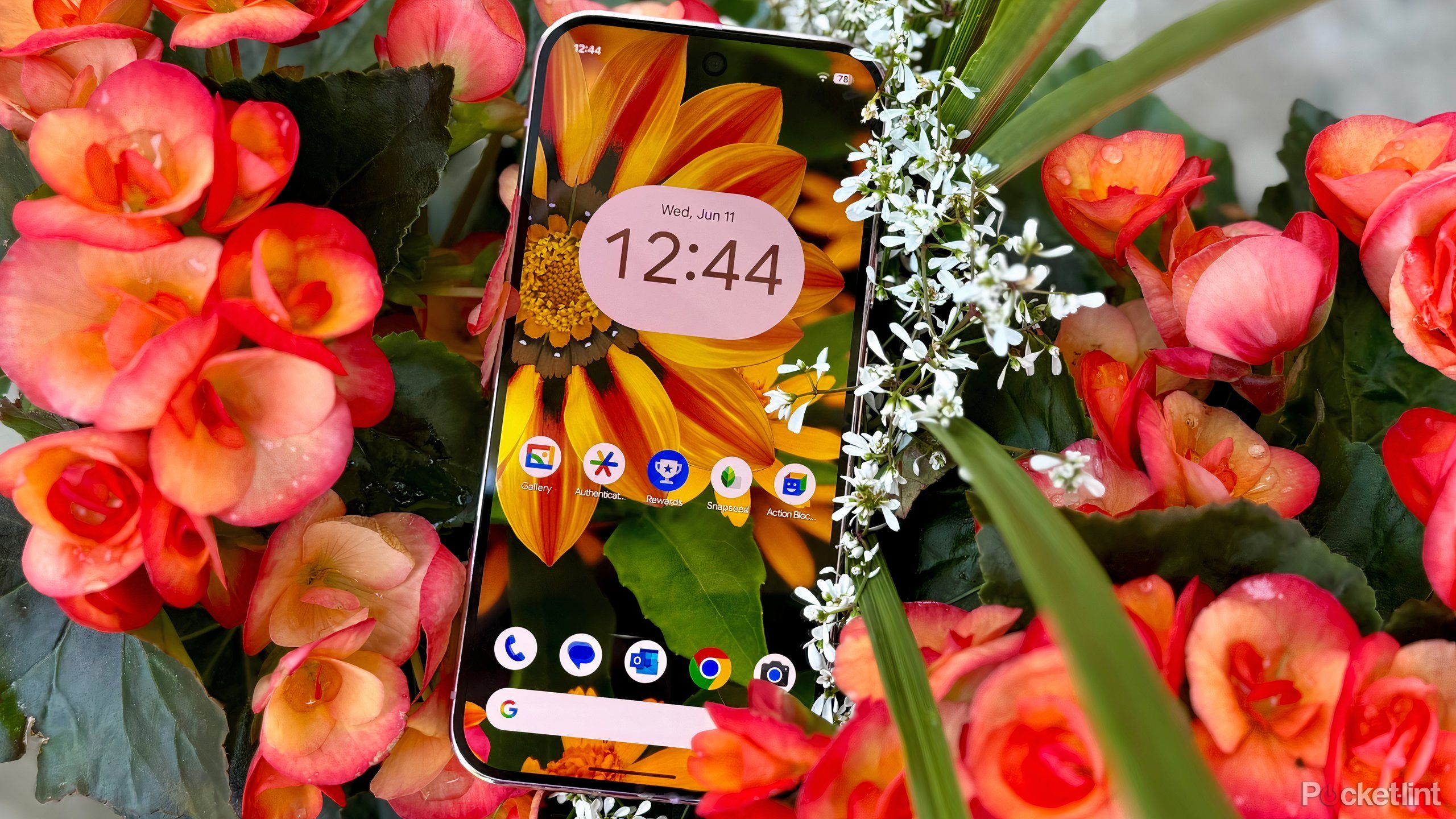
Google is also the publisher of a number of lesser-known apps that are listed on its Play Store page, but that don’t ship on Android by default (even on the company’s own Pixel hardware). Some of these mobile apps are experimental, while others are well-refined and of legitimate utility. Here are five first-party Android apps from Google that I personally always install when setting up a new Android phone or tablet.

Related
Don’t snap another pic without these 5 Android photo apps
From amateur to pro photographer, you just can’t beat these five free Android apps.
1
Gallery
A lightweight Google Photos alternative

Most Android users are familiar with Google Photos, which is the company’s flagship image gallery suite that offers cloud storage, AI-powered photo organization, and cross-device synchronization. Lesser known is Gallery, which is a lightweight Google-built alternative for fast and convenient offline photo management.
Gallery only takes up about 15MB of storage, and it works entirely without an internet connection or any cloud-based subscription heckling. All the essentials are present and accounted for, including SD card support, automatic folder sorting, an auto-enhance image option, and a full dark mode.

Related
5 free apps that keep my data safe no matter what
If you aren’t already using an authenticator app to secure your online accounts, consider downloading one of these top options.
2
Google Authenticator
An easy way to streamline your two-factor authentication efforts

Pocket-lint / Google
There are several excellent two-factor authentication (2FA) applications available to choose from on Android, and Google’s own Authenticator app is a particularly great starting point for those new to multifactor security. Aside from automatically syncing with your Google Account, the app is simple and lightweight, without requiring a subscription fee or being tied with any other paid service.
As with other 2FA apps, Google Authenticator lets you scan a QR code to automatically enroll your accounts, after which a string of six digits will appear and refresh every few seconds. This added layer of security makes it so you’re less likely to be hacked, even if your password is on the weaker side.

Related
You won’t find these 9 excellent apps anywhere on the Google Play Store
F-Droid is a free and open-source alternative app store for Android – here are my favorite apps that are exclusively available on the storefront.
3
Google Opinion Rewards
Answer quick surveys and receive free Play Store credit

Google Opinion Rewards is a free Android application from Google that works by surfacing short surveys on a regular basis. Each time you complete a survey, you’re rewarded with a small sum of Google Play Store credit, which can be redeemed on apps, games, movies, TV shows, books, and other digital goods.
Survey questions are generally simple to answer without having to put much thought into them, and you can have your phone notify you as soon as a new survey is available to complete. Of course, with Opinion Rewards, you’re effectively exchanging privacy for Play Store credits, though Google does say that answers are aggregated and shared with market researchers in an anonymous fashion.

Related
5 Android apps I delete immediately from every new phone
I hate clutter almost as much as I hate superfluous apps — here are the defaults that I always delete when setting up a new Pixel phone.
4
Snapseed
A surprisingly feature-rich photo editing application

Snapseed is a Google-owned photo-editing application for Android, and it’s always been one of my personal favorites. The app is clean and simple from a user interface perspective, but looks can be deceiving: there’s a dizzying number of editing options available to choose from, ranging from filters, to frames, to perspective adjustments, and everything in between.
I’ve long relied on Snapseed for quick image touch-ups, and my fingers are crossed that Google will give the app a Material 3 Expressive visual overhaul in the near future. As it currently stands, the design is basic, but it gets the job done without any frivolous AI gimmicks, ads, or nagging about paid subscriptions.

Related
5 third-party Android apps I insist on using instead of Google’s defaults
Google makes some excellent Android apps — but they pale in comparison to these third-party versions.
5
Action Blocks
Leverage Google’s AI prowess by building out one-tap shortcuts

One of the more interesting Google-published apps available on the Play Store is known as Action Blocks. Powered by the Google Assistant, this app essentially allows you to take common AI assistant functions and transform them into actionable buttons with the backing of a graphical user interface (GUI). Action Blocks works somewhat similarly to shortcut apps like Apple Shortcuts and Tasker, but it offers a simpler interface that focuses on extending accessibility to those with age-related conditions, cognitive differences, and those who simply struggle with (or can’t be bothered with) technology.
You can set Action Blocks up to perform tasks like ‘send a message,’ ‘make a call,’ or ‘play music,’ and it can also be configured to read phrases out loud at the touch of a button, such as ‘hello, my name is’ and ‘please help me with.’ In every instance, the application works like a charm. The home screen widgets are all well-designed, and they fit in well with the Android design language as a whole. Interestingly, there’s no mention of Gemini AI support with this app — I imagine Google will transition the app over to its newer AI service once the older Assistant is fully phased out in the future.

Related
Why these 9 Android launchers hold a permanent spot on my phone
Making my app drawer and screen more customizable and organized, these launchers continue to be a real screen saver.