



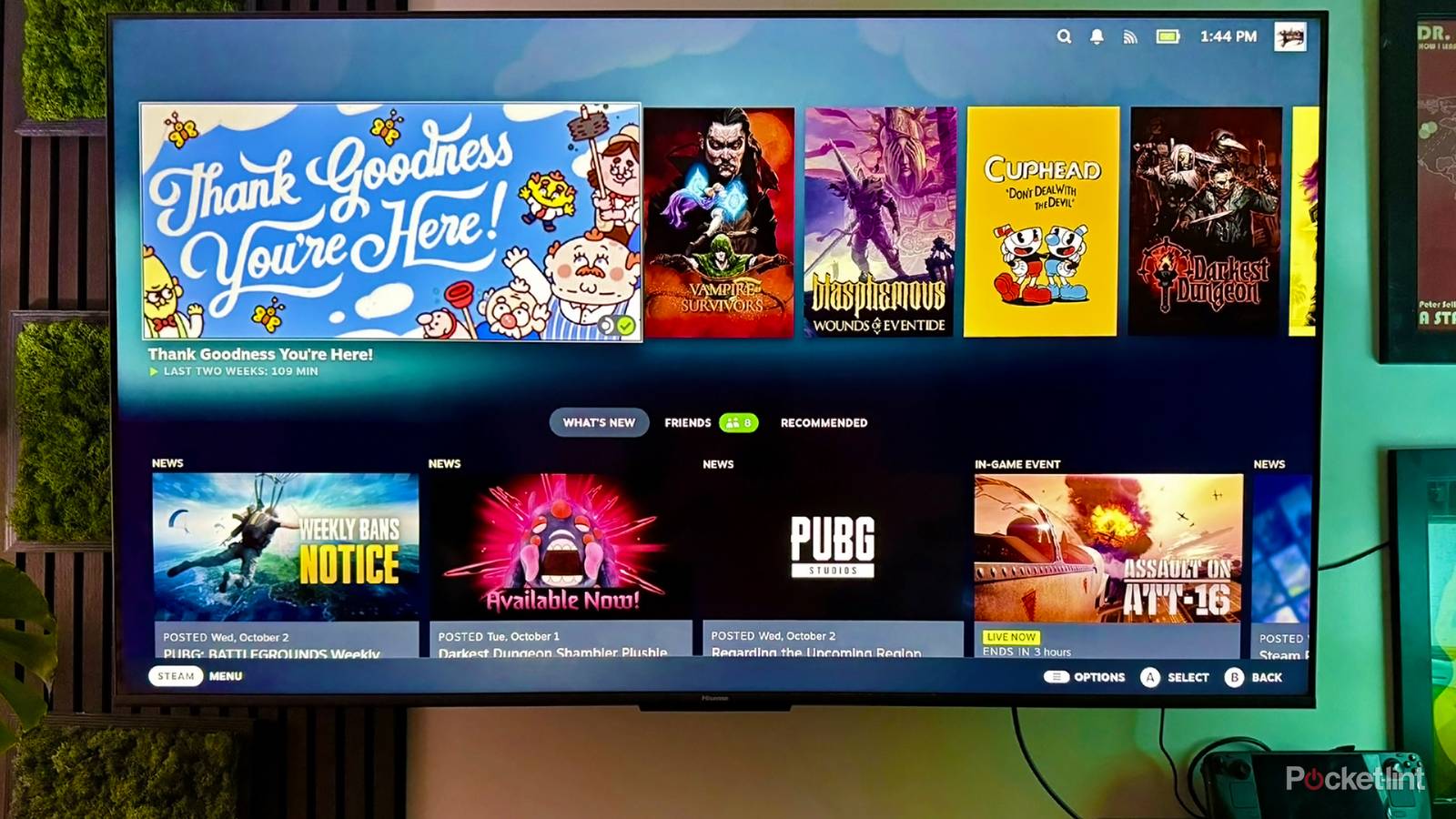
I’m actually not that obsessed with a “clean” home theater setup. I want mine to be relatively neat and organized, since I have to look at it for hours at a time, and access cables and accessories when I need them. Beyond that, though, it’s the movies and games I care about, not home decoration. That’s just one of the reasons I’m not invested in art/”lifestyle” TVs.
Whatever your focus is, there are a variety of tactics you can use to keep a home theater under control. You’re probably using at least a few of these, but hopefully these suggestions will spark some ideas for your current or future layouts. I’m going to try to keep my suggestions budget-friendly, wherever possible — even if you’ve got thousands of dollars to spend, it’s better to invest that in things to watch and play.
Cable organizers and hiders
Always a must-have

This one is probably first on anyone’s agenda. A nest of HDMI and power cables is not only unsightly, but often confusing, with the potential for getting tangled up. For a start, I’d suggest using velcro wraps to bundle cables together, and stick-on labels so you know which cable goes to which device.
While you can run naked cables under rugs, that’s a bad idea. If a powered cable becomes frayed, it could spark a fire. Use cord covers.
There are other options you may want instead or in addition, such as clips you can stick to your TV, shelf, or entertainment center. If you need to run cables along your wall, there are hiders that can both bunch cables together and blend them in with your wall’s paint or trim.
A point on rugs — while you can run naked cables under them, that’s a bad idea. If a powered cable becomes frayed, it could spark a fire, and even without that threat, the bulge from a cable could create a tripping hazard. The right cord covers will protect your cables, and create a flatter surface that’s easier for feet (and vacuums) to get over.
Mounts on the back of the TV
Including some accidental benefits

When people think of home theater mounts, they tend to picture wall or ceiling brackets for their TV and speakers. These don’t really tidy up your system, in my opinion. Rather, they just get things off of furniture or the floor — which may be a necessity sometimes, but at most they’re an indirect contribution to a neat setup.
If you really want to hide things or declutter, mounts on the back of your TV can be invaluable. In my own home, for instance, I have mounts for both an Apple TV 4K and a Mac mini. These keep both the devices and their cables out of sight, while keeping them plenty usable, since they can tap either Bluetooth or Wi-Fi for control. As a bonus, it means being able to use shorter, cheaper HDMI cables.
Naturally, these mounts aren’t always an option. Some devices are simply too bulky or heavy, although you may be able to get around that by installing sturdier mounts on the wall behind your TV, if there’s enough space. Anything with a disc drive or IR sensor will need to sit out front no matter what.
Floating wall shelves
If they’re replacing something, that is

One way wall-mounting your TV and soundbar can help tidy things is if it lets you get rid of an entertainment center. Sometimes, however, a flat surface or two is mandatory. I use a charging dock to connect my Steam Deck to my TV, and even if I could keep the dock upright on a mount, it would be cumbersome to reach back and grab the console for handheld play.
A relatively cheap alternative to an entertainment center is installing floating wall shelves. You can build these yourself without much trouble, or shop for premade options if you don’t have the tools, or lack confidence in your skills. Either way, put some serious thought into what the shelves will carry. If there’s any risk at all of a shelf collapsing under weight, install it using studs instead of drywall or butterfly anchors.
If there’s any risk at all of a shelf collapsing under weight, install it using studs instead of drywall or butterfly anchors.
Positioning is important for other reasons as well. Some layouts that look attractive on their own may actually force you to string long or winding cables when your gear is in place. So regardless of how much you might like the idea of shelves being out in the open, it’s probably wiser to keep those shelves close to your TV.
Wireless speakers
Worth it if you can swing it

There are varying degrees of wireless tech. The most common arrangement centers around a wired soundbar, simply paired with wireless satellites and/or a subwoofer. Each component may need its own power cord, but this still avoids having to run anything back to the TV. Cheaper surround kit may cost less than $200. If you want to go all-in on a premium one, the cost can run into the thousands.
If you’re lucky, your TV or media streamer may have some integrated pairing options. Fire TV devices, for example, can pair a couple of identical Echo speakers via Alexa, even simulating Dolby Atmos if those speakers are Echo Studios. Something very popular among Apple fans is pairing a couple of HomePods with an Apple TV 4K by way of the Apple Home app.
Those integrated pairing options can be relatively economical if you don’t spend much on the speakers themselves. For the Apple TV in my dining room, I use a pair of HomePod minis instead of full-sized ones. These sound remarkable for their size, and cost $99 each.
Larger surge protectors
Going big to go small

While this might sound counterintuitive to some of you, a giant surge protector can be your best friend. The explanation is simple — it lets you consolidate as many power cables as possible can in one place. The main catch is finding one with enough room to accommodate horizontal or oversized adapters without wasting outlets, but don’t skimp on the surge protection aspect, either. While a surge large enough to wreck your gear is unlikely, it’s better to spend a few dollars extra on a tougher protector than risk losing thousands of dollars of equipment.
The main catch is finding one with enough room to accommodate horizontal or oversized adapters without wasting outlets, but don’t skimp on the surge protection aspect, either.
I’d consider 2,000 joules the minimum rating for a basic home theater. You’ll need to increase that for more powerful systems, and the most advanced setups may require protectors costing hundreds or even thousands of dollars. Don’t stress about spending that much if all you’ve got is a TV and an Atmos soundbar.
I’d recommend saying away from smart surge protectors that integrate with smart home platforms like Alexa. They’re not very common, and the ones that do exist tend to lack the protection needed for a home theater. You’re better off buying smart plugs and using them in tandem with a “dumb” product.