


TV audio is something that feels like it’s gotten a lot worse over the years. We used to have TVs with actual stereo speakers attached to them, but now we’re making everything smaller and thinner, so corners have to be cut. It seems like audio is what had to be sacrificed for people to get their TVs flush with the wall when mounting. It’s not the end of the world if you’re hooking your TV up to a sound system or soundbar, but it’s bad news for people who don’t plan to do any of that.
Fortunately, there are a few methods you can try to boost your audio on your TV without having to spend extra money. Ultimately, I’d still recommend getting a separate device for it, but you might be able to put that off for a while if you get some settings dialed in to your liking. I love my Dolby Atmos setup, but I’m also the only person I know with one. I know plenty of people who get by just fine with their regular TV audio. If they’re happy, then maybe you might be happy too.
Try the dialogue boost options
Make the audio clearer

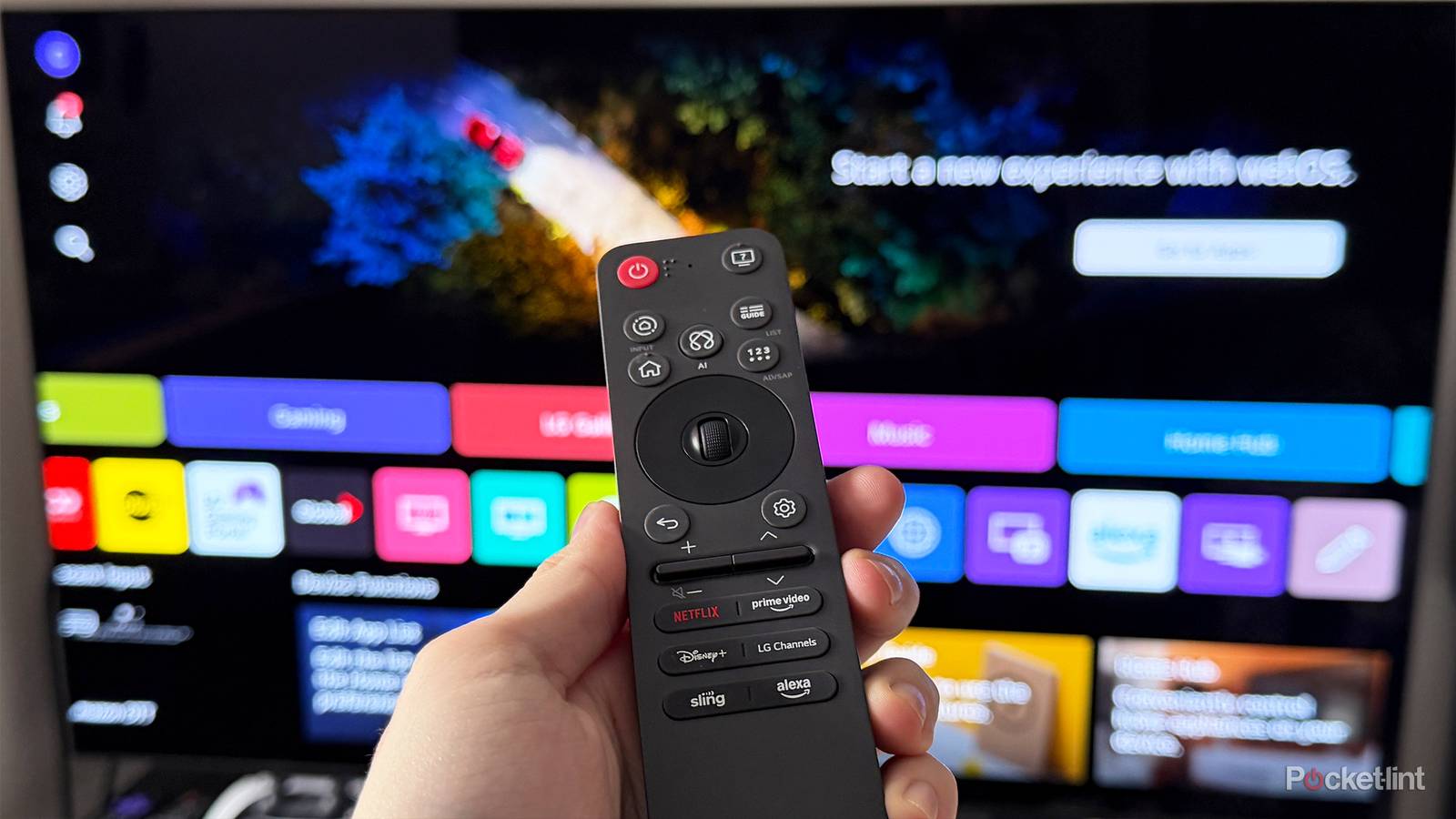
I know a lot of people complain, particularly about not being able to hear words from their TV. That’s actually a little bit of your TV’s problem, and also some mixing issues with what you’re watching. When I got my sound system, I noticed that a dedicated center channel speaker did wonders for dialogue. Although that’s not an option for your TV, you probably have a dialogue enhancer in your TV’s settings that’s worth trying out.
It might be called something different on your TV, but you can typically find the toggle in your audio settings, so do some digging. What this does is enhance the dialogue and make it easier to hear amidst all the background noise. While it might not be what the filmmaker intended, sometimes you have to do what you have to do. It sure beats watching something with subtitles on.
Turn on a different sound mode
You might have better luck

Much like picture settings, your TV has a set of sound modes you can choose from, each of which does something different. I imagine most people get by just fine with the default settings, but if you’re having issues, just try changing things. For example, if you’re listening to music and are having trouble hearing the words, perhaps the preset Music mode is the best option for you.
In my experience, I don’t feel like these modes are transformative by any stretch, especially since your TV speakers are still your TV speakers. However, it doesn’t hurt to try out a bunch of different modes and see if one of them works better for you. Who knows, you might get lucky and find something suitable, so you don’t have to go out and buy a soundbar. I’d recommend testing out each mode for a few minutes just to make sure you like it.
Headphones could be an option
A last resort, really

I wouldn’t do this myself, but I know I don’t speak for everybody. If your TV or streaming device supports Bluetooth, you can always try putting on a nice pair of headphones and watching TV that way. I know a lot of people already wear headphones for gaming, so you might even have a nice pair handy. I would feel weird about sitting on my couch wearing a pair of headphones watching a movie, but if you’re doing it alone, it’ll probably be fine. This certainly won’t work for people watching with a group of people, so it’s not a solution for everybody.
If you’re to the point where your TV audio is so bad that you’ve resorted to using headphones, I think you should really start looking at other options. A soundbar, even a super cheap one, would probably be well worth it. Then again, if you’re happy using the headphones to watch TV, then don’t let me stop you. It’s a perfectly fine option if you’re by yourself.
Turn off Eco Mode
This will help you out

I have a subwoofer in my living room that becomes very quiet when I have my TV’s Eco Mode turned on. This might be called something like energy saving on your TV. What this does is make your screen duller and your audio quieter in an effort to shave a few cents off your electricity bill. It’s detrimental to the viewing experience, in my opinion. I don’t think it has a major impact on regular TV speakers, but I do think it’s just good practice to have that setting turned off if you have it on currently.
If you ever decide to upgrade your audio and move on to a home theater receiver or a soundbar, this will definitely be a mode you want to have off, so you should just do it now. I doubt it’ll be noticeable on your monthly bill whether it’s on or off, so better be safe, than sorry.