



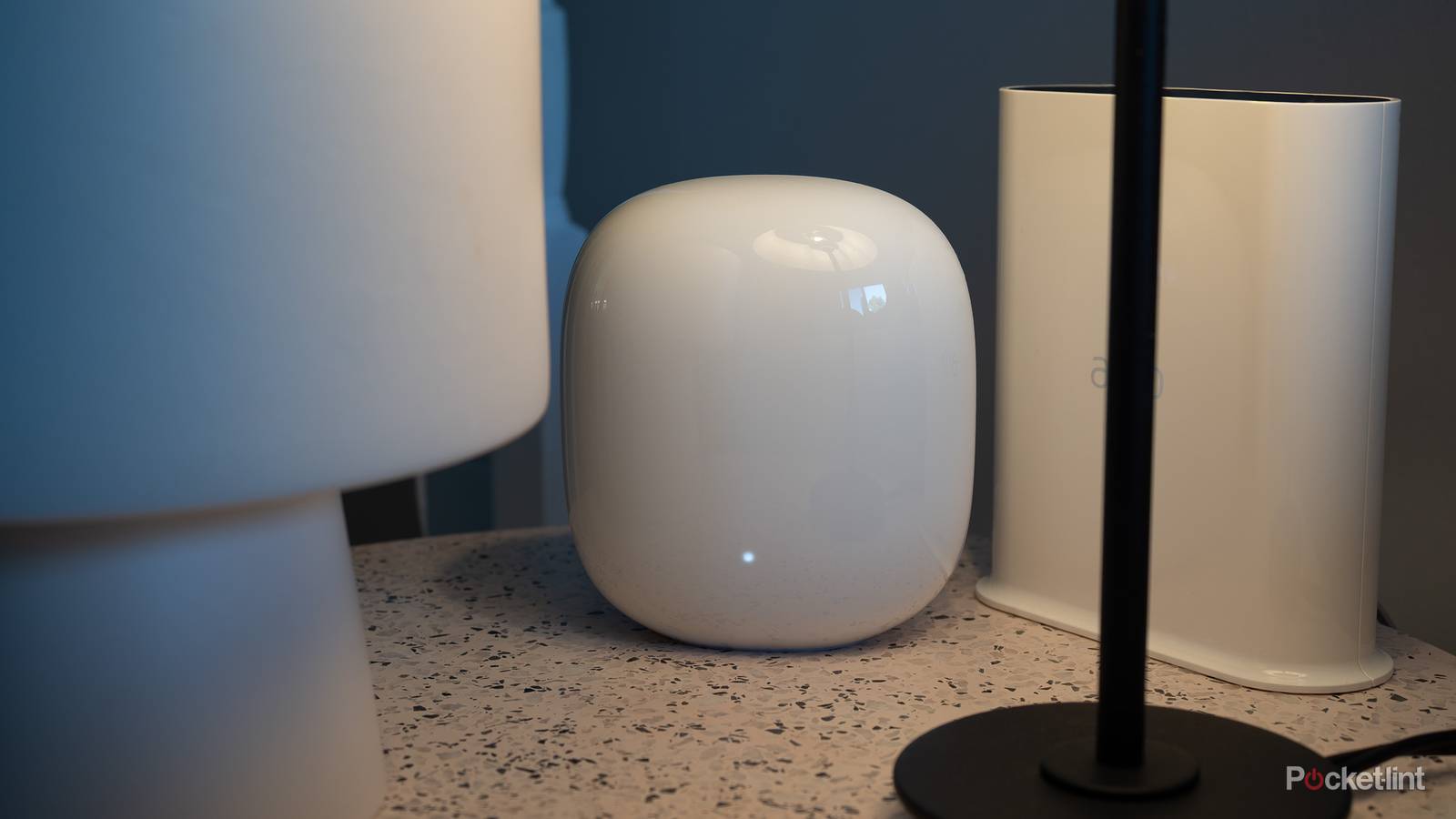
Thinking about it, I’m kind of surprised that the average person knows as much about Wi-Fi as they do. I remember when having any Wi-Fi router in your home marked you as a niche enthusiast. Today, I’d wager that most people are familiar with concepts like mobile hotspots, sources of interference, and the need for an encrypted connection.
One problem, though, is that it’s common for ISPs to provide a combo modem/router device, with the Wi-Fi details largely preconfigured. That means that in some cases, you don’t really need to understand much about how Wi-Fi works beyond your login and password. This can come back to bite you if it breaks, or you decide to buy a dedicated router of your own. With that in mind, here are a few common misconceptions it’s easy to run into.
Wi-Fi 7 is automatically faster
You’ve got to line up the dominoes

If you’re shopping for a Wi-Fi router today, you should pick one with Wi-Fi 7 if you can. It’s a major improvement over not just Wi-Fi 6, but even 6E. It doubles the maximum 6GHz channel bandwidth to 320MHz, and supports things like Multi-Link Operation (MLO), allowing devices to connect across multiple bands simultaneously for maximum speed and efficiency. It has a total capacity of 46Gbps, nearly five times more than Wi-Fi 6 or 6E.
The main reason you’re choosing Wi-Fi 7 is futureproofing, however, since many factors have to align for it to make a difference, beginning with your internet plan. Many people don’t have 1Gbps fiber, let alone a multi-gig connection, so there’s a strong chance that your connection speeds are already maxing out with your current router. Even if you do have a gigabit plan, it’s likely that your network is splitting bandwidth several different ways at any given moment — it’s pretty rare for people to connect a single device at a time.
Most importantly, connecting devices need to support Wi-Fi 7. A surprising number of recent products are still stuck on 6 or 6E, and these can’t take advantage of features like MLO. There’s a cumulative impact, too, as these “legacy” devices prevent your network from realizing its full potential.
Much of what I just said can apply to any jump in Wi-Fi standard. In fact, there’s little benefit in migrating from 6 to 6E, since the only serious change is the addition of the 6GHz band, which has such a short range that it might not extend past the room your router is in. I bought into 6E because I was coming from Wi-Fi 5, and 7 had yet to be released at the time.
Extenders are a viable alternative to a mesh system
Only to a very limited extent

One of the most common issues with Wi-Fi networks is range. I’m not just talking about dead zones, either. A faint signal might still let you connect, but it’s going to be slow and unreliable. The fastest Wi-Fi 7 router in the world is useless if you’re getting subpar speeds and your connection keeps dropping out in the middle of downloads, games, or streaming.
Wi-Fi extenders are a potential solution to this, and often very appealing because of their price. Many of them are under $100. In practice, however, it’s important to be extremely picky about an extender’s specs, because many of them provide inferior performance compared to your router. Any kind of solid signal is better than a flaky or non-existent one — but you’ll want to check that an extender is equipped with the same Wi-Fi version as your router, and rated for the same speeds or better. You’re still unlikely to get great performance, as extenders typically communicate with your router on the same band(s) that devices connect to. That could halve your usable throughput.
Another issue is that unless a product explicitly supports mesh integration, an extender often relies on a separate SSID (network ID). If so, you’ll have to manually connect devices to your extender whenever you want to use it, and they may not be able to talk to devices on your normal SSID(s). That could be a dealkiller if you were hoping to use the extender for smart home accessories like lights and cameras.
Mesh systems get around these flaws with unified SSIDs and more powerful specs, often including a separate wireless backhaul that avoids impacting device bandwidth. So as much as you might hate the idea, it’s frequently better to spend more on a quality mesh bundle or stick to standalone routers.
Nearby Wi-Fi routers are hazardous to your health
A persistent myth

One of the unintended consequences of the Cold War and the environmental movement is that some people became fearful of any kind of radiation. This may have culminated during the COVID-19 pandemic, when a few individuals set fire to 5G towers, convinced that the then-new tech was somehow responsible for the spread of the virus. That’s completely baffling if you understand basic biology, never mind the phone industry.
Something closer to legitimate is the concern that Wi-Fi signals could damage your cells over time, much like the radiation from nuclear material. The important distinction here is that unlike, say, the uranium from a reactor or bomb, Wi-Fi emits only low-power, non-ionizing radiation. A lot of it passes right through you, and the amount that is absorbed isn’t harmful. You’re not going to develop cancer from a nearby router, even if it’s sitting a few feet away on your desk. The sun is probably a far greater hazard, especially if you’re like me and don’t have a lot of melanin as a natural defense against UV rays.
Don’t take my word for it — this position is backed by some of the world’s most important institutions, like the World Health Organization, the US Food and Drug Administration, and Health Canada. If you’re skeptical of those outfits too, consider that when you walk outdoors, you’re being bombarded not just by the sun, but by cross-traffic from radio, TV, and cellular towers, as well as occasional satellite broadcasts. The fact that something is radiation doesn’t automatically make it harmful. And no, Wi-Fi 7 isn’t any more of a threat than Wi-Fi 6, before someone asks.
Newer Wi-Fi tech means better range
Always check the specs

It’s not (completely) unreasonable to assume that a newer router will offer general improvements over your existing one, range included. Device makers are always trying to one-up each other after all, and over time, more powerful components are liable to come down in price.
In reality, routers can offer wildly different range and speed specs, even if they’re based on the same Wi-Fi standard. By using cheaper components, companies can improve their bottom line and attract more budget-oriented shoppers. This is why I always recommend that if you’re going to rely on a standalone router instead of a mesh system, you should buy the best one you can afford. It may mean the difference between complete coverage and dead zones.
As far as range goes, always check the listed coverage of a router in square feet or meters, and compare that against the size of your home. Try to overshoot — while a router rated for 2,000 square feet might technically cover a house of the same size, the spaces towards the end of that range are going to suffer. You want a strong signal in every corner, and sometimes, walls and flooring are going to interfere.