



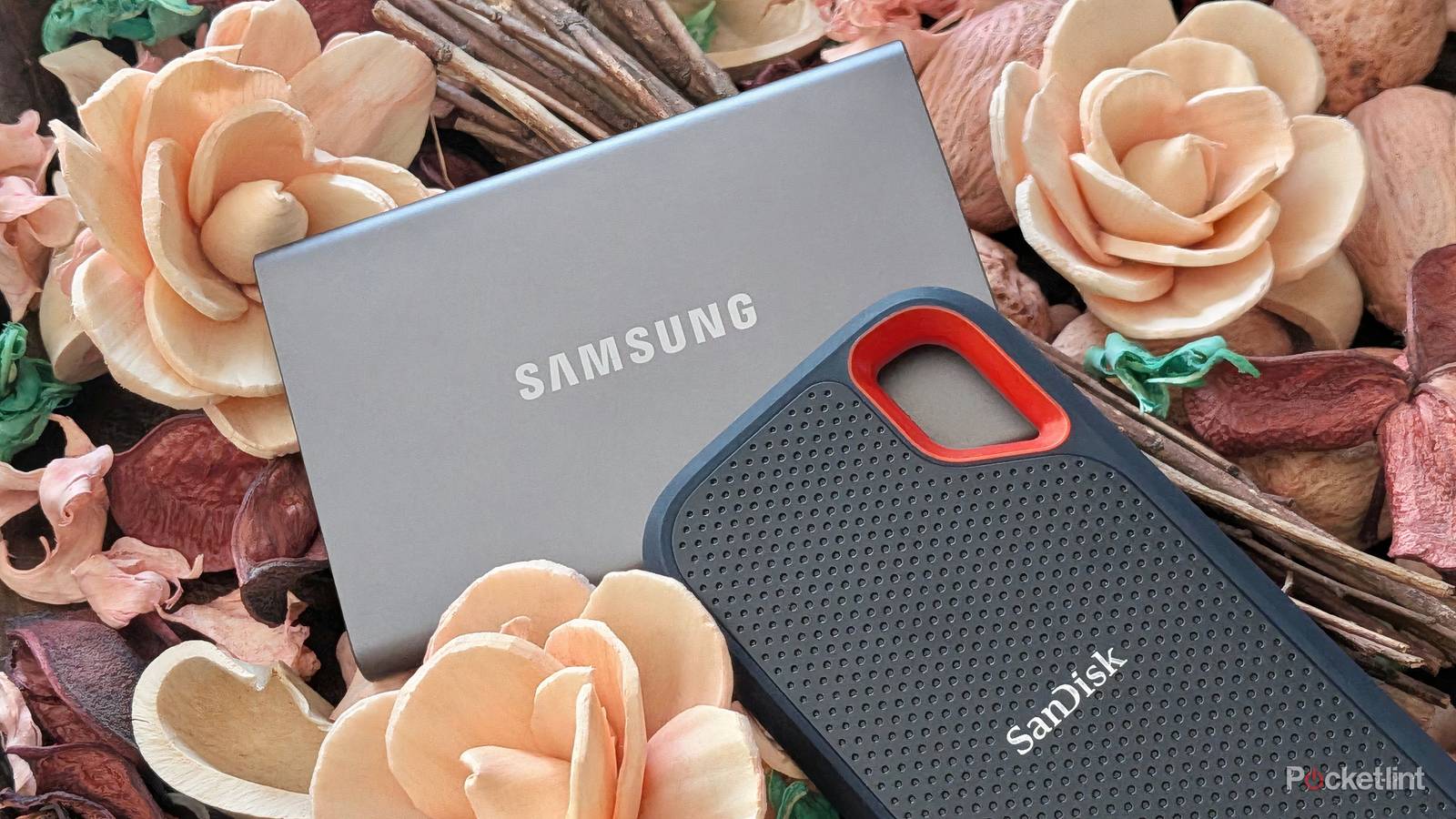
Compared to traditional hard disk drives (HDDs), which rely on a spinning magnetic platter and a tiny-headed actuator arm, flash-based solid state drives (SSDs) are far more robust at a physical level. Many modern external SSDs are rated for protection against the elements, with shock absorption technologies and other considerations in tow.
With their speed, durability, and compactness in mind, it can be tempting to rely on external SSD products for backing up important files, photos and documents. The fact of the matter, however, is that SSDs require regular maintenance if used for the purposes of long-term storage.
Here are three best practices to keep in mind if opting to store personal data on a portable SSD (or, indeed, on any other flash-based storage drive like a USB stick or an SD card). By following these guiding principles, you can ensure that your memories remain safe from the scourge of untimely data loss.
Regularly plug the SSD into power
Keep those NAND flash cells electrically charged

Filling your external SSD with important documents and then tossing it into a drawer to live in perpetuity is a bad idea. The NAND flash cells within SSDs rely on stored electrical charge to retain their memory, meaning an extended period of inactivity could result in data loss. By regularly plugging an SSD into a power source (like a computer or a phone), you’re ensuring that the flash memory remains stable and performant.
By plugging in your SSD on a regular basis, you’re also affording it the ability to ‘clean’ itself — SSDs come with Error Correction Code (ECC) software that works in the background to locate and fix low-level issues that arise out of normal read and write cycles. You can think of EEC as analogous to the human body’s white blood cells, but they only fully operate when connected to a power source.
There’s no hard and fast rule for how frequently an SSD should be plugged in, but I normally do so once every one to two months to be on the safe side. For more information on the disadvantages and pitfalls associated with using an SSD for long-term, cold storage, check out How-To Geek’s dedicated article on the subject.
Store the SSD in ideal conditions
A climate-controlled environment is a must

It goes largely without saying, but to ensure the health and longevity of your external SSD, you’ll want to keep it both stored and operated in an appropriate environment. A climate-controlled location with little-to-no moisture is ideal, and it’s important to keep the drive far away from liquids (even if it has an official ).
To protect the vulnerable USB port of your unit, consider picking up anti-dust plugs for the added protection from debris they provide. Additionally, keeping your SSD away from magnets is a good idea, as is avoiding heavy read and write operations while dealing with extremely hot or cold ambient room temperatures.
Make backups on a routine basis
Redundancy is the name of the game

Even if you take great care to optimize your environment, and even if you’ve established a regular plug-in cadence, there’s always the possibility of something going awry with your external SSD. Manufacturer defects, malicious or corrupt data, mechanical failures, and more are all a possibility, even if they’re relatively uncommon occurrences.
With this in mind, you’ll absolutely want to create additional backups of your most prized digital files, photos, and documents. Data redundancy is key when it comes to backing things up — the more copies of a photo or file you have, the more insulated you are from losing said data in the long run.
Many swear by the 3-2-1 backup rule, which stipulates having at least three copies of your data on at least two separate devices, with at least one copy archived in a different physical location. Others rely on network attached storage (NAS) drives for longer-term storage, and some even prefer traditional HDDs for preserving their data. You could also make use of a cloud storage provider for additional peace of mind, but you’ll have to be willing to give up on data privacy if you decide to go down this route.