



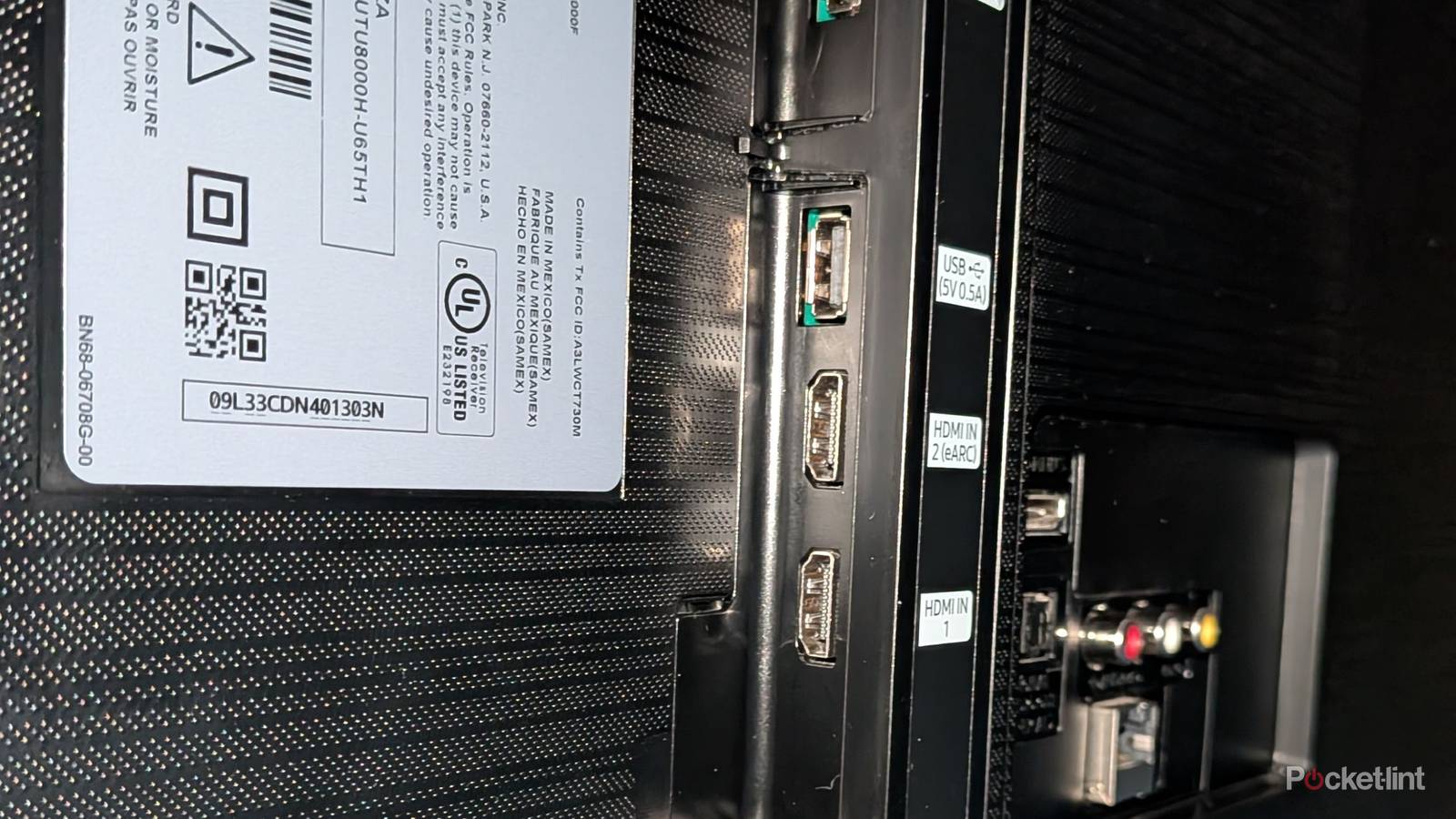
Your receiver is packed with HDMI ports to use, and for the most part, you’re just fine using all of them. It does depend on the age of your receiver, because there are cases where your TV might be a better option. We’re in a 4K resolution world, so it’d be nice if your receiver were packed with 4K ports. Many of them are, but I have a couple around my house that don’t have those features. That severely limits them, and I don’t think it’d be worthwhile to make them the command center of a living room, since they won’t get the job done.
That doesn’t mean they’re not without value, but you won’t get many benefits by plugging a PS5 into one. Fortunately, situations like this aren’t very common nowadays, especially if you have a relatively modern receiver. With that said, here are some of the things you have to be on the lookout for regarding your HDMI ports on your receiver.
Your TV’s ports might work better
The receiver might be too old

Manufacturers don’t feel like they do a great job explaining the differences between HDMI ports, but if you have a modern device like a PS5 or Xbox Series X, you should get those plugged in with HDMI 2.1 ports to take advantage of their performance.
If you have a modern TV, you likely have a few HDMI 2.1 ports on it already, and if your receiver is a decade or so old, you might not be so lucky there. This is a time when you’ll have to look at what your receiver offers and what your TV offers and make some choices from there. If your receiver has all the necessary ports, just plug in everything there. If you only have an HDMI 2.0 port, I would recommend plugging your game console into the HDMI 2.1 port on your TV. You’ll still have your audio routed through the receiver, but you’ll get the performance gains that 2.1 offers. It’s a win-win scenario.
You might not have a 4K receiver
That’d be a bummer

Having a receiver packed with HDMI ports that aren’t 4K capable is a strong possibility. I picked up a used receiver that fit that bill, but it doesn’t mean I just tossed it into the garbage. What I ended up doing was using my TV’s HDMI ports or my devices while plugging the receiver itself into my TV’s eARC port. It works perfectly fine, and it lets me get the most out of my setup. Sadly, it does mean my receiver has several ports going unused, and that essentially defeats a major purpose of having one. Nevertheless, I have it tucked away in a spare bedroom, so I’m not losing sleep over it.
If your main receiver doesn’t have any 4K ports, I’d recommend looking for a newer receiver if you want to plug in a bunch of devices. This wouldn’t fly in my living room, as I have an Apple TV 4K, 4K Blu-ray player, and several game consoles I have to plug in. There aren’t nearly enough ports on my TV, so I’m glad my receiver can handle it all. You can always buy an HDMI switch to make more room, but I’d rather just have a receiver that can meet my needs before having to take that route.
Maybe you don’t want to keep changing your settings
A valid choice

In the case of my TV, I have to choose between Dolby Vision and VRR with my ports. I have my receiver routing everything through HDMI 3, and I typically keep it on the Dolby Vision setting since I watch movies and TV more than I play video games. However, I like to take advantage of 120 FPS modes when I game on my Xbox Series X, so I have to dig into my TV settings and change from Dolby Vision to VRR to do this.
It doesn’t take a ton of time, but it’s annoying to do each time I decide to play a game. What I ended up doing was unplugging my Xbox completely from my receiver and plugging it into my HDMI 4 spot. This is still an HDMI 2.1 port, and it allows me to leave that port in the VRR mode permanently. I still use my receiver for the audio, but it lets me reap the rewards of an improved framerate as well — all without having to change settings over and over. Now, it can get annoying if you have to do this with multiple devices, but if you’re just dealing with an Xbox like I am, it’s not that much of a problem. I’d ideally like to use my receiver for everything, but I’m just too lazy to keep switching back and forth between the modes, especially when an easy solution is sitting right there.